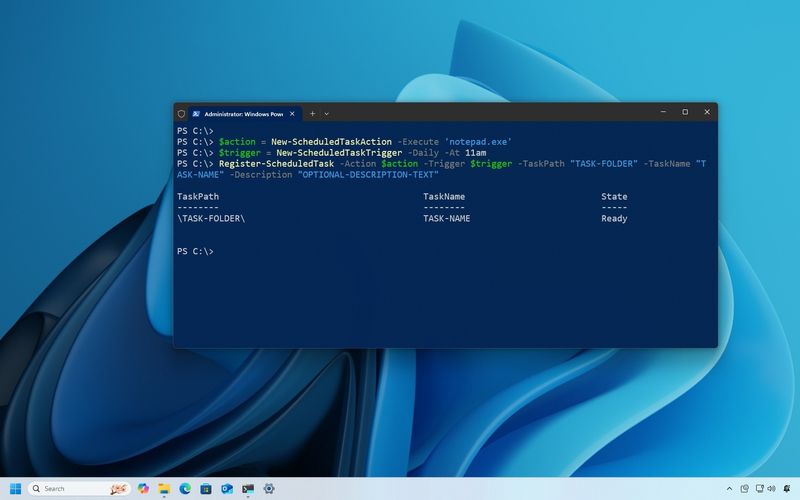
How to create scheduled tasks with PowerShell on Windows 10 In this guide, we'll show you the steps to create, edit, and delete scheduled tasks using PowerShell on Windows 10 Windows Central · Jan 30, 2021
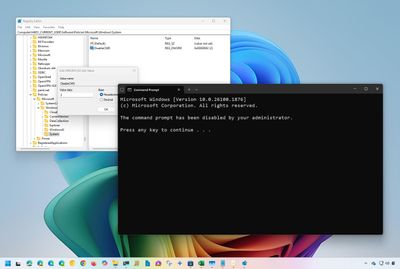
How to disable Command Prompt on Windows 11 and 10 On Windows 11 and 10, you can disable the Command Prompt shell through the Group Policy Editor and Command Prompt, and in this guide, I'll show you how. Windows Central · Jan 15, 2021
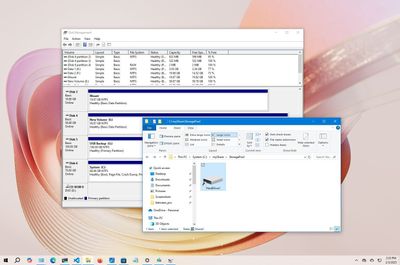
How to mount hard drive as folder on Windows 10 On Windows 11, you can mount a hard drive as a folder instead of using a drive letter. In this guide, I'll explain why and how to complete this configuration. Windows Central · Dec 21, 2020
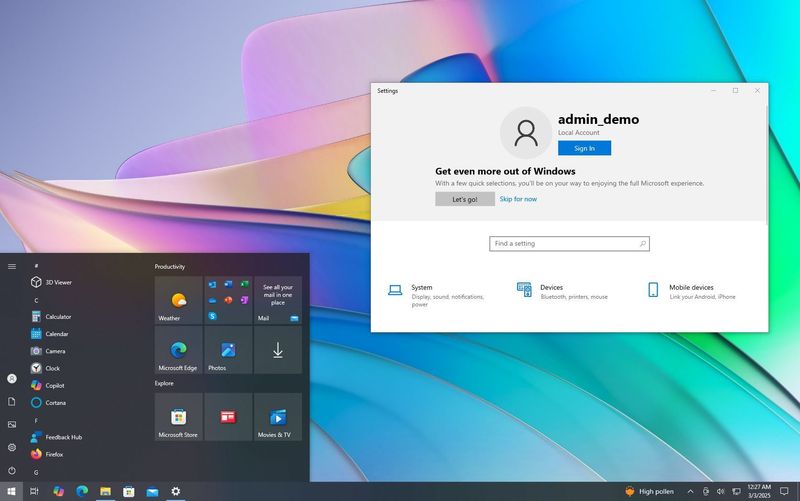
How to set up Windows 10 with local account On Windows 10 Home or Pro, you can set up a new computer or clean installation with a local account instead of using a Microsoft account, and in this guide, I'll show you how. Windows Central · Dec 9, 2020
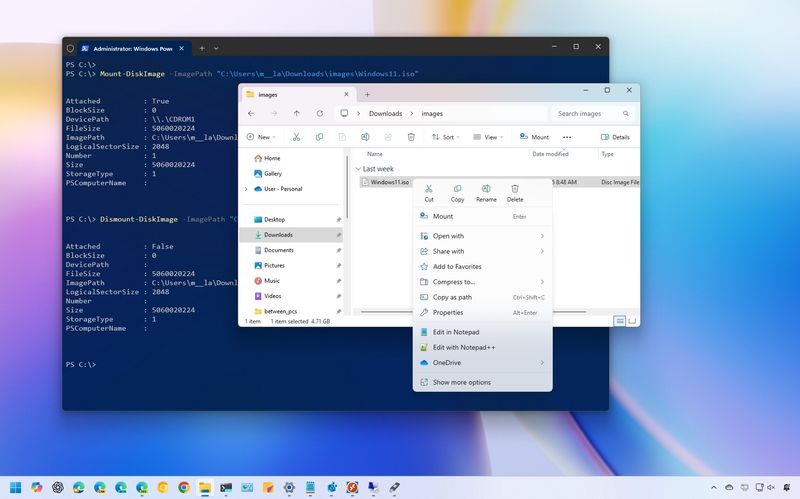
How to mount ISO images on Windows 11 and 10 On Windows 11 and 10, you can mount and dismount an ISO file on File Explorer through commands using PowerShell, and in this guide, I'll explain how to do this. Windows Central · Dec 1, 2020
How to apply Local Group Policy settings to specific users on Windows 10 If you're still on Windows 10, in this guide, I'll show you the steps to apply settings using Local Group Policy Editor to a specific user or group instead of every account. Windows Central · Nov 18, 2020
How to reset all Local Group Policy settings on Windows 10 On Windows 11, you can reset all the modified Group Policy settings to their default configuration, and in this guide, I'll explain how. Windows Central · Nov 5, 2020
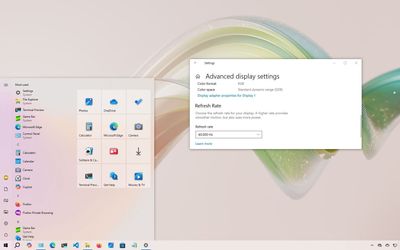
How to change display refresh rate on Windows 10 On Windows 10, you can use these steps to adjust your display's refresh rate settings using the Settings app. Windows Central · Oct 21, 2020
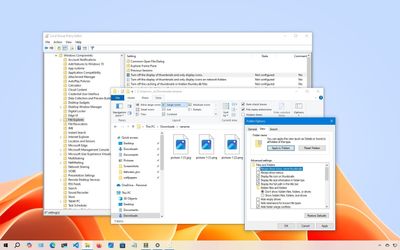
How to disable thumbnails on Windows 10 On Windows 10, you can enable or disable file thumbnails on File Explorer if the previews take too long to load or you simply don't find the feature useful, and in this guide, I'll show you how. Windows Central · Oct 21, 2020
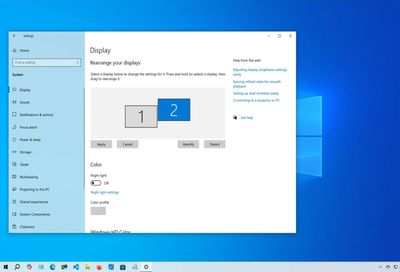
How to rearrange multiple monitors on Windows 11 and 10 On Windows 11 (and 10), you can arrange your display to match the physical layout for a more fluent experience on a multi-monitor setup. Windows Central · Oct 20, 2020
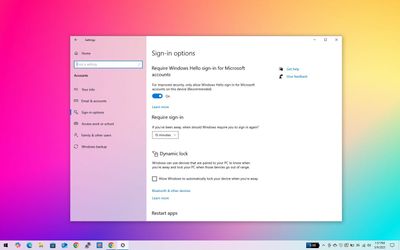
How to disable password after resuming from sleep on Windows 10 On Windows 10, you can use at least three ways to skip the password requirement when your device wakes up from sleep and quickly jump to the desktop. Windows Central · Sep 21, 2020
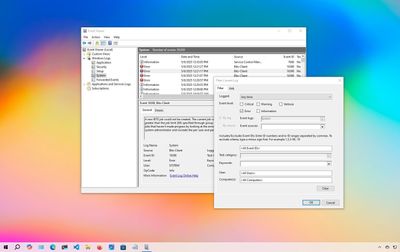
How to use Event Viewer on Windows 10 On Windows 10, you can use the legacy Event Viewer to find logs with information to help you troubleshoot and fix software and hardware problems. Windows Central · Sep 3, 2020
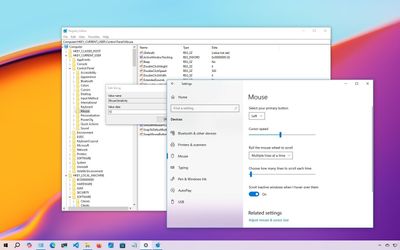
How to change your mouse cursor speed on Windows 10 On Windows 10, you can always change the mouse cursor speed, and in this guide, I'll explain the steps to complete this configuration through the Settings app, Control Panel, and even through the Registry. Windows Central · Aug 12, 2020
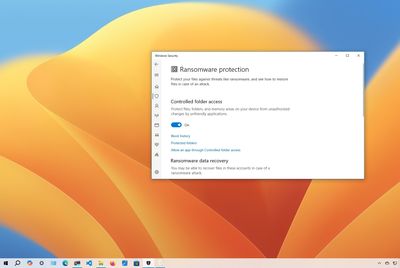
How to enable Controlled folder access to protect data from ransomware on Windows 10 On Windows 10, you can use these three ways to enable and configure 'Controlled folder access' on your device to protect your files and folders from malicious programs, such as ransomware. Windows Central · Aug 7, 2020
Windows Central · Jul 17, 2020 Beginner's guide to Windows Security on Windows 11 and 10 On Windows 11 (and 10), you can use these steps to understand and manage the security features available through the Windows Security app to protect your computer and data against viruses, other kinds of malware, and hackers.
Windows Central · Jul 10, 2020 How to manage Microsoft Defender Antivirus with PowerShell on Windows 10 In this guide, I'll share how to adjust settings and perform common tasks on Microsoft Defender Antivirus using the PowerShell command on Windows 10.
Windows Central · May 22, 2020 How to rename your printer on Windows 10 On Windows 10, you have multiple ways to rename your printer, and in this guide, I'll explain this process through the Settings app, Control Panel, PowerShell, and Command Prompt.
Windows Central · May 21, 2020 How to customize Windows 10 look and feel Here are multiple easy ways to customize the appearance of Windows 10, such as desktop background, system colors, Taskbar, and Start menu, so that your experience reflects your personality.
Windows Central · May 20, 2020 How to use SetupDiag to determine upgrade problems on Windows 10 These steps will help you get started with the SetupDiag tool, which can analyze and determine the cause of a Windows 10 upgrade or update installation failure.
Windows Central · May 19, 2020 How to run apps as administrator on Windows 10 On Windows 10, you have different ways to launch an app as an administrator to perform elevated tasks, and in this guide, I'll show you how.
Windows Central · Apr 28, 2020 How to set up multiple monitors on Windows 11 and Windows 10 These tips can be used to configure a multi-monitor setup on Windows 11 and 10, whether you're using a laptop, desktop, or powerful workstation.
Windows Central · Apr 28, 2020 How to get the most out of File Explorer on Windows 10 On Windows 10, you can use these tips and tricks to be more productive with File Explorer, from changing settings to learning how to use the different features and shortcuts.
Windows Central · Feb 21, 2020 How to sign out other users on Windows 10 On Windows 10, you can use the Task Manager or Command Prompt to logoff other users without signing out of your account, and in this guide, I'll explain how to complete this process.
Windows Central · Feb 19, 2020 How to enter UEFI (BIOS) on Windows 10 PCs In this guide, I will outline the steps for entering your device's legacy BIOS or modern UEFI firmware to change advanced system settings, troubleshoot a problem, configure a new device, or enable certain features.
Windows Central · Jun 18, 2019 How to reset folder view settings on File Explorer for Windows 11 and 10 In this guide, I will walk you through the easy steps to reset the folder view in File Explorer to the template default settings on Windows 10.





 Windows Central
