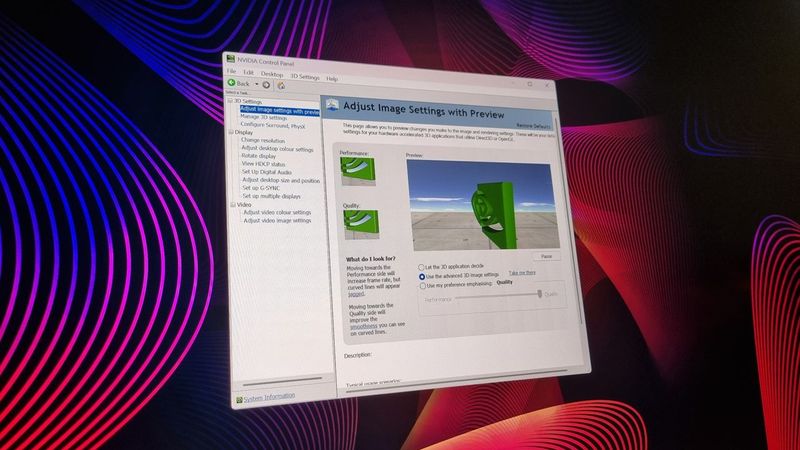
The Nvidia Control Panel is no more, an ex-control panel, kicked the bucket, run down the curtain and joined the choir invisib... okay, it's being retired Still, who wants to pour one out? PC Gamer · May 27
9 new features available in the Windows 11 Insider Program for the end of August 2025 — from Copilot upgrades to fresh UI tweaks Windows 11 Insider builds add resume Android apps, new File Explorer dark mode, updated battery icon, and deprecate more Control Panel settings in August 2025. Windows Central · Aug 30, 2025
Nvidia is killing off its Control Panel app - and it wants you to help shape its replacement Nvidia is seeking its users’ feedback to decide which settings it will migrate from Nvidia Control Panel to the new Nvidia App. TechRadar · Oct 18, 2024
Windows 11 users could get a shiny new ‘Soundscape’ Settings page to replace another bit of the ancient Control Panel The end of Windows 11’s Control Panel draws ever nearer as hidden ‘Soundscape’ settings are uncovered. TechRadar · Sep 26, 2024
It sounds like the Windows 11 Control Panel isn’t going anywhere anytime soon Windows will lose the Control Panel eventually, but it seems that it won't be happening anytime soon. Tom’s Guide · Aug 27, 2024
Turns out the ‘death’ of the Control Panel in Windows 11 has been greatly exaggerated, as Microsoft issues a clarification Want to see the back of the Control Panel? You wouldn’t be alone, but this ancient bit of the Windows interface isn’t going anywhere for now. TechRadar · Aug 26, 2024
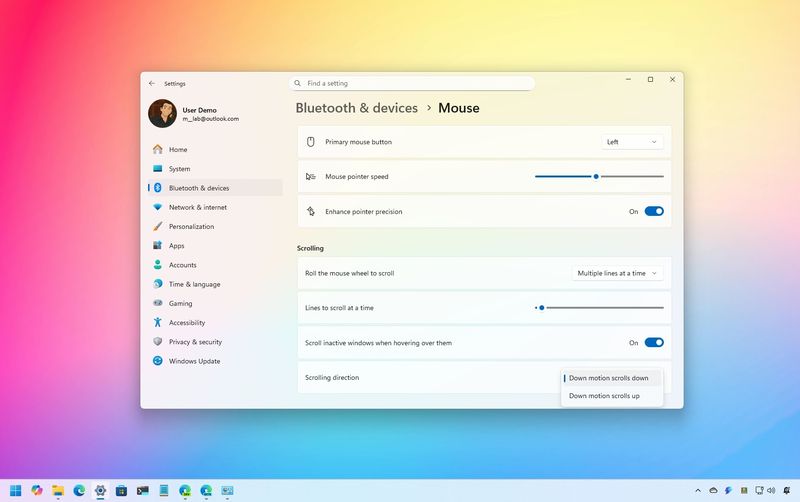
How to customize mouse settings on Windows 11 On Windows 11, you can customize the mouse settings in many ways. You can control the speed and scrolling. You can also change the pointer color scheme, and you can enable other features like the ability to use the "Ctrl" key to find the pointer on the screen, and in… Windows Central · Jul 25, 2024
How to check your computer uptime on Windows 10 Do you want to know how long your PC has been running for? Here are four ways to check on Windows 10 using Command Prompt, PowerShell, Control Panel, and Task Manager. Windows Central · Sep 27, 2022
How to check network connection details on Windows 11 On Windows 1, you can check the network connection details using the Settings app, Task Manager, Control Panel, Command Prompt, and PowerShell, and in this guide, I will show you how. Windows Central · Apr 28, 2022
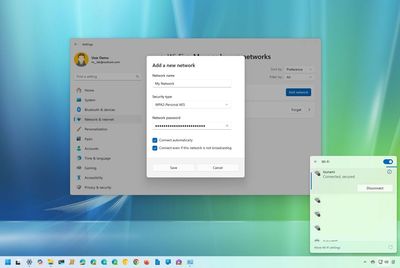
How to connect to Wi-Fi network on Windows 11 and Windows 10 On Windows 11, you can connect your laptop to a Wi-Fi network using Taskbar, Settings, QR Code, and even Command Prompt, and here's how. Windows Central · Oct 6, 2021
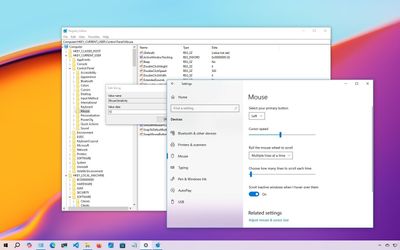
How to change your mouse cursor speed on Windows 10 On Windows 10, you can always change the mouse cursor speed, and in this guide, I'll explain the steps to complete this configuration through the Settings app, Control Panel, and even through the Registry. Windows Central · Aug 12, 2020









 Windows Central
 TechRadar
 PC Gamer
 Tom’s Guide
