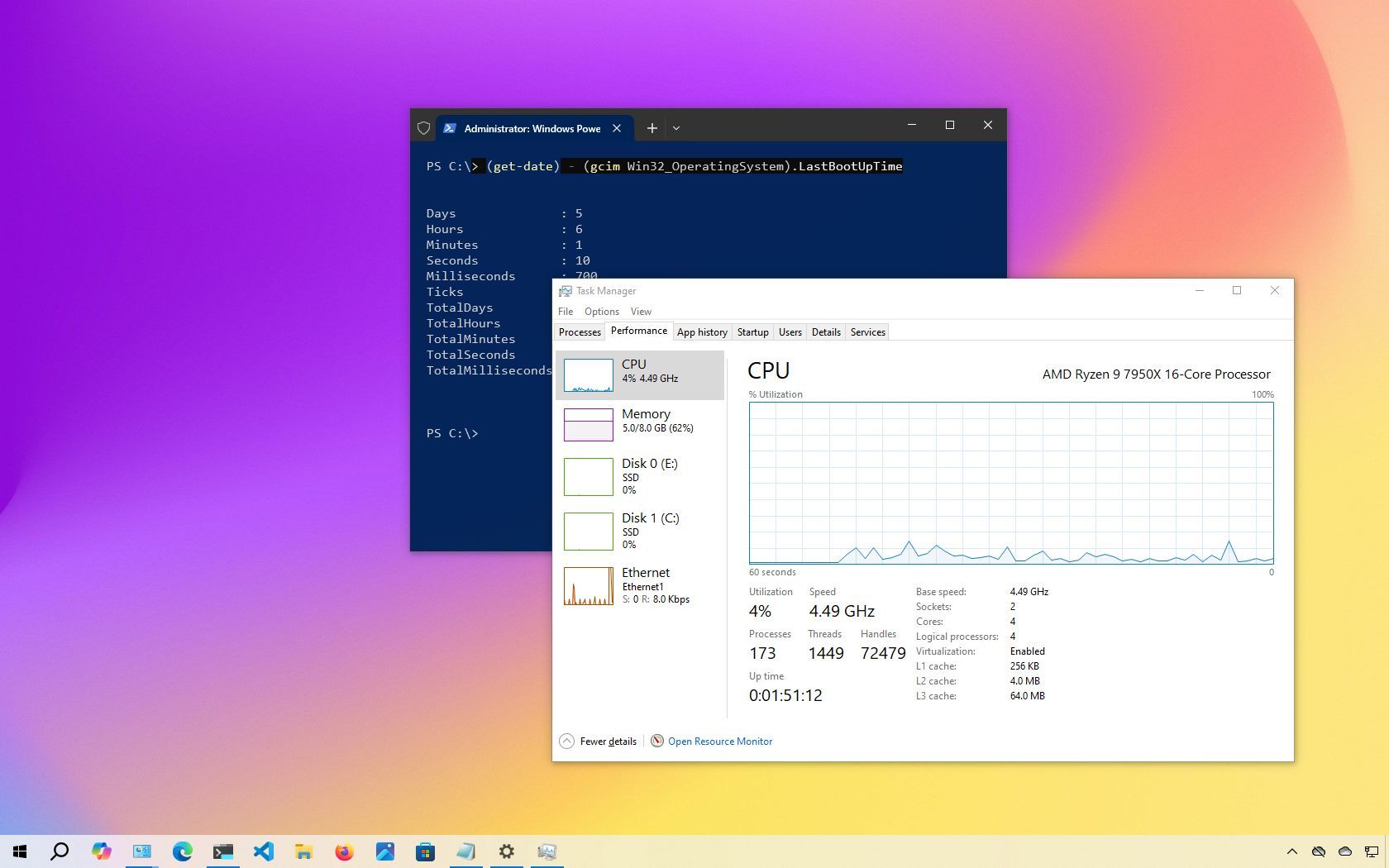
On Windows 10, knowing how long your computer has been running (also known as system uptime) can be surprisingly helpful. Personally, I've found that this information can come in handy in several situations. Whether I'm troubleshooting performance issues or trying to figure out if a recent update forced a reboot, checking uptime usually gives me some clues. Also, it can be especially useful when my device starts acting up during a resource-intensive task, and I suspect it’s overdue for a restart.
Although Windows 10 doesn't display uptime on the desktop, it's still easy to find (once you know where to look). You can check your system uptime using several built-in tools, including Task Manager, Control Panel, Command Prompt, and PowerShell. Each method gives you a quick glimpse into your PC's recent activity, helping you stay in control of your system's performance.