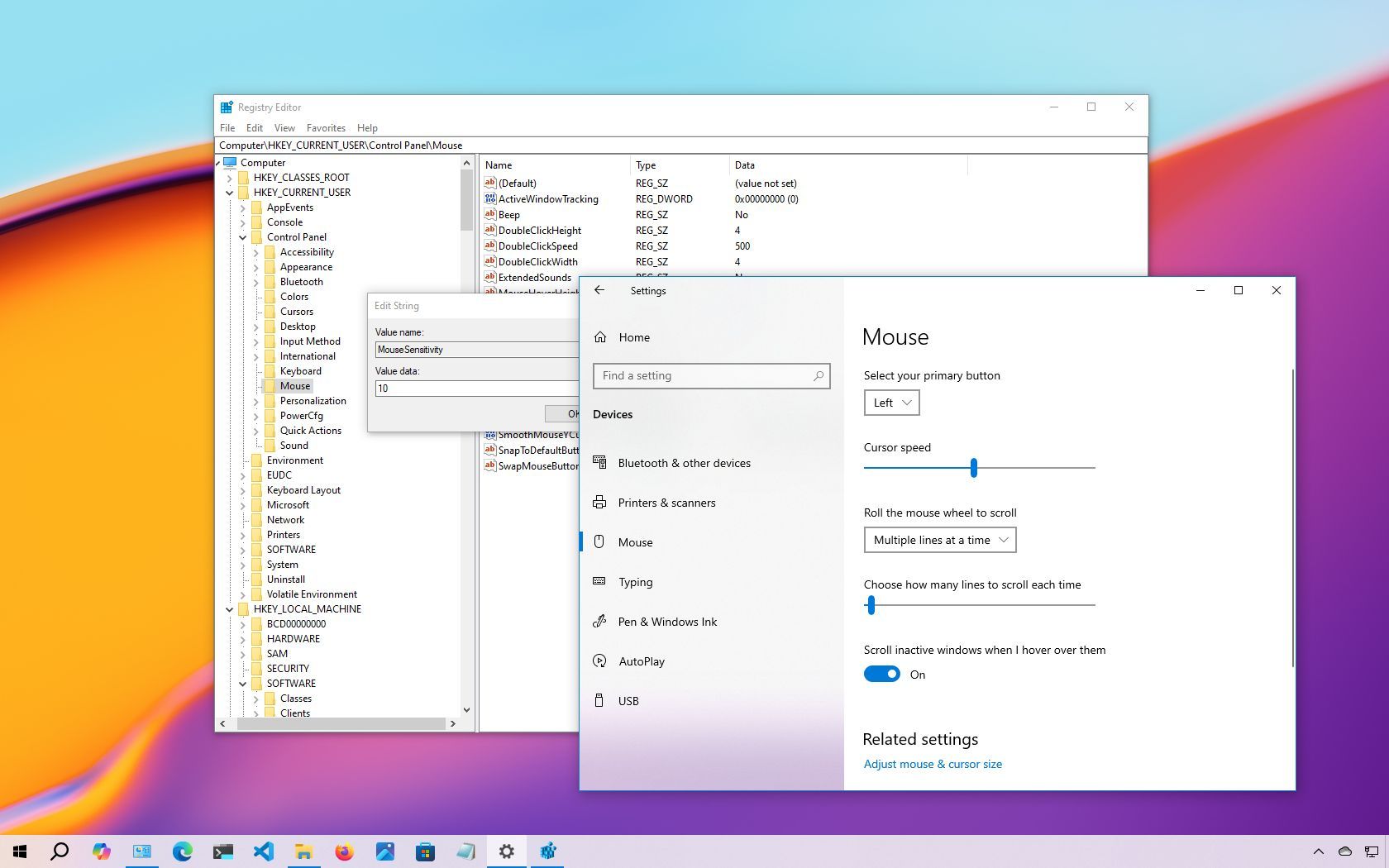
On Windows 10, the mouse is an essential component for navigating the desktop and apps efficiently. However, its effectiveness depends on configuring its settings to suit individual preferences. As a peripheral that processes analog inputs, user preferences can vary significantly.
For instance, some users may prefer a faster cursor speed, especially in multi-monitor setups, while others might opt for a slower speed to better track the pointer on the screen.