Get all your news in one place.
100's of premium titles.
One app.
Start reading
Windows Central
Windows Central
Technology
Mauro Huculak

How to change display refresh rate on Windows 10

Windows 10 change refresh rate.

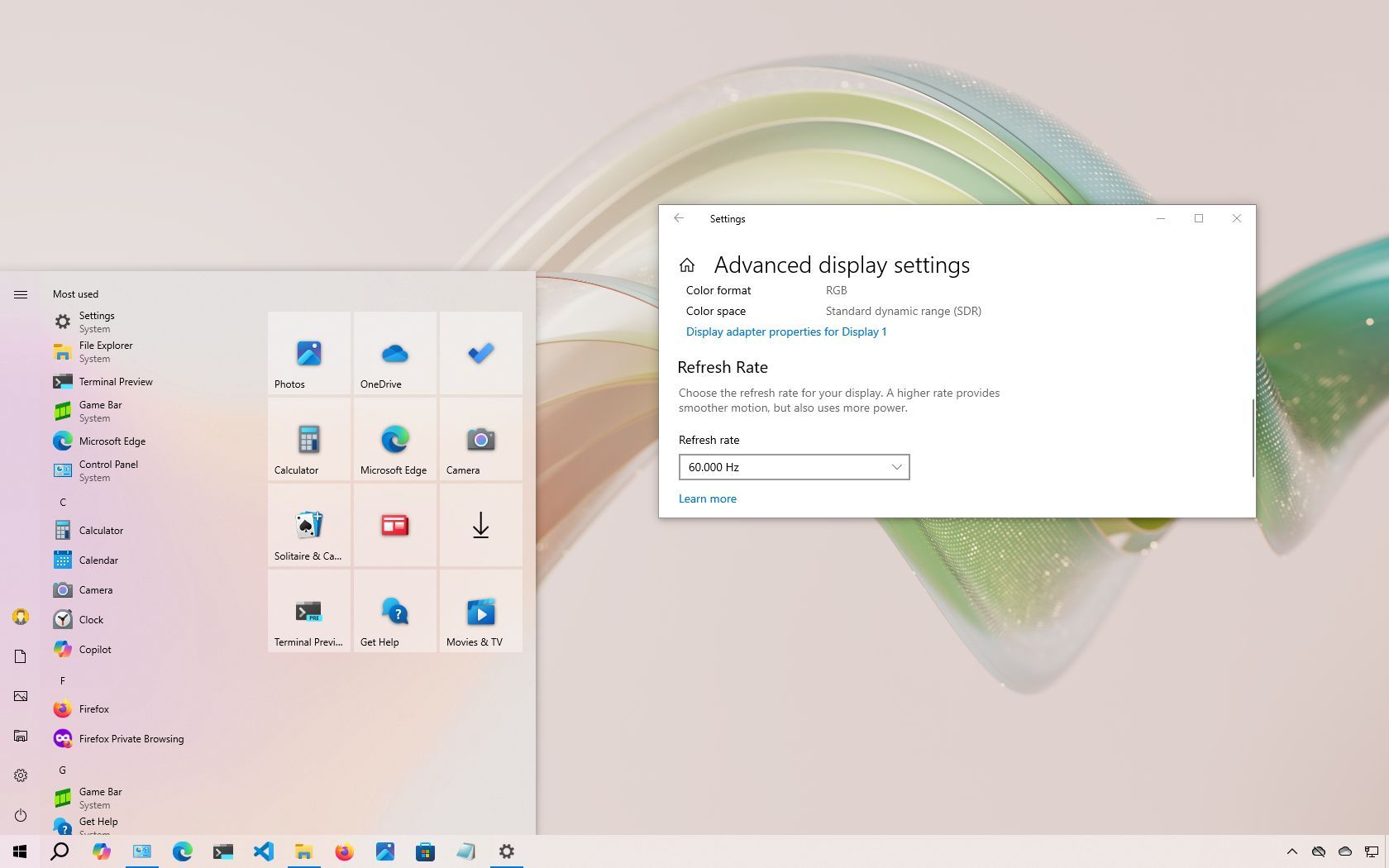
On Windows 10, you can change the refresh rate of the monitor, and in this guide, I'll explain how to make this configuration.

In computing, the refresh rate refers to how many times per second the screen updates an image, measured in Hertz (Hz). A higher refresh rate generally results in a smoother and more responsive viewing experience (as long as you don't overclock the display). In contrast, a lower refresh rate can lead to screen flickering, eye strain, and headaches, especially during prolonged use.

Sign up to read this article
Read news from 100's of titles, curated specifically for you.
Already a member? Sign in here
Related Stories
Top stories on inkl right now
One subscription that gives you access to news from hundreds of sites
Already a member? Sign in here
Our Picks
Fourteen days free
Download the app
One app. One membership.
100+ trusted global sources.