Get all your news in one place.
100's of premium titles.
One app.
Start reading
Windows Central
Windows Central
Technology
Mauro Huculak

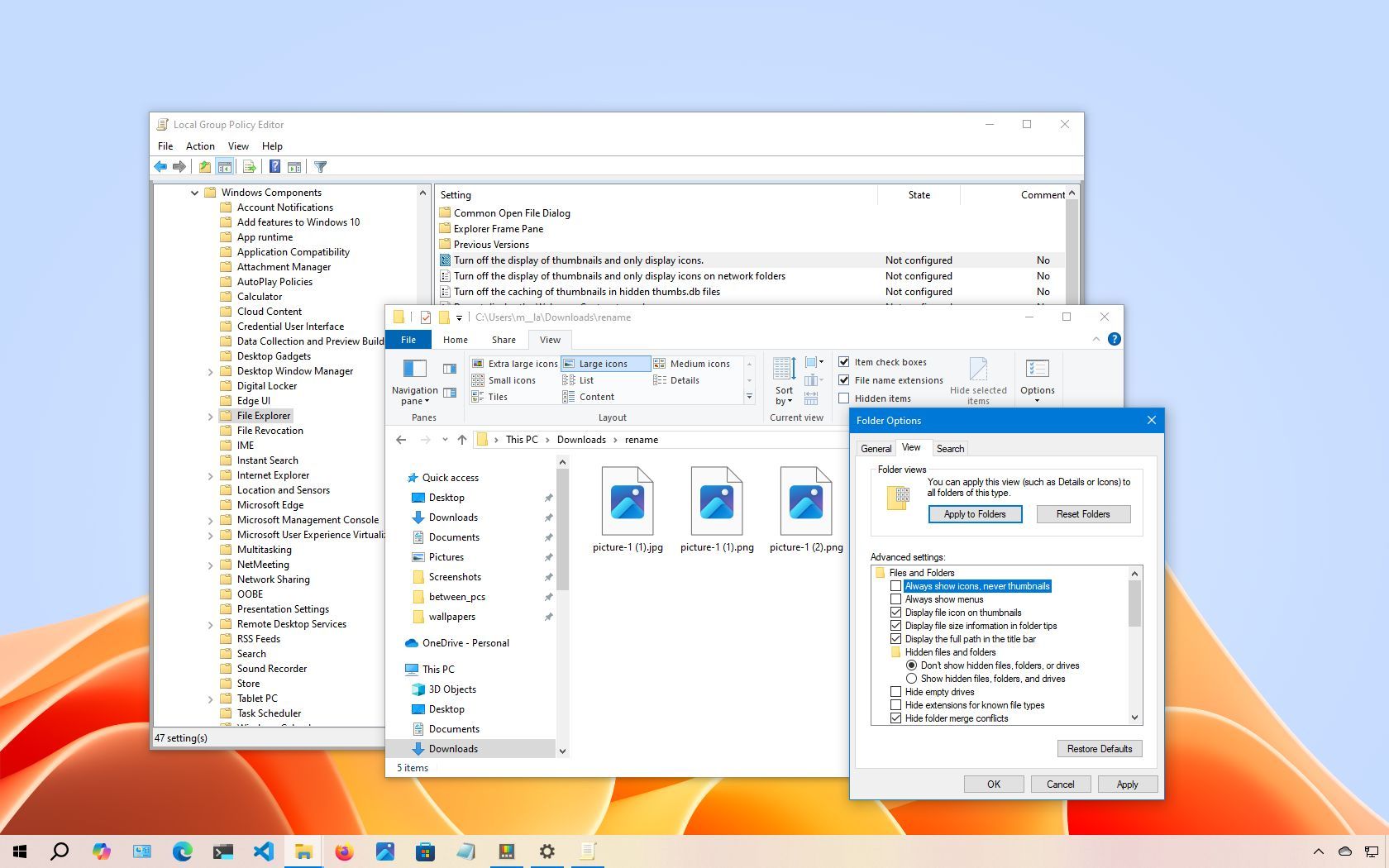
How to disable thumbnails on Windows 10

Disable thumbnails on Windows 10.

On Windows 10, File Explorer can display various sizes of thumbnail images for files, folders, documents, pictures, and videos. This feature provides a quick preview of content without the need to open each item.

While this visual aid allows for faster file identification without referencing file names, rendering and caching these previews can consume system resources. This is particularly noticeable in directories containing a large number of images.

Sign up to read this article
Read news from 100's of titles, curated specifically for you.
Already a member? Sign in here
Related Stories
Top stories on inkl right now
One subscription that gives you access to news from hundreds of sites
Already a member? Sign in here
Our Picks
Fourteen days free
Download the app
One app. One membership.
100+ trusted global sources.