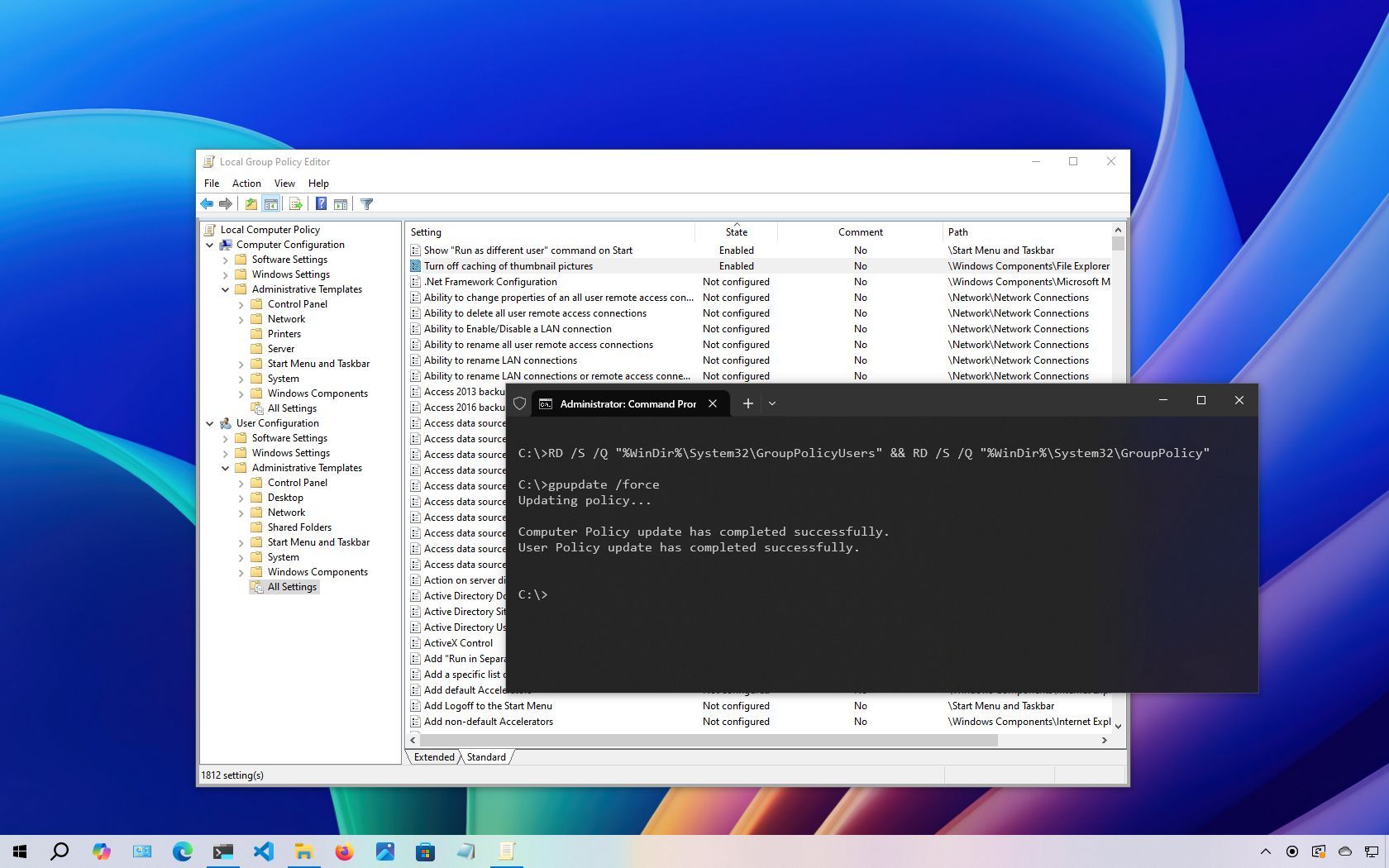
On Windows 10, while the Settings app and the legacy Control Panel offer customization options, advanced system configurations often require the Local Group Policy Editor (gpedit.msc). This console provides a centralized interface to manage a wide array of settings, including personalization, system, and networking configurations.
The only caveat to using the console is that, over time, you can end up modifying too many policies or editing the wrong settings, which can cause unwanted system behaviors. And unless you remember the objects you modified, it can be difficult to undo the changes. Fortunately, you can reset all Local Group Policy objects to their default values using the Local Group Policy Editor or Command Prompt.