On Windows 10, the Task Scheduler is a useful tool that has been around for many years, and it provides a friendly graphical interface to create automated routines. When you use this tool, you can automate tasks to launch applications, run specific commands, or execute scripts at a specific schedule or when a condition is met.
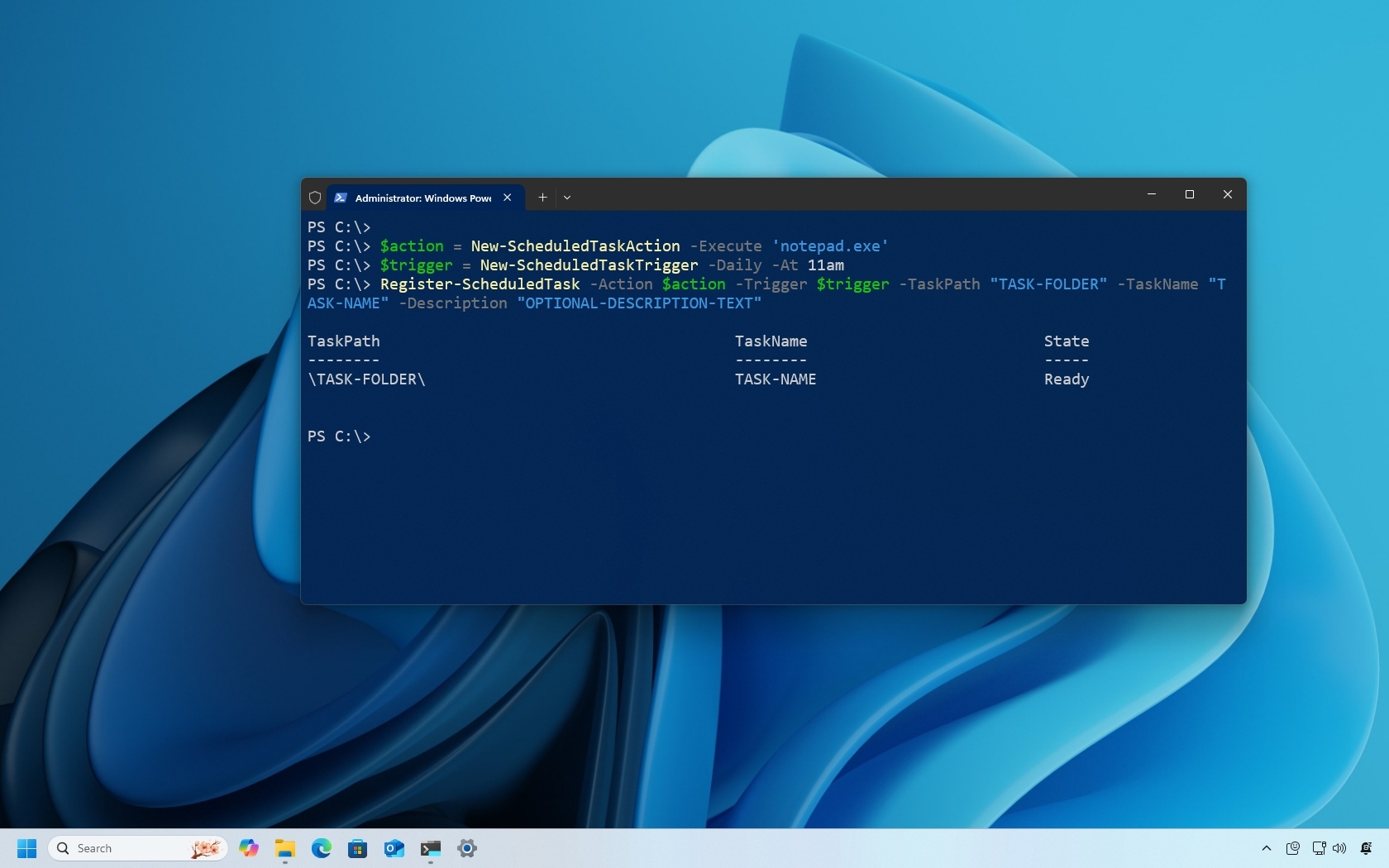
While the Task Scheduler app offers the most convenient environment to manage tasks on Windows 10, you can also use PowerShell to schedule, modify, and delete tasks, which can come in handy when you need to streamlined the process of creating tasks on several devices or when you need to create a PowerShell script that needs to interact with the console.