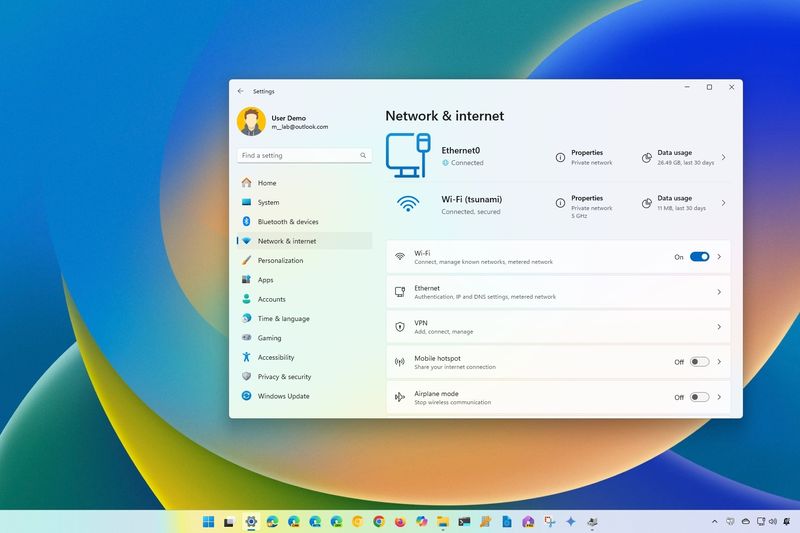
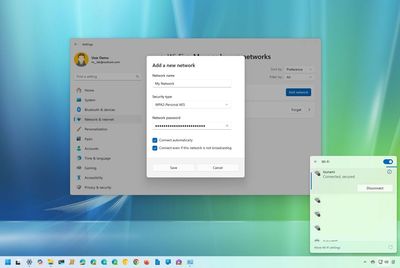
How to manage network adapter settings on Windows 11 Here are the different ways to manage Wi-Fi and Ethernet network adapters on Windows 11. Windows Central · Dec 9, 2021
How to enable high-contrast themes on Windows 11 On Windows 11, you can choose from different high-contrast, and you can even create custom colors, and in this guide, I'll show you how. Windows Central · Dec 3, 2021
How to change the look and feel of Windows 11 In this guide, I will show you the ways to change the look and feel of your Windows 11 computer, from changing the wallpaper and accent and system mode to configuring the Start menu, Taskbar, and more. Windows Central · Nov 22, 2021
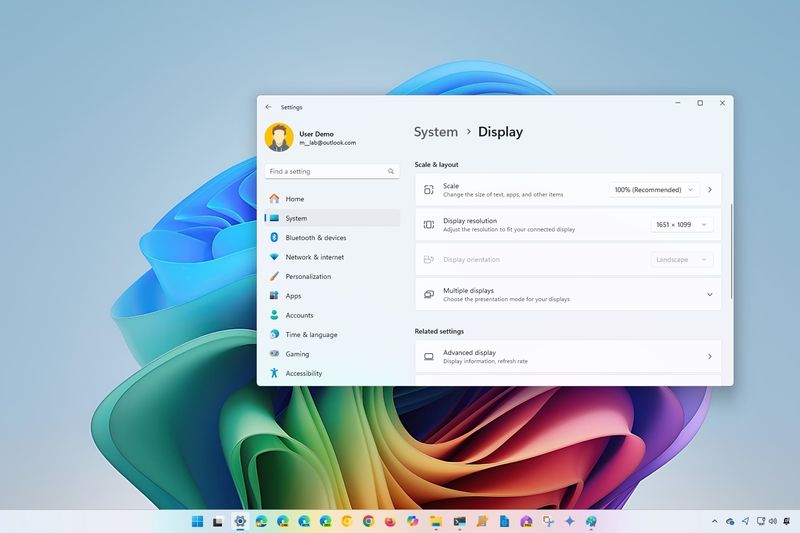
How to adjust display scale settings in Windows 11 If elements are too small and text too hard to read, you probably need to adjust the scale settings. Windows Central · Nov 19, 2021
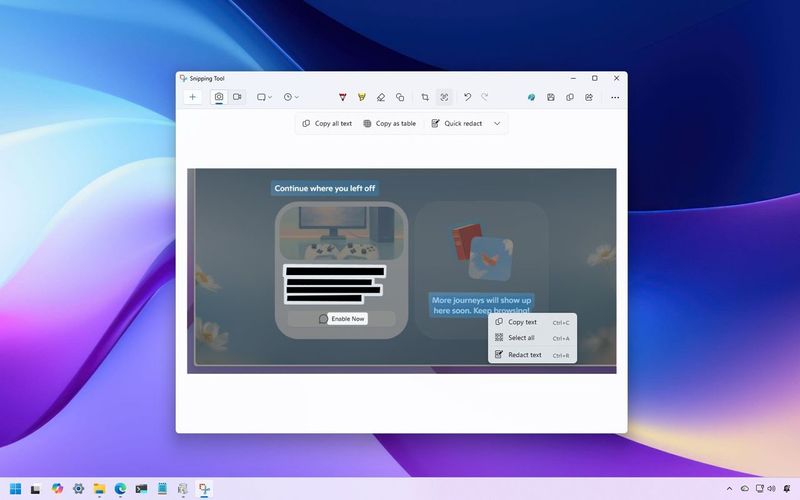
How to get started with the Snipping Tool app in Windows 11 In this guide, I will show you how to use the Snipping Tool app to take screenshots and screen record videos on Windows 11. No extra software required. Windows Central · Nov 16, 2021
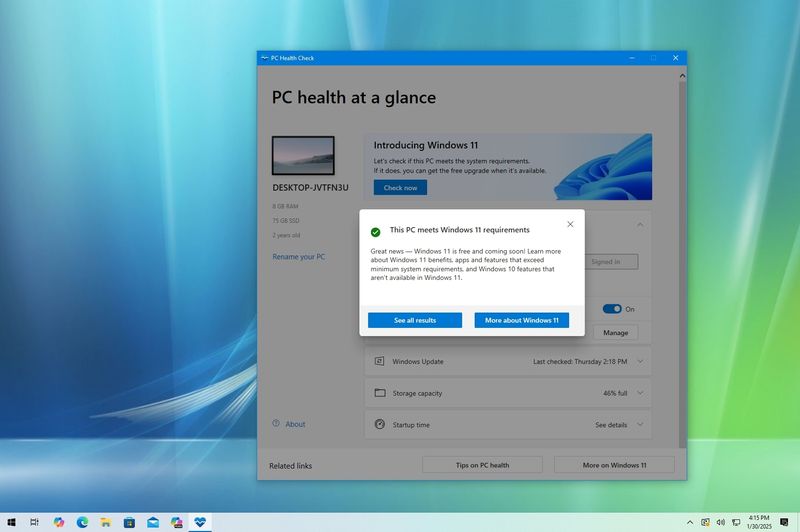
How to prepare your Windows 10 PC for the Windows 11 upgrade Windows 10 end-of-life will occur on October 14, 2025, and the logical step for you is to upgrade to Windows 11, and in this guide, I'll outline everything you need to know before upgrading and the most efficient way to make the jump to the new version of the operating… Windows Central · Nov 5, 2021
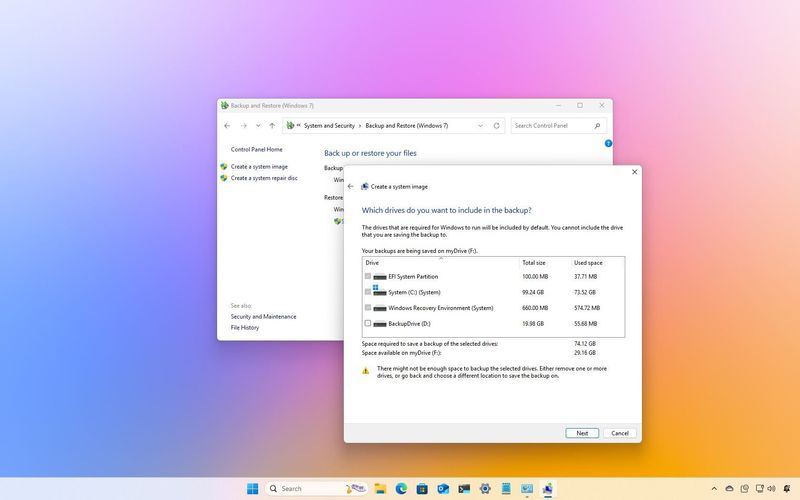
How to create full backup of your Windows 11 PC On Windows 11, you can use the System Image Backup feature to create a full backup of your computer and data, and in this guide, I'll show you how. Windows Central · Nov 1, 2021
How to manually configure a VPN on Windows 11 and Windows 10 On Windows 11, you can set up and manage VPN connections without third-party clients, and in this guide, I'll show you how. Windows Central · Oct 19, 2021
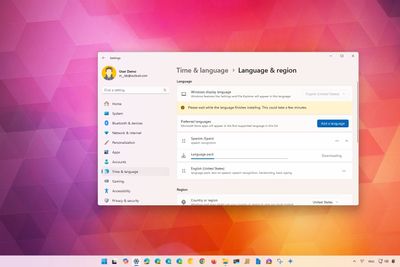
How to change system language on Windows 11 If you have to change the system language on Windows 11, you can do so without reinstalling. Windows Central · Oct 18, 2021
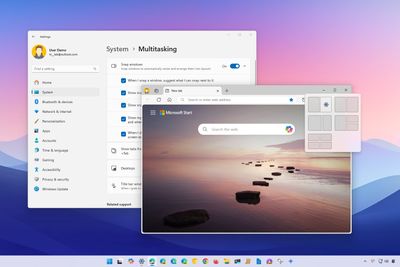
How to master Snap Assist on Windows 11 Windows 11 Snap Assist helps you organize apps on your screen, and here's how. Windows Central · Oct 18, 2021
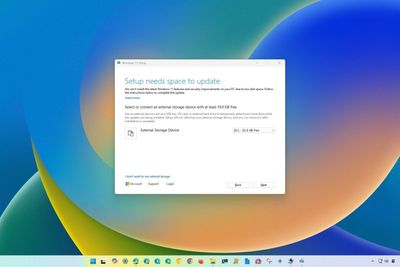
How to install Windows 11 when the main hard drive doesn't have enough free space In this guide, I will explain the steps you must follow to successfully install Windows 11 on a computer with insufficient storage space by using an external drive for temporary storage. Windows Central · Oct 8, 2021
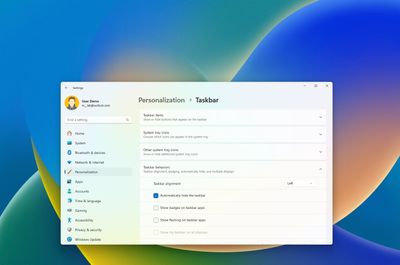
How to enable Taskbar auto-hide on Windows 11 Although the Taskbar on Windows 11 is very limited, you can still use some legacy functionalities, like hiding the Taskbar automatically, and in this guide, I will explain how to complete this configuration. Windows Central · Oct 7, 2021
How to connect to Wi-Fi network on Windows 11 and Windows 10 On Windows 11, you can connect your laptop to a Wi-Fi network using Taskbar, Settings, QR Code, and even Command Prompt, and here's how. Windows Central · Oct 6, 2021
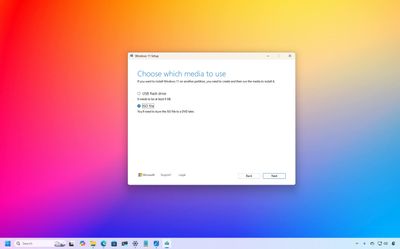
How to get the Windows 11 ISO file with the Media Creation Tool In this guide, I'll show you the steps to get the Windows 11 ISO file using the Media Creation Tool, and directly from the Microsoft servers. Windows Central · Oct 5, 2021
Windows Central · Oct 5, 2021 How to upgrade a compatible PC to Windows 11 from Windows 10 In this guide, I'll outline the three supported methods to upgrade a computer running Windows 10 that meets the minimum system requirements to Windows 11, keeping your files and most of your settings.
Windows Central · Oct 5, 2021 How to download Windows 11 onto a USB flash drive Here are two ways to create a USB flash media to install Windows 11 on computers using UEFI with TPM 2.0 and Secure Boot enabled with the Media Creation Tool and Rufus.
Windows Central · Oct 5, 2021 How to open the Settings app on Windows 11 On Windows 11, you have several ways to access the Settings app to configure features and personalization settings, and in this guide, I'll show you eight ways to complete this task.
Windows Central · Jul 13, 2021 How to move Start menu to left or center in Taskbar on Windows 11 On Windows 11, you can align the Start menu and other Taskbar items to the left side of the screen, and here's how.
Windows Central · Jul 7, 2021 How to set the default web browser on Windows 11 and Windows 10 On Windows 11, you can change the default browser to any application you want, and in this guide, I'll explain how to use the easiest steps.
Windows Central · Jun 28, 2021 How to determine if your PC's CPU supports Windows 11 Are you still on Windows 10, and don't you know if the CPU will be supported when you upgrade to Windows 11? If so, in this guide, I will outline three methods to quickly determine if your computer's processor is compatible.
Windows Central · Jun 28, 2021 How to enable the Trusted Platform Module (TPM) on your computer If your computer has compatible hardware, you can enable the Trusted Platform Module (TPM) using the Windows 10 settings or the PC's boot sequence, and in this guide, I'll show you how.
Windows Central · May 13, 2021 How to compare two files with Command Prompt on Windows 11 and 10 Do you need to compare two files to see how they're different? On Windows 11 (and 10), you can use the FC command without needing third-party tools, and in this guide, I'll explain how.
Windows Central · Mar 31, 2021 How to launch Command Prompt (standard and admin) on Windows 10 On Windows 10, you have at least nine ways to open Command Prompt as a standard or administrator user to run commands and scripts, and in this guide, I'll explain them all.
Windows Central · Feb 17, 2021 How to create an energy report on Windows 10 On Windows 10, you can use these steps to create and analyze an energy report to diagnose and resolve energy efficiency problems with your desktop computer or laptop.
Windows Central · Feb 9, 2021 How to use powercfg to control power settings on Windows 10 and 11 On Windows 11, you can use the PowerCFG tool to control the power settings from Command Prompt, and in thig guide, I'll show you how.





 Windows Central
