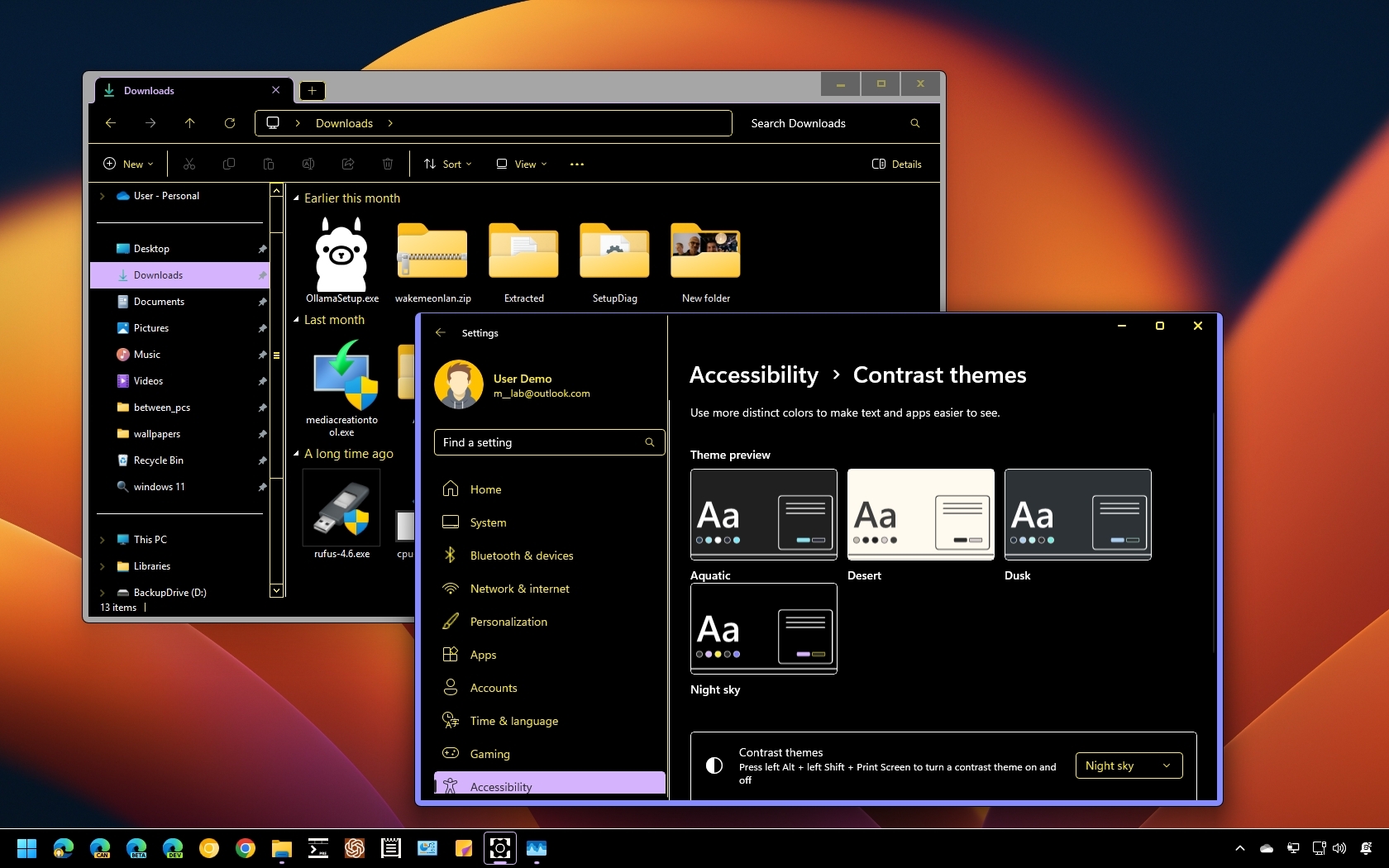
Although Windows 11's default system color scheme suits most users, it also offers four high-contrast themes tailored for individuals with low vision. However, anyone can benefit from these themes. Activating these themes adjust elements like text, links, buttons, and backgrounds to specific high-contrast colors, enhancing readability both on Windows 11 and online. Additionally, you can create and apply a custom theme with colors that meet your specific needs.
In this how-to guide, I'll explain how to enable and configure high-contrast mode on your laptop or desktop computer.