Get all your news in one place.
100's of premium titles.
One app.
Start reading
Windows Central
Windows Central
Technology
Mauro Huculak

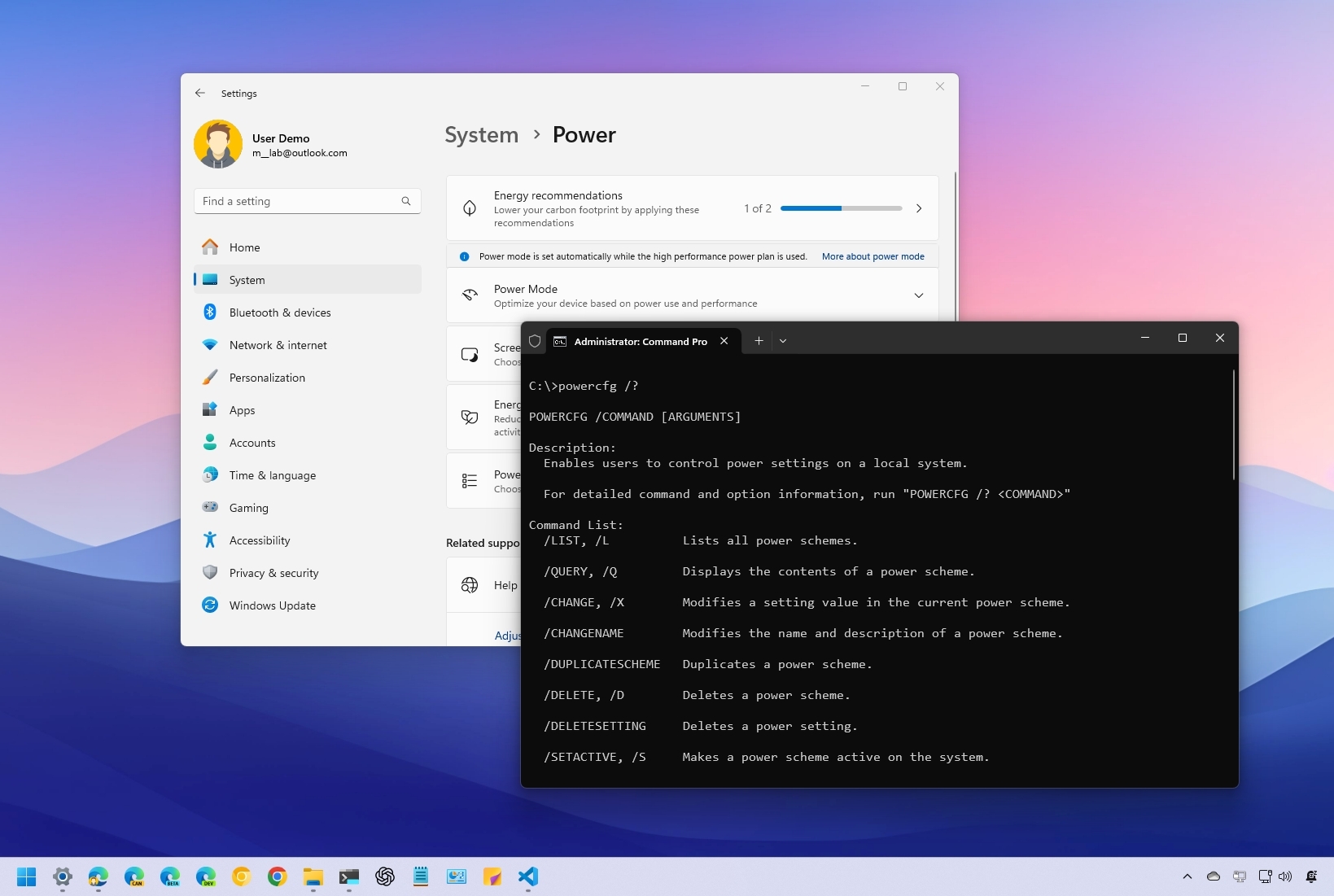
How to use powercfg to control power settings on Windows 10 and 11

Windows 11 powercfg commands.

On Windows 11 (and 10), PowerCFG is a command-line tool that has been around for years, allowing you to manage various aspects of power plans (also known as power schemes).

Using this tool, you can create, modify, and delete power plans, enable or disable power-related features like hibernation and the power button, and even troubleshoot energy consumption and battery performance. Additionally, powercfg can help you identify which devices are waking your computer from sleep or hibernation so you can disable them if needed, among many other capabilities.

Sign up to read this article
Read news from 100's of titles, curated specifically for you.
Already a member? Sign in here
Related Stories
Top stories on inkl right now
One subscription that gives you access to news from hundreds of sites
Already a member? Sign in here
Our Picks
Fourteen days free
Download the app
One app. One membership.
100+ trusted global sources.