Get all your news in one place.
100's of premium titles.
One app.
Start reading
Windows Central
Windows Central
Technology
Mauro Huculak

How to move Start menu to left or center in Taskbar on Windows 11

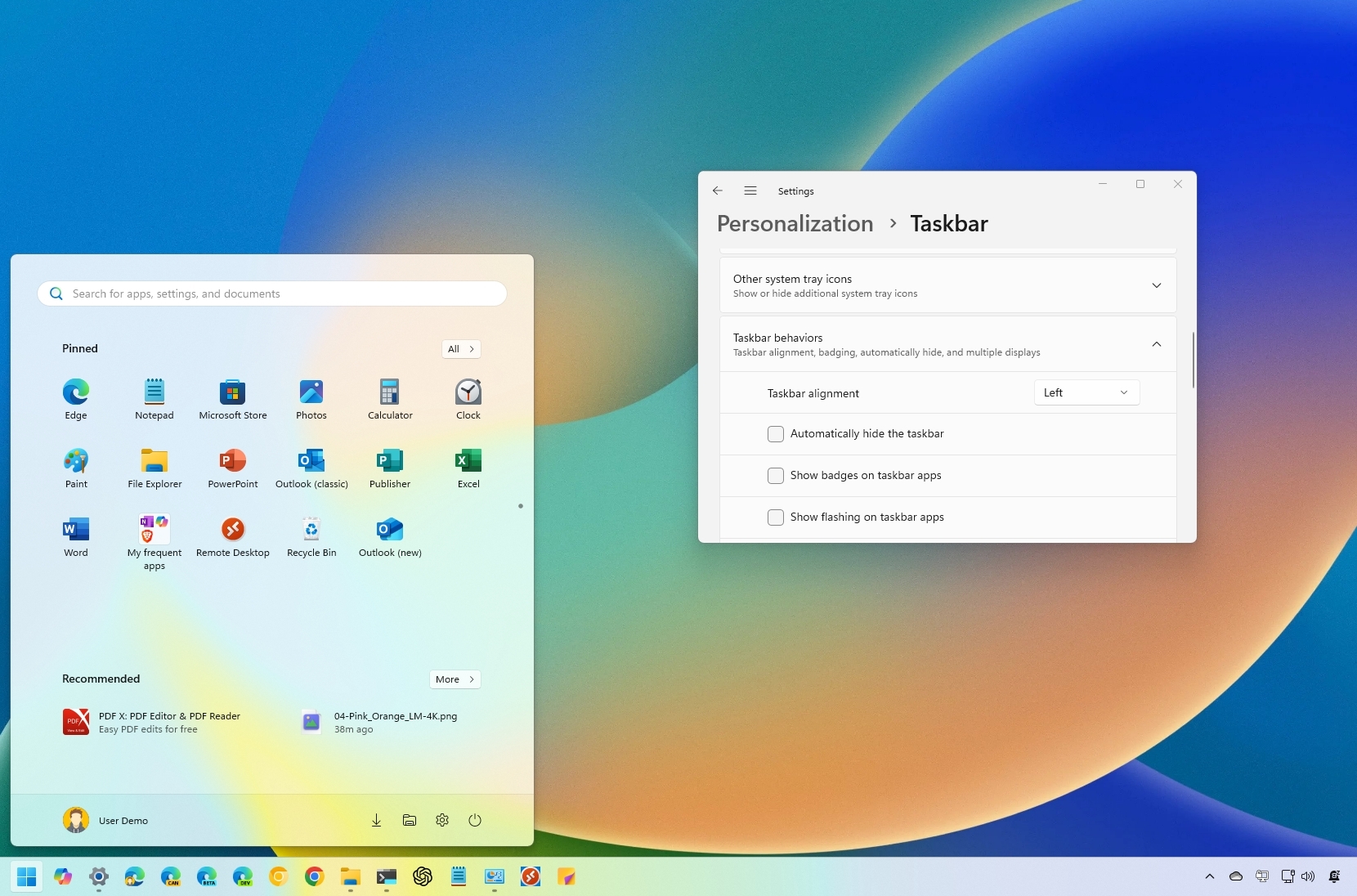
Windows 11 Start menu left.

On Windows 11, Microsoft introduced many interface changes and features, including a redesigned Taskbar that centers all items (such as the Start button and Start menu) on the screen. This modern approach aims to bring you closer to the apps and files you use frequently. However, not everyone prefers this new layout.

If you’ve installed Windows 11 and prefer the classic alignment, the Taskbar settings page lets you easily move the taskbar to the left, mimicking the look of Windows 10, or keep it centered.

Sign up to read this article
Read news from 100's of titles, curated specifically for you.
Already a member? Sign in here
Related Stories
Top stories on inkl right now
One subscription that gives you access to news from hundreds of sites
Already a member? Sign in here
Our Picks
Fourteen days free
Download the app
One app. One membership.
100+ trusted global sources.