Get all your news in one place.
100's of premium titles.
One app.
Start reading
Windows Central
Windows Central
Technology
Mauro Huculak

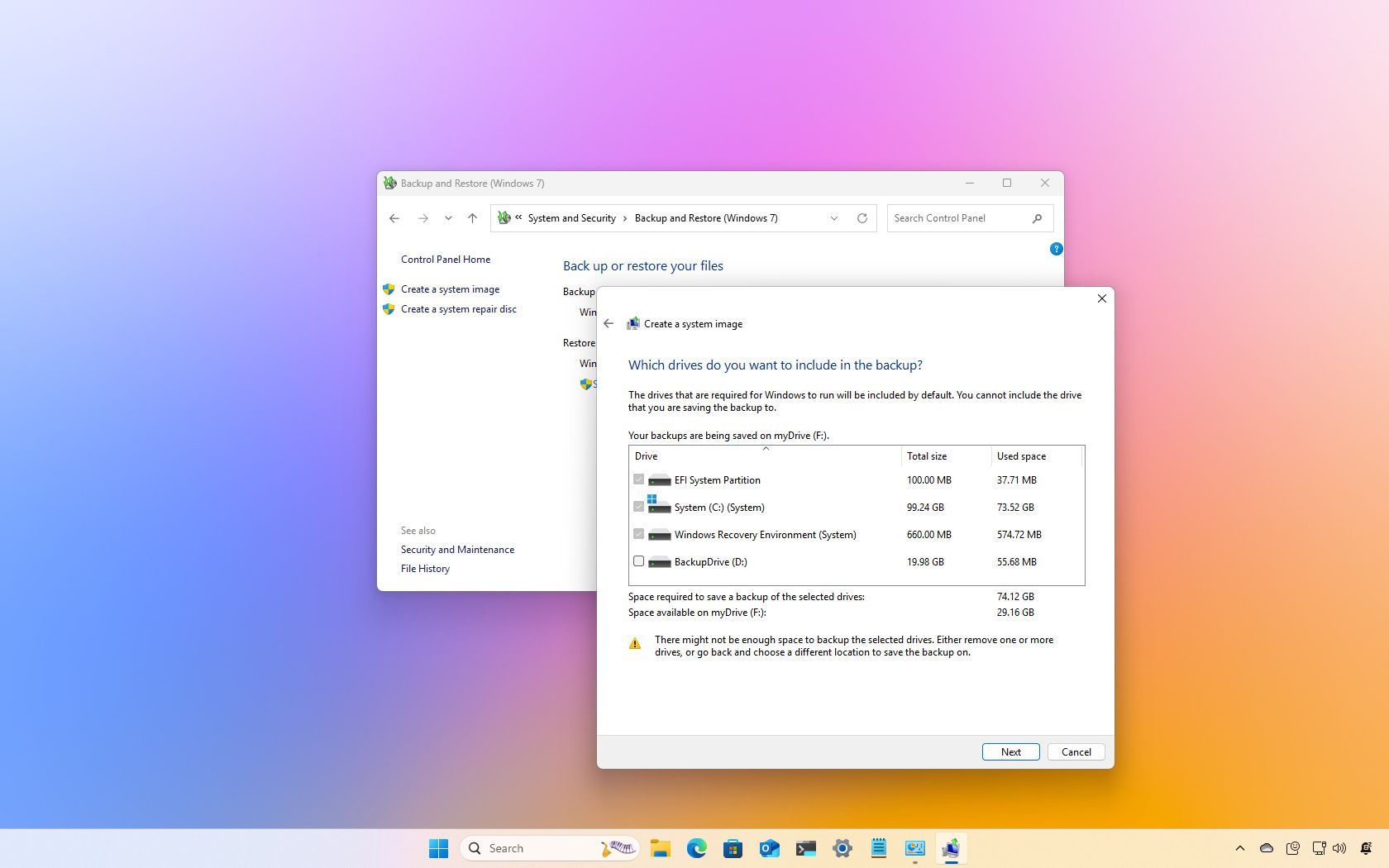
How to create full backup of your Windows 11 PC

Windows 11 full backup.

On Windows 11, creating a full backup is one of the most effective ways to safeguard your system and personal files from unexpected disasters. Whether it’s a hardware failure, system upgrade issue, malware attack, or file corruption, a full backup ensures you can quickly recover without losing important data or spending hours reconfiguring your device.

If you don't have a proper backup, you're at risk of losing irreplaceable content, such as family photos, work documents, and custom system settings you've spent time perfecting.

Sign up to read this article
Read news from 100's of titles, curated specifically for you.
Already a member? Sign in here
Related Stories
Top stories on inkl right now
One subscription that gives you access to news from hundreds of sites
Already a member? Sign in here
Our Picks
Fourteen days free
Download the app
One app. One membership.
100+ trusted global sources.