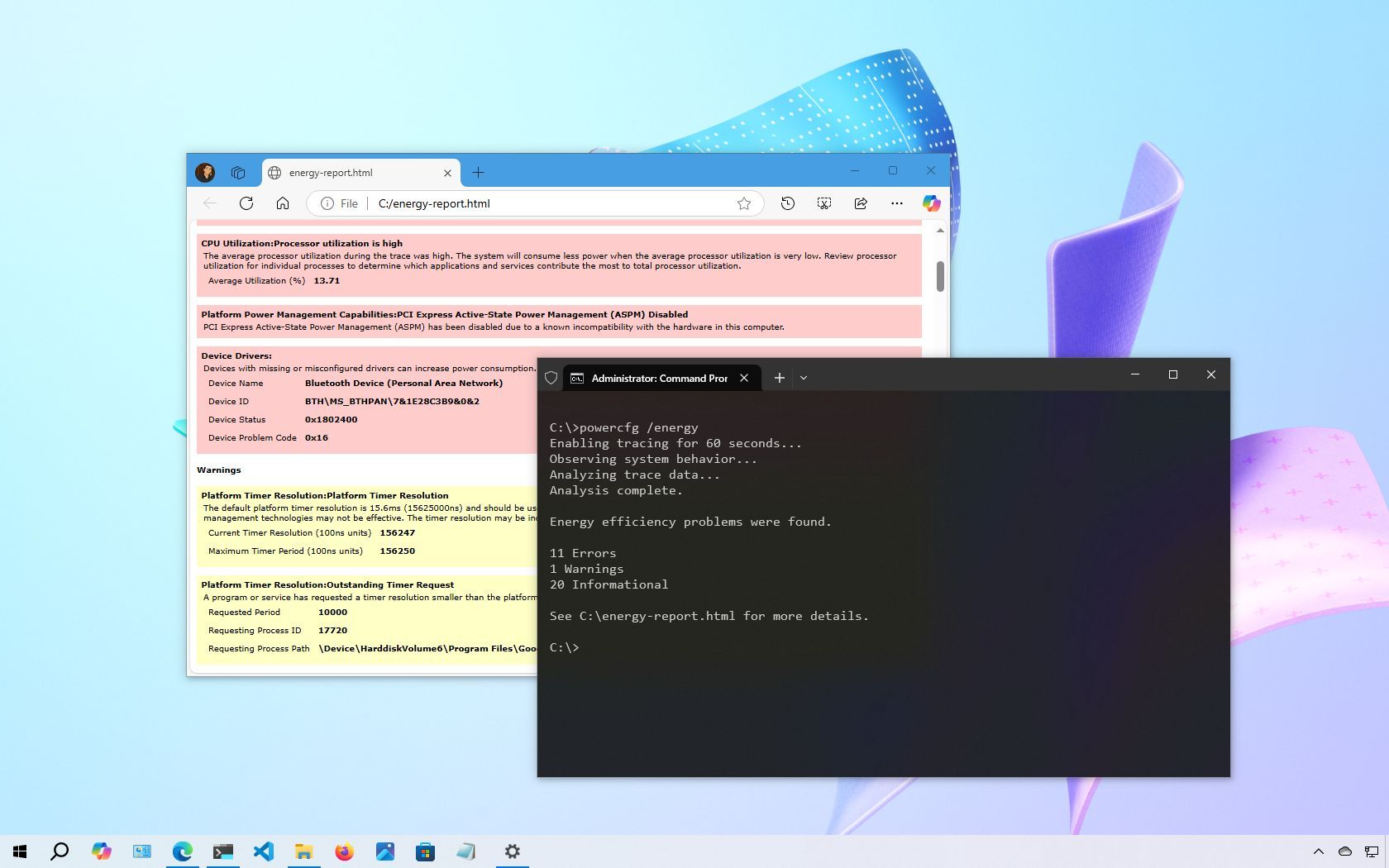
Although Windows 10 generally does a good job of managing your device energy, you might still encounter issues like rapid battery drain or inefficient energy usage. In such cases, generating a detailed energy report can be incredibly useful.
The operating system includes a built-in diagnostic tool called powercfg, which you can run from Command Prompt. This tool collects data over a specific period to analyze power behavior, highlighting common problems that may affect battery life or overall energy efficiency. After generating the report, you can review the insights to make informed changes (whether that means adjusting system settings, upgrading hardware, or replacing a worn-out battery, if possible).