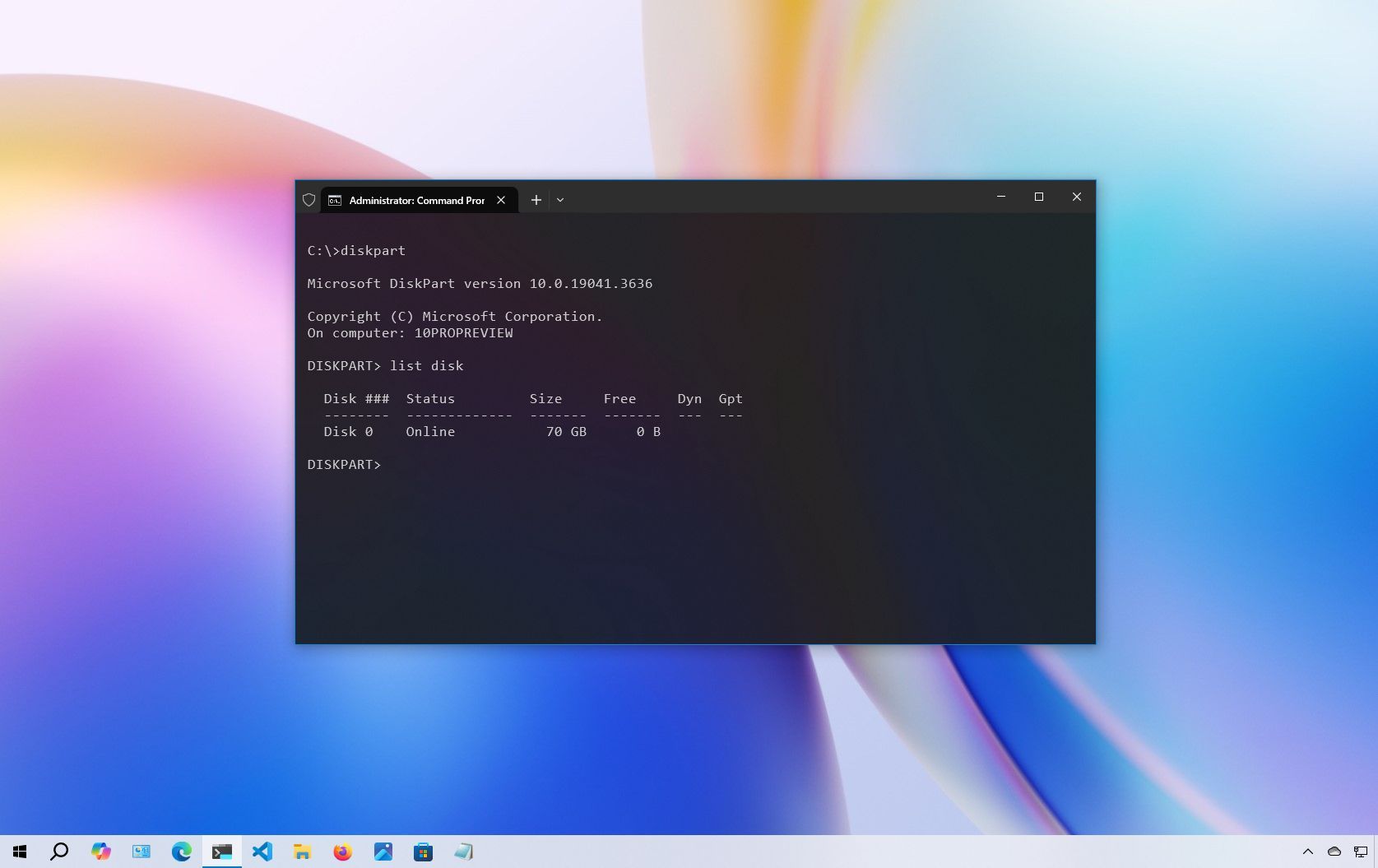
On Windows 10, Command Prompt has been available for a long time, and it is an essential tool that allows anyone to execute commands to change system settings, run non-graphical tools (such as netsh, diskpart, netstat, powercfg, dism, sfc, chcksk, etc.), troubleshoot problems, and automate tasks on their desktop computer or laptop.
Although opening Command Prompt is easy enough, Windows 10 supports many other ways to launch it, depending on where you are in the system and what you're trying to accomplish. For example, you can use the Start menu, Search, taskbar, run dialog, File Explorer, Advanced startup, Safe Mode, and even with a shortcut, which you can also use to start CMD quickly with a keyboard combo.