Get all your news in one place.
100's of premium titles.
One app.
Start reading
Windows Central
Windows Central
Technology
Mauro Huculak

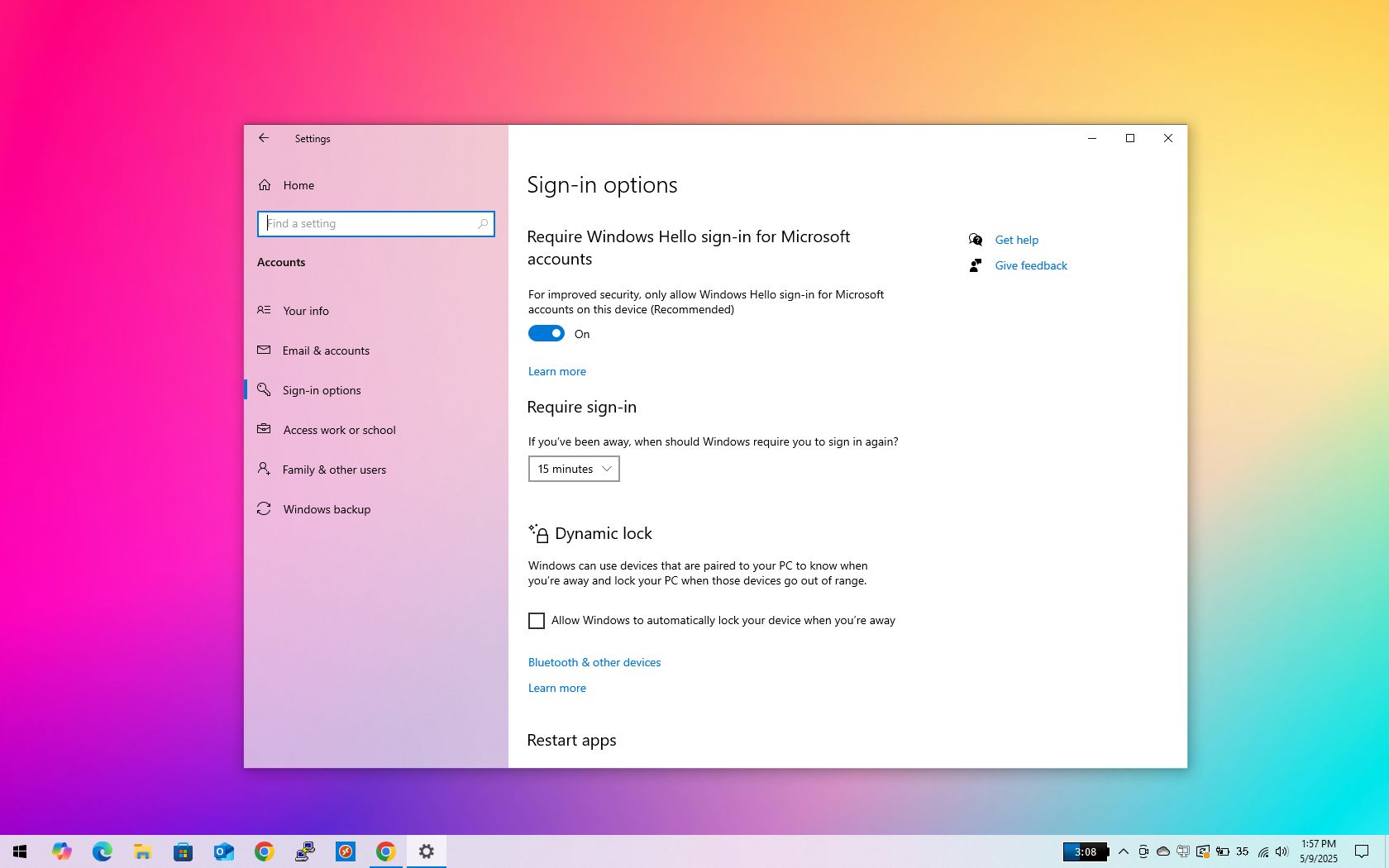
How to disable password after resuming from sleep on Windows 10

Disable password after sleep on Windows 10.

Windows 10 offers multiple security features to protect your device and personal files. One of these is the option to lock your PC automatically when it wakes from sleep.

While this feature helps prevent unauthorized access, it can become inconvenient, especially if you're the only one in an environment where privacy and security aren't a concern. Having to enter your password every time the device resumes from sleep can feel like an unnecessary step.

Sign up to read this article
Read news from 100's of titles, curated specifically for you.
Already a member? Sign in here
Related Stories
Top stories on inkl right now
One subscription that gives you access to news from hundreds of sites
Already a member? Sign in here
Our Picks
Fourteen days free
Download the app
One app. One membership.
100+ trusted global sources.