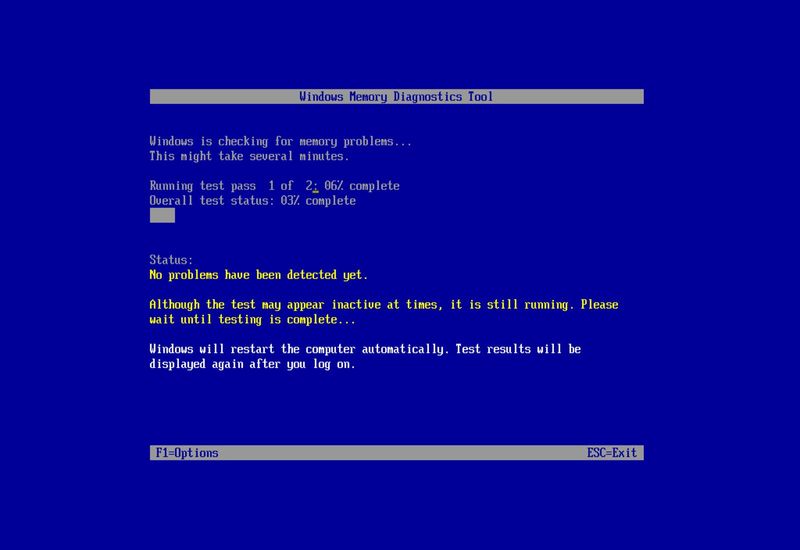
How to check for memory problems on Windows 11 On Windows 11, follow these steps to use the Windows Memory Diagnostic tool to scan the system memory and determine whether the system has a faulty module. Windows Central · May 2, 2022
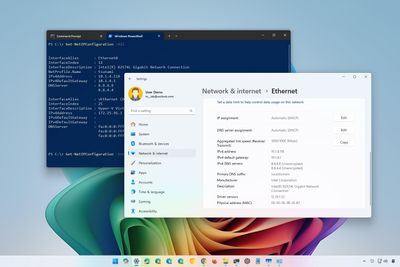
How to check network connection details on Windows 11 On Windows 1, you can check the network connection details using the Settings app, Task Manager, Control Panel, Command Prompt, and PowerShell, and in this guide, I will show you how. Windows Central · Apr 28, 2022
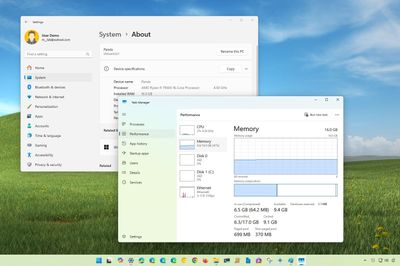
How to check basic memory info on Windows 11 In this guide, I outline the steps to use the Settings app and Task Manager to learn basic information about the memory installed on your Windows 11 computer. Windows Central · Apr 26, 2022
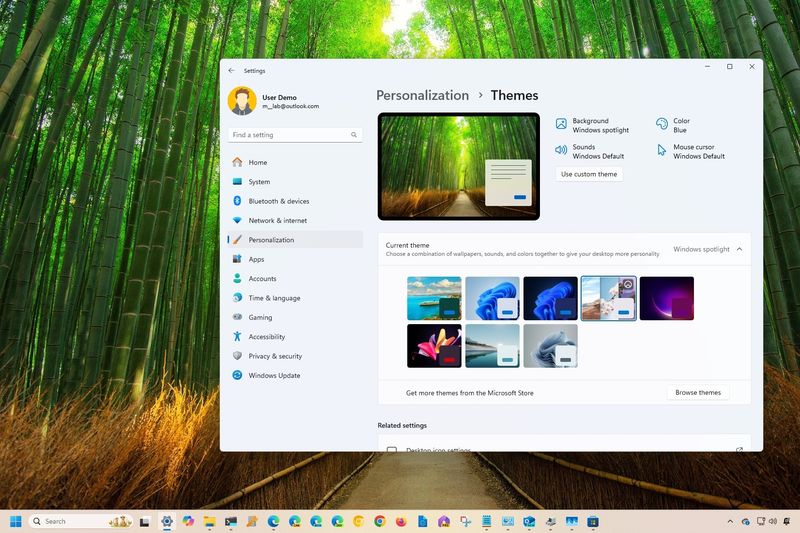
How to use themes to personalize the desktop on Windows 11 On Windows 11, you can use themes to quickly change the look and feel of the desktop. In this guide, I will show you the steps to change themes and install new ones on your computer. Windows Central · Apr 25, 2022
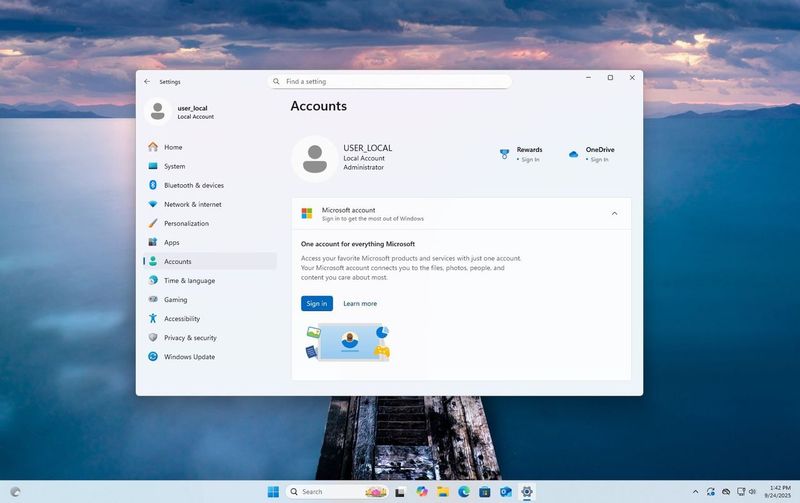
How to set up Windows 11 without a Microsoft account If you're not keen on having a Microsoft account on Windows 11, don't worry. In this guide, I will help you set up an installation without one with two workarounds, including a hidden command option or misconfiguring the account settings. Windows Central · Apr 25, 2022
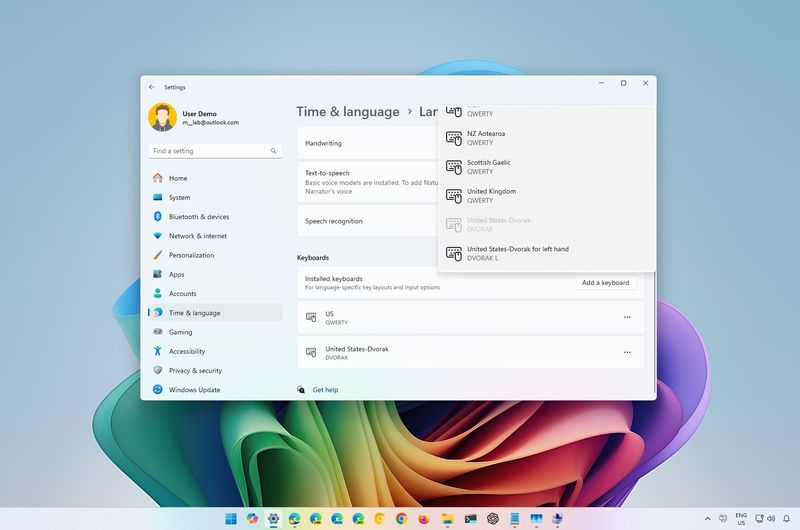
How to change keyboard layout on Windows 11 On Windows 11, you can add, change, and remove keyboard layouts at any time from the Settings app, and in this guide, I will show you the entire process. Windows Central · Apr 22, 2022
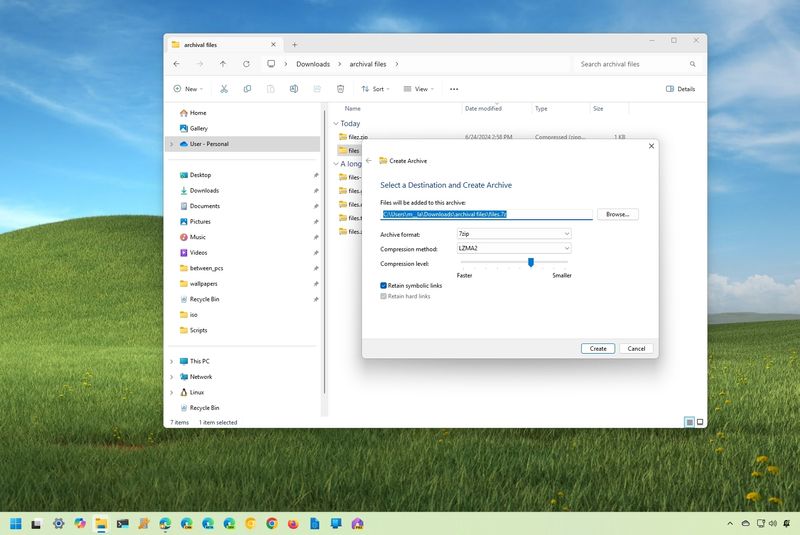
How to zip or unzip files on Windows 11 Zipping files continues to be the best way to archive, compress, or send documents over the internet. In this guide, I will show you the easy steps to zip and unzip files on Windows 11. Windows Central · Apr 15, 2022
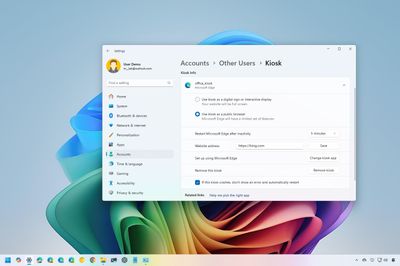
How to set up Kiosk mode on Windows 11 On Windows 11, Kiosk is a feature that allows you to set up a computer to run as a one-app device, and in this guide, I explain the steps to enable and configure the feature on your computer. Windows Central · Apr 14, 2022
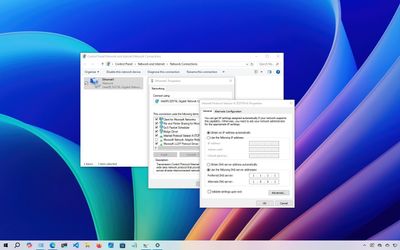
How to change DNS settings on your PC running Windows 10 The idea of setting up a DNS can seem daunting. But fear not. In this guide, I will show you three methods to change the DNS settings on Windows 10 for more reliable and private resolvers. Windows Central · Apr 12, 2022
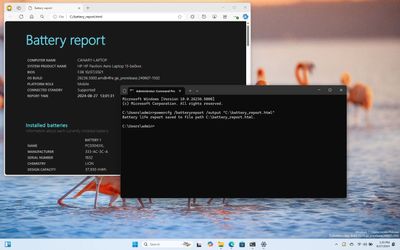
How to check battery health on Windows 11 On Windows 11, you can use the PowerCfg command-line tool to create a battery report to determine the health of the battery and whether it is ready for replacement. In this guide, I'll show you how. Windows Central · Apr 11, 2022
How to enable file compression on Windows 11 On Windows 11, you can use the New Technology File System (NTFS) lightweight file compression feature to compress files and drives on your computer to save storage space, and in this guide, I will show you how. Windows Central · Apr 8, 2022
How to disable access to the Settings app on Windows 11 Do you need to block access to the Settings app and Control Panel? Here's how to do this from the Group Policy Editor and Registry on Windows 11. Windows Central · Apr 6, 2022
How to manage storage devices on Windows 11 On Windows 11, through GUI experience, you can manage storage devices with the Disks & volume settings or using the legacy Disk Management console, and in this guide, I will explain how. Windows Central · Apr 4, 2022
How to always show scrollbars on Windows 11 On Windows 11, you can make the scrollbar for the Start menu, Settings app, and Microsoft Store apps always visible to improve usability and make scrolling more intuitive, and in this guide, I'll show you how. Windows Central · Mar 24, 2022
Windows Central · Mar 21, 2022 How to disable transparency effects on Windows 11 On Windows 11, you can decide whether the operating system uses transparency effects for the Taskbar, Start menu, Settings app, and more, and in this guide, I will show you multiple ways to complete this configuration.
Windows Central · Mar 16, 2022 Step-by-Step Guide: Converting MBR to GPT for UEFI on Windows 10 for Windows 11 On Windows 10, you can use the MBR2GPT tool to convert a drive using MBR to GPT to properly switch from BIOS to UEFI without reinstalling the operating system or losing your files. In this guide, I'll explain how.
Windows Central · Mar 16, 2022 How to manage system services on Windows 11 On Windows 11, you can manage services through the Services app, Task Manager, Command Prompt, and PowerShell, and in this guide, I will show you how.
Windows Central · Mar 15, 2022 How to show or hide desktop icons on Windows 11 On Windows 11, you can easily show or hide icons, and in this guide, I'll show you the steps to complete this task.
Windows Central · Mar 14, 2022 How to extend laptop battery life on Windows 11 In this guide, I will show you different ways to help extend the battery life of your Windows 11 laptop.
Windows Central · Mar 7, 2022 How to disable an account on Windows 11 In this guide, I'll show you how to disable an account on Windows 11 without deleting its data and how to re-enable the account.
Windows Central · Mar 3, 2022 How to hide specific Settings pages on Windows 11 In this guide, I'll teach how to hide pages from Windows 11 settings using the Group Policy Editor and Registry.
Windows Central · Mar 2, 2022 How to manage system sounds on Windows 11 On Windows 11, you can manage the system sounds for a more personalized experience, and in this guide, I will show you how.
Windows Central · Feb 28, 2022 How to set up a guest account to safely share a Windows 11 PC On Windows 11, you can still create a guest account to share your device with other people, but it now takes a few extra steps using the Settings app, Computer Management, Command Prompt, and PowerShell.
Windows Central · Feb 15, 2022 How to launch apps automatically during startup on Windows 11 and Windows 10 On Windows 11, you can configure virtually any computer application to launch automatically during startup using the Startup settings, Startup folder, app settings, and Task Scheduler. In this guide, I will outline how to complete this configuration.