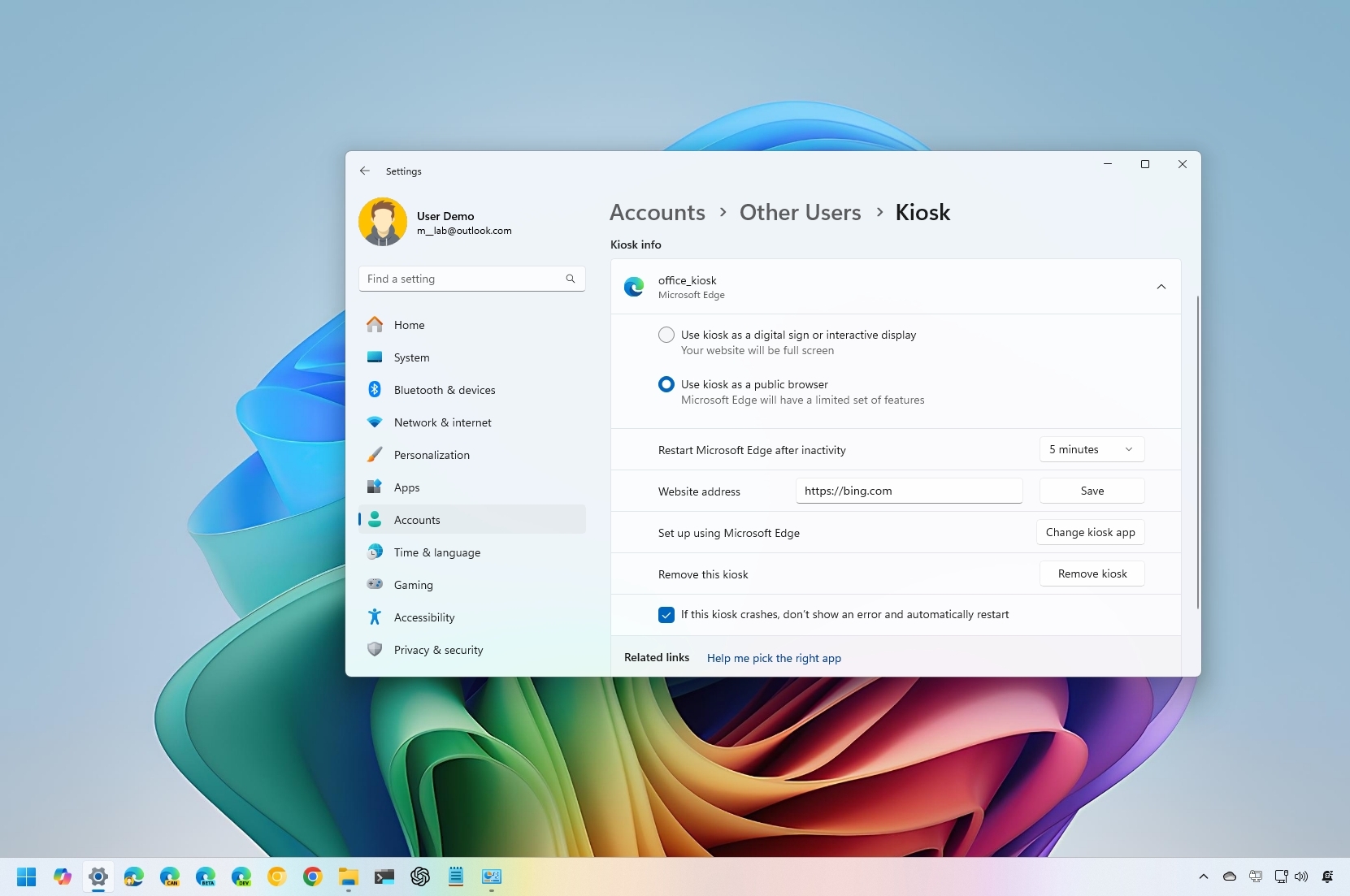
Kiosk mode on Windows 11 is a long-standing feature that transforms a standard device into a single-purpose machine, running only one application. This feature is often used to set up a computer as a kiosk for guests to access the internet, complete forms, or display content like product demos or business promotions.
Regardless of the scenario, Kiosk mode automatically signs the user in and launches a single app in full-screen mode, using a restricted user account. This ensures that no one can access the desktop, change settings, or switch to another app.