Get all your news in one place.
100's of premium titles.
One app.
Start reading
Windows Central
Windows Central
Technology
Mauro Huculak

How to show or hide desktop icons on Windows 11

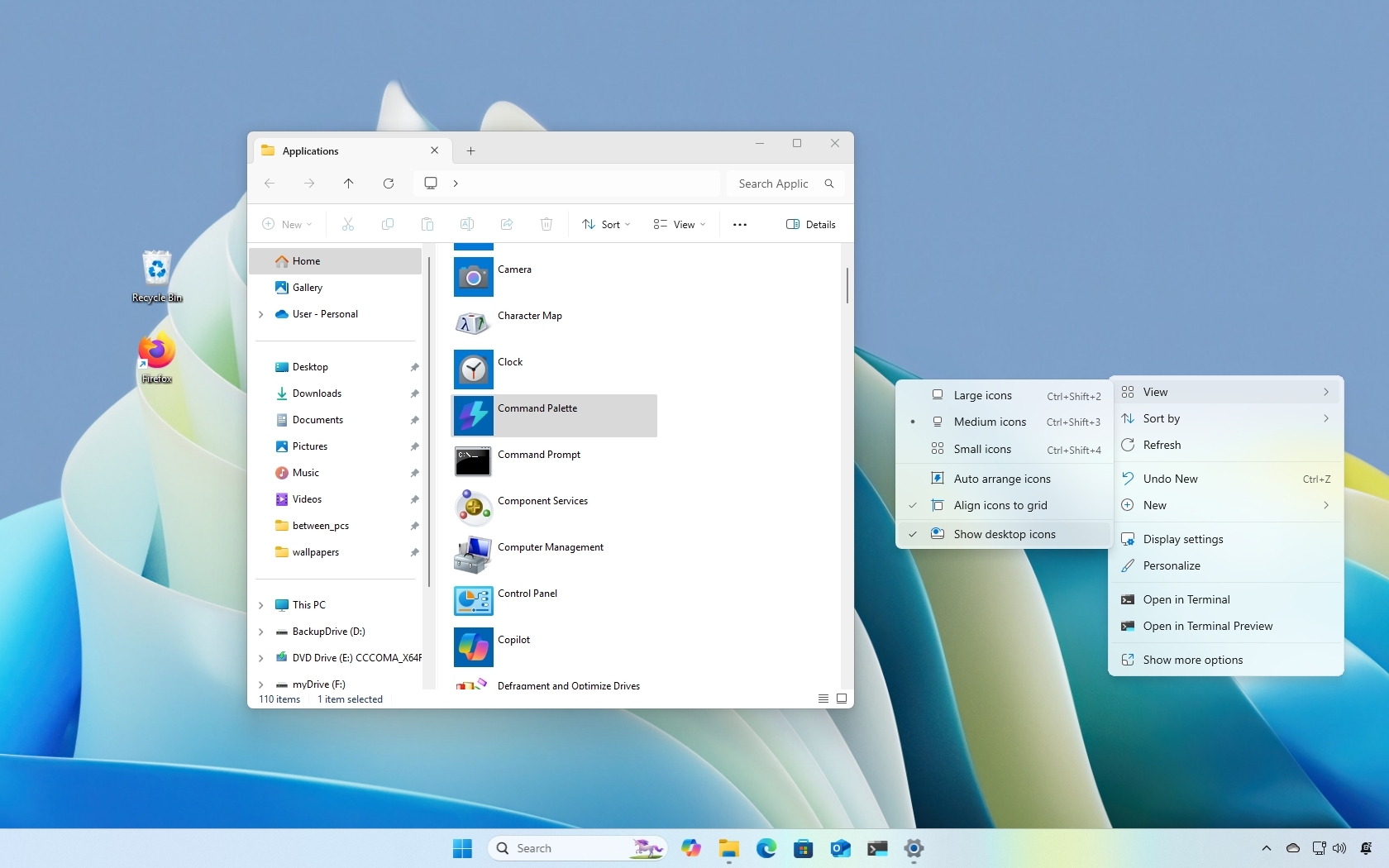
Windows 11 desktop icons.

On Windows 11, you can change the visibility of the desktop icons. You can hide them all or each one individually for a clean desktop without clutter. Or you can show as many as you want for quick access to your apps. You can even bring back the legacy system icons, including Computer, Network, Profile folder, and others.

In this how-to guide, I'll show you the different ways to show or hide icons for apps on the desktop.

Sign up to read this article
Read news from 100's of titles, curated specifically for you.
Already a member? Sign in here
Related Stories
Top stories on inkl right now
One subscription that gives you access to news from hundreds of sites
Already a member? Sign in here
Our Picks
Fourteen days free
Download the app
One app. One membership.
100+ trusted global sources.