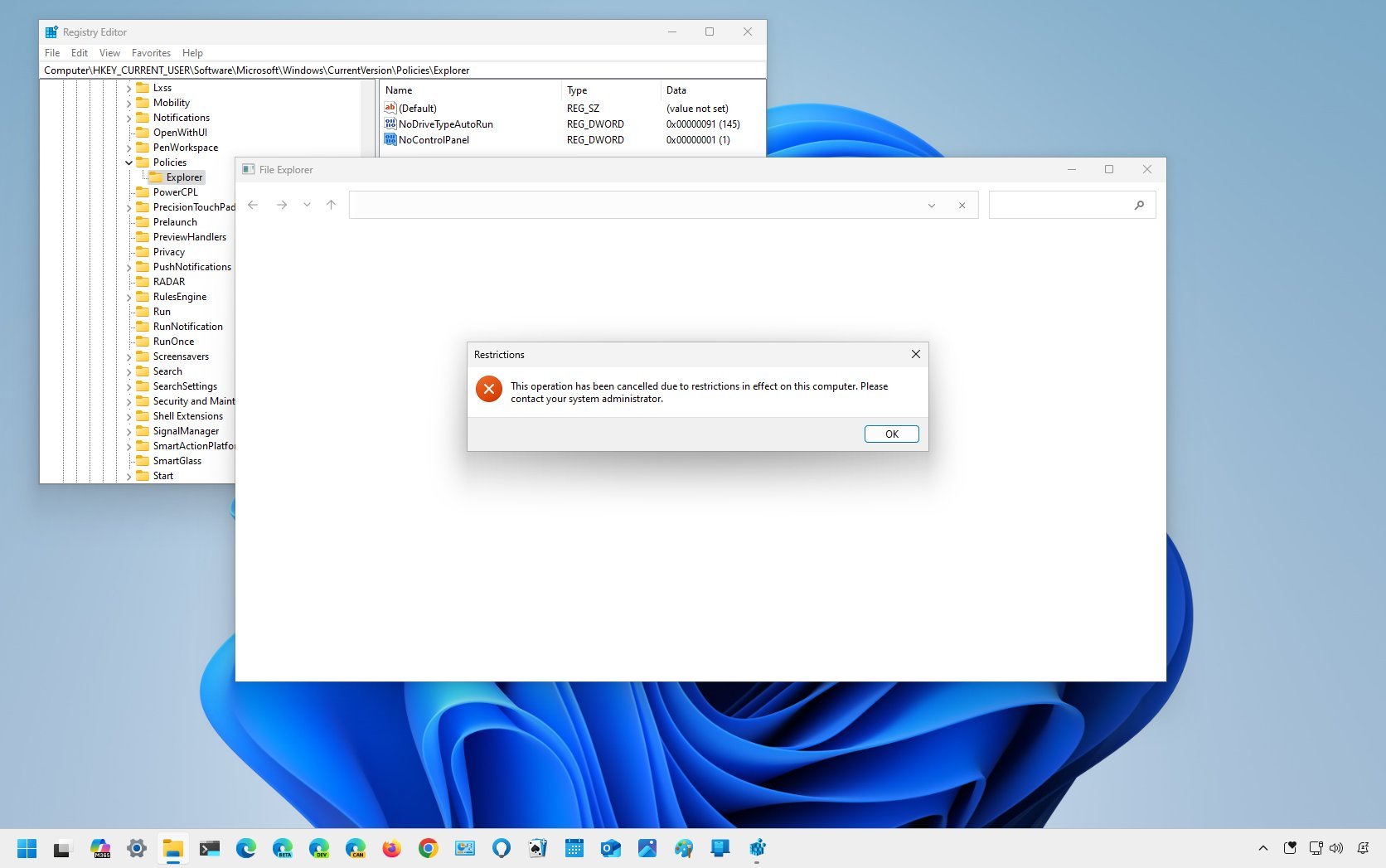
On Windows 11, Settings is the application that allows users to personalize the experience and customize system settings (such as account, network, privacy, and language). Control Panel is similar to the Settings app, but it's the classic experience that will continue to be available until all the legacy settings are ported to the Settings app.
Since both apps allow users to change virtually any aspect of the experience, if you are a network administrator or share a computer with other people, you may want to prevent non-technical users from accessing the Settings app and Control Panel to avoid misconfiguration.