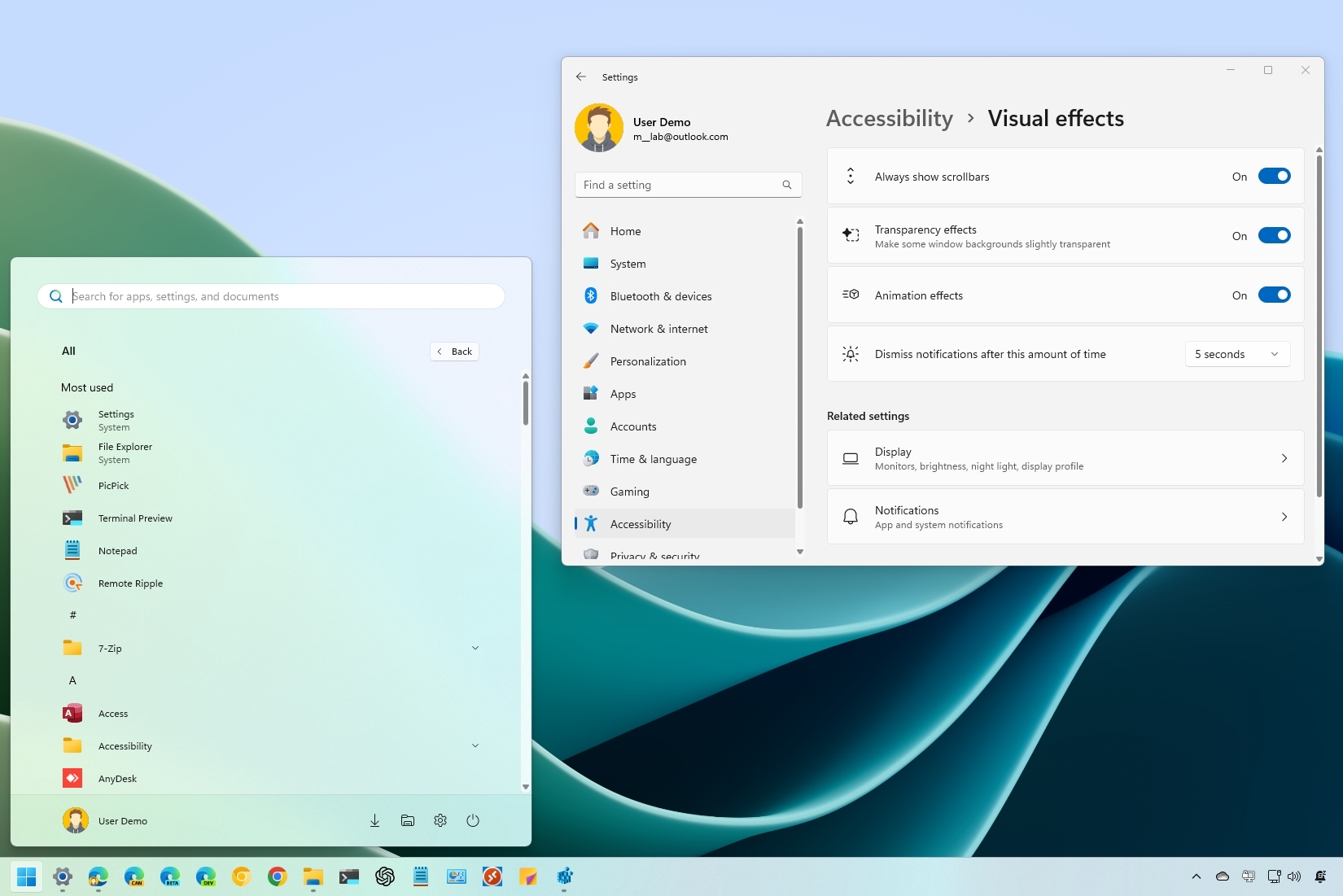
On Windows 11, you might notice that scrollbars in certain apps and features, such as the Start menu, Settings app, and Microsoft Store apps, automatically hide when not in use. However, they reappear when you hover over them with the mouse to scroll.
This behavior is intentional and part of the Fluent Design system, specifically the "conscious controls" concept, which ensures interface elements adapt to their environment. While hiding scrollbars can enhance aesthetics, it may not suit everyone's preferences. For some users, keeping scrollbars visible improves usability and makes scrolling more intuitive.