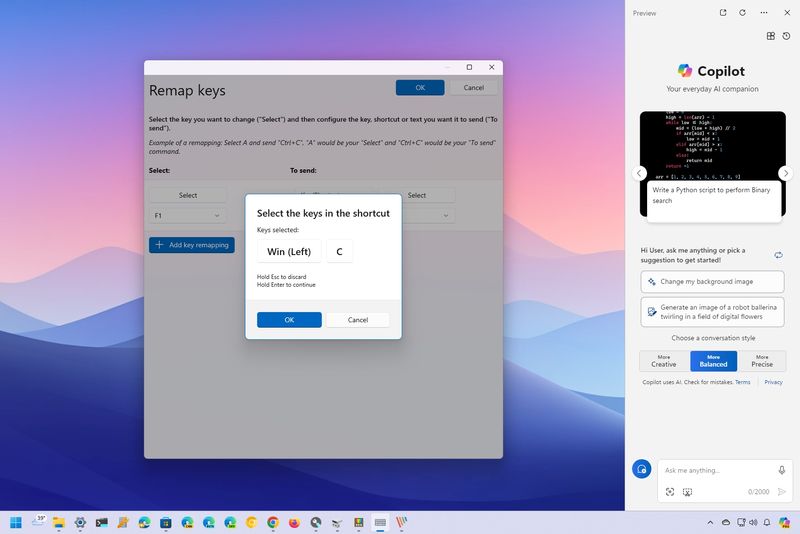
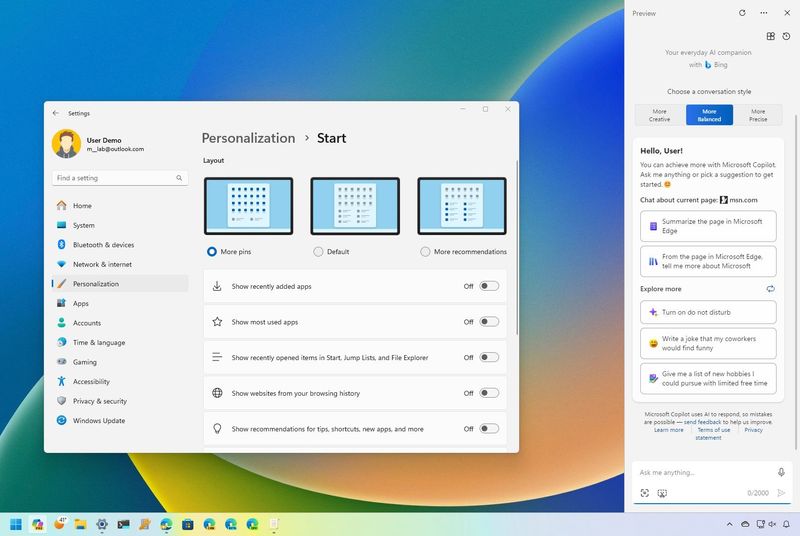
How to remap Copilot to any key on Windows 11 On Windows 11, you can use the Keyboard Manager tool from PowerToys to remap the Copilot shortcut to any key, and in this guide, I'll show you how. Windows Central · Feb 23, 2024
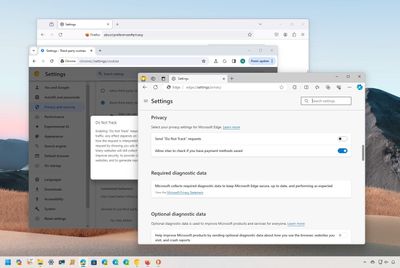
What's Do Not Track, and how do you enable it on your Windows 11 web browser? On Edge, Chrome, and Firefox, you can turn on the "Do Not Track" (DNT) feature to signal websites you want to be tracked, and in this guide, I'll show you how. Windows Central · Feb 16, 2024
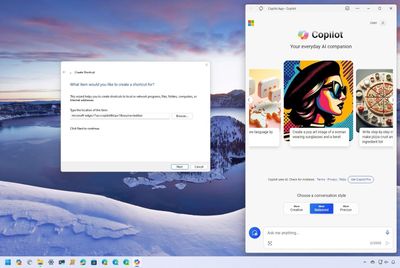
How to access Copilot from any computer in the world on Windows 11 On Windows 11, if you can access Copilot, you can bypass the restrictions with a couple of methods, and here I'll show you how. Windows Central · Feb 15, 2024
14 features you should disable on Windows 11 On Windows 11, you should disable these 14 features, including Copilot, Start notifications, search highlights, app badges, and more. In this guide, I'll show you how. Windows Central · Feb 14, 2024
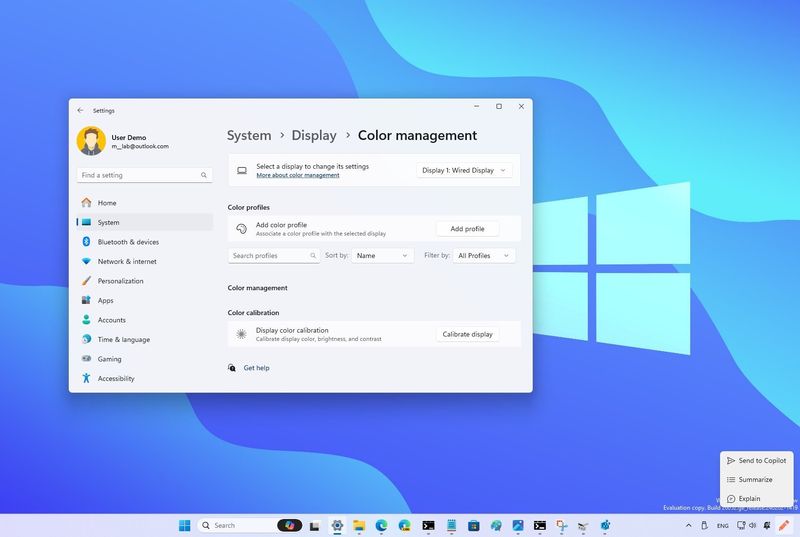
Windows 11 build 26052: Everything you need to know Windows 11 build 26052 is now available in the Dev and Canary Channels with the new Copilot action menu, Linux sudo command, Color Management in the Settings, improvements for the Registry, updated version of Notepad and Snipping Tool, and more. Windows Central · Feb 13, 2024
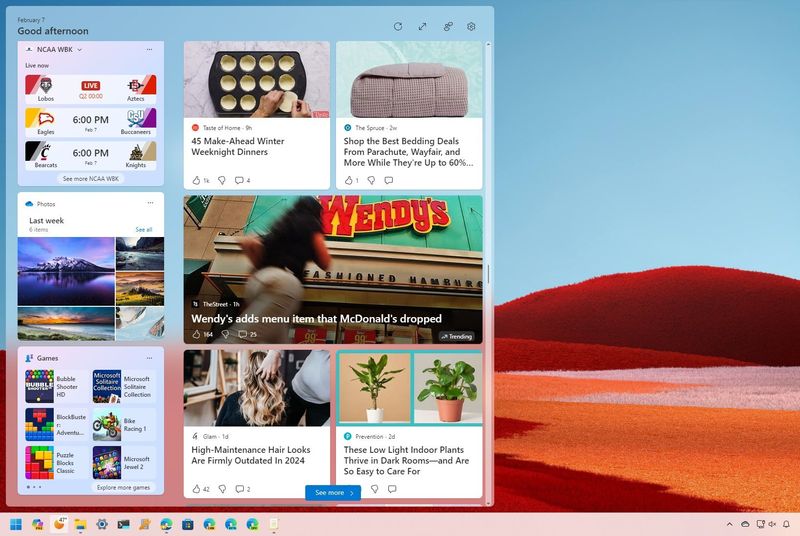
How to customize Widgets feed to see news you'll actually enjoy on Windows 11 On Windows 11, you can customize the Widgets feed to show only stories you like, and in this guide, I'll show you how. Windows Central · Feb 8, 2024
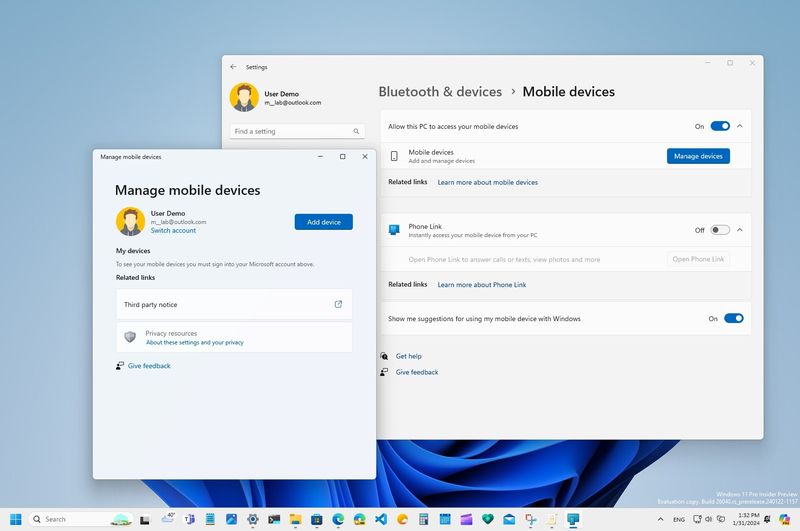
Windows 11 build 26040 (and earlier): Everything you need to know Windows 11 build 26040 and 26020 new features and changes, including new Setup UI, File Explorer compression wizard, shortcuts for Voice Access, tweaks for Copilot, Task Manager, and support for USB4 80Gbps. Windows Central · Feb 2, 2024
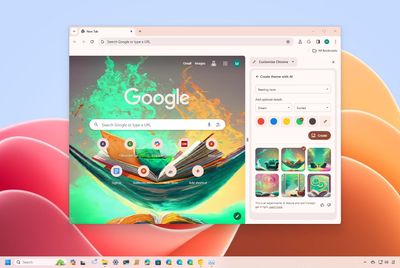
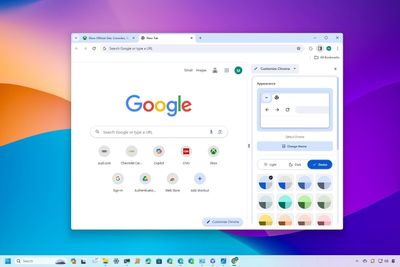
How to create AI themes for Chrome on Windows 11 Chrome now allows you to use AI to create themes to change the appearance of the browser quickly, and in this guide, I'll show you how to complete this task on Windows 11. Windows Central · Feb 1, 2024
How to get started with Side Panel on Google Chrome Chrome's Side Panel lets you quickly change settings and access various features, including reading mode, history, reading list, search, bookmarks, and more. Here's how to get started. Windows Central · Jan 30, 2024
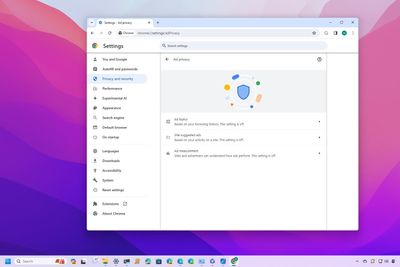
3 Google Chrome settings you must change on Windows 11 On Windows 11, if you use Chrome, you should change the ad privacy settings, turn on these features to improve performance, customize the startup settings, and enable the available experimental AI features. Windows Central · Jan 29, 2024
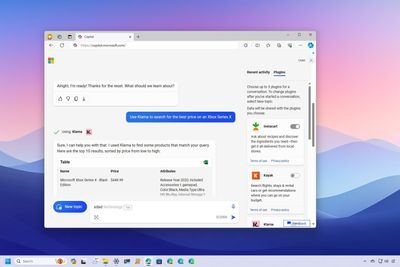
How to get started with Copilot plugins on Windows 11 Copilot free and Pro have access to plugins that can help extend the capabilities of the AI, and in this guide, I will show you how to get started with this feature. Windows Central · Jan 24, 2024
Best tips to increase your computer performance on Windows 11 On Windows 11, you can perform many tweaks to increase performance from something as simple as restarting the PC, to disabling specific features, to running specific system settings, and in this guide, I'll show you how. Windows Central · Jan 22, 2024
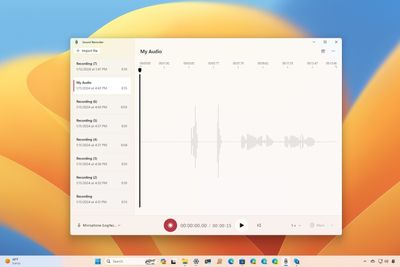
How to get started using Sound Recorder app on Windows 11 On Windows 11, you can use the Sound Recorder to record audio from the microphone on your webcam or the one connected to your device, and in this guide, you will learn how. Windows Central · Jan 13, 2024
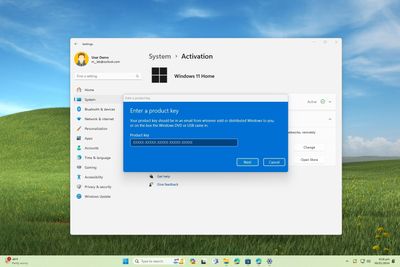
How to upgrade your PC running Windows 11 Home to Windows 11 Pro If you have a computer running Windows 11 Home, you can upgrade the setup to Pro through the Microsoft Store or by entering an existing product key, and in this guide, I will show you how. Windows Central · Jan 12, 2024
Windows Central · Jan 11, 2024 How to determine activation status on Windows 11 On Windows 11, you can check the activation status in three ways through the Settings app, Command Prompt (or PowerShell), and the Run command, and in this guide, I will teach you how.
Windows Central · Jan 10, 2024 How to get started setting up Windows 11 Dynamic Lighting On Windows 11, you can now use Dynamic Lighting to control LED-powered lights, and in this guide, I'll outline the steps to complete this configuration and list the devices that are currently compatible.
Windows Central · Jan 9, 2024 How to find out the SSD health on Windows 11 On Windows 11, you can quickly check the SSD health from the Settings app through the Drive health feature, and for regular SSDs and HDDs, you can use the Performance Monitor app. In this guide, I'll show you how.
Windows Central · Dec 19, 2023 How to change account password on Windows 11 On Windows 11, you can change your account password and PIN from the Settings app and Sign-in screen, and in this guide, I'll teach you the steps to complete this task.
Windows Central · Dec 18, 2023 12 things Microsoft Copilot can do on Windows 11 that you REALLY should know about In this guide, I'll share some interesting things you can do with Copilot (besides the obvious), including changing system settings, launching apps, image editing, content creation, text extraction, and much more.
Windows Central · Dec 11, 2023 Best ways to take a screenshot on Windows 11 On Windows 11, you have different ways to take screenshots, and in this guide, I'll show you the best methods with and without third-party apps.
Windows Central · Dec 10, 2023 The best alternatives to default Windows 11 apps In this guide, I'll share the apps you can use to replace existing experiences on Windows 11, including Photos, Sound Recorder, File Explorer, Media Player, Snipping Tool, Microsoft Edge, and more.
Windows Central · Dec 1, 2023 Should you use Notepad or Notepad++ on Windows 11? In this guide, I'll dive into the differences between Notepad and Notepad++ to help you decide which note-taking app is the right one for you on Windows 11.
Windows Central · Nov 17, 2023 How to use Copilot to find products on Microsoft Shopping quickly Microsoft introduced Copilot for Microsoft Shopping to speed up the process of finding online products at the best price, and here's how to use the feature.
Windows Central · Nov 14, 2023 How to get started with the Files App on Windows 11 to replace File Explorer On Windows 11, you can replace File Explorer with the Files App to manage files, folders, and drives, and in this guide, I will walk you through everything you need to know to get started with the app.
Windows Central · Nov 8, 2023 How to organize tabs on Microsoft Edge with Copilot on Windows 11 Copilot on Microsoft Edge can also help you customize the experience and change settings, such as organizing your tabs and turning on or off features like vertical tabs. Here's how.





 Windows Central
