Get all your news in one place.
100's of premium titles.
One app.
Start reading
Windows Central
Windows Central
Technology
Mauro Huculak

What's Do Not Track, and how do you enable it on your Windows 11 web browser?

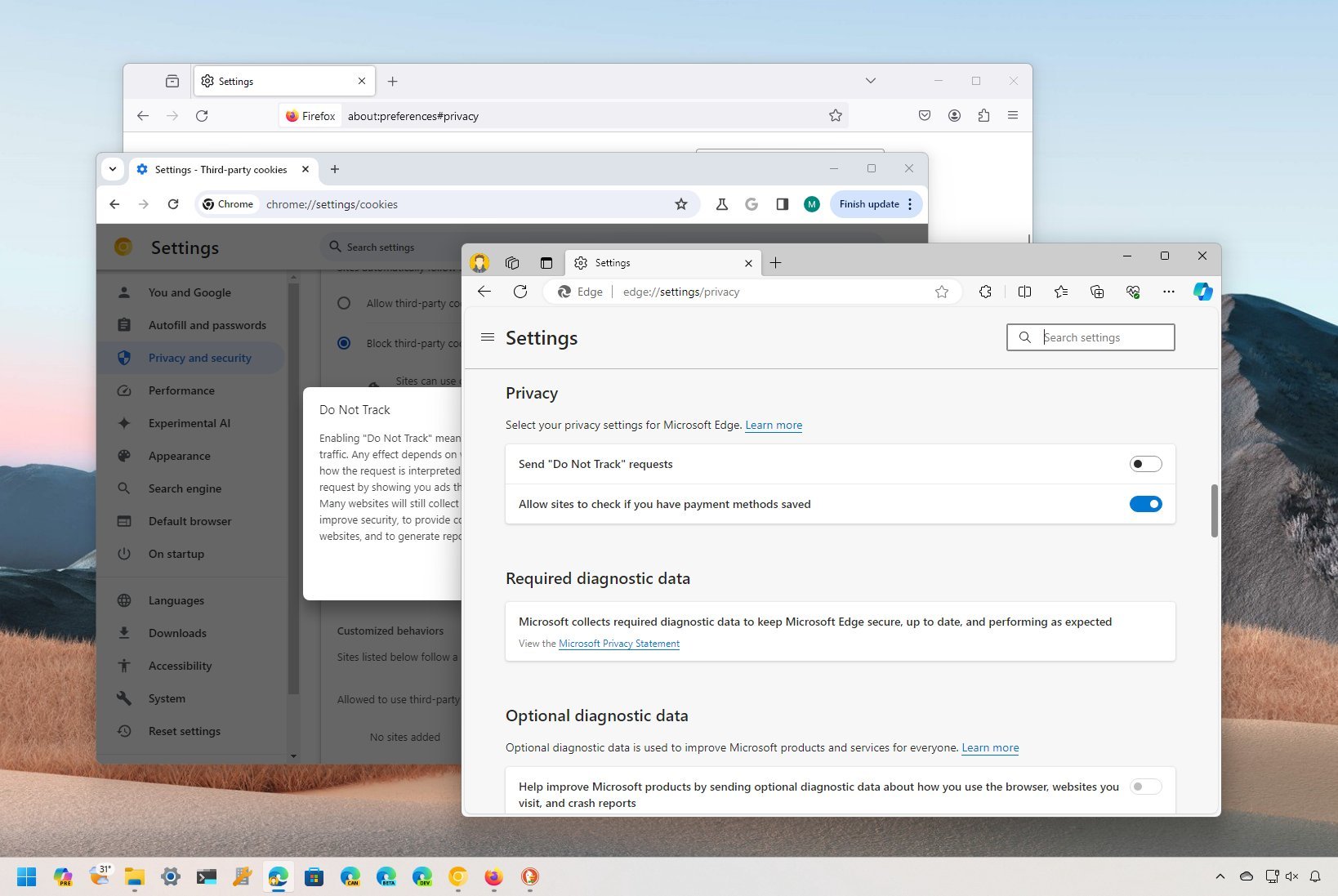
Windows 11 browser DNT settings.

On Windows 11, or virtually any platform, the "Do Not Track" (DNT) is a privacy feature available in most browsers (such as Microsoft Edge, Google Chrome, Mozilla Firefox, Brave, and others) that allows you to signal websites requesting them not to collect or share your browsing data.

When you open your preferred web browser, websites and third-party services can monitor and record your online activities. This tracking primarily aims to collect data about browsing habits, preferences, and interactions with websites for various purposes. 

Sign up to read this article
Read news from 100's of titles, curated specifically for you.
Already a member? Sign in here
Related Stories
Top stories on inkl right now
One subscription that gives you access to news from hundreds of sites
Already a member? Sign in here
Our Picks
Fourteen days free
Download the app
One app. One membership.
100+ trusted global sources.