Get all your news in one place.
100's of premium titles.
One app.
Start reading
Windows Central
Windows Central
Technology
Mauro Huculak

Best tips to increase your computer performance on Windows 11

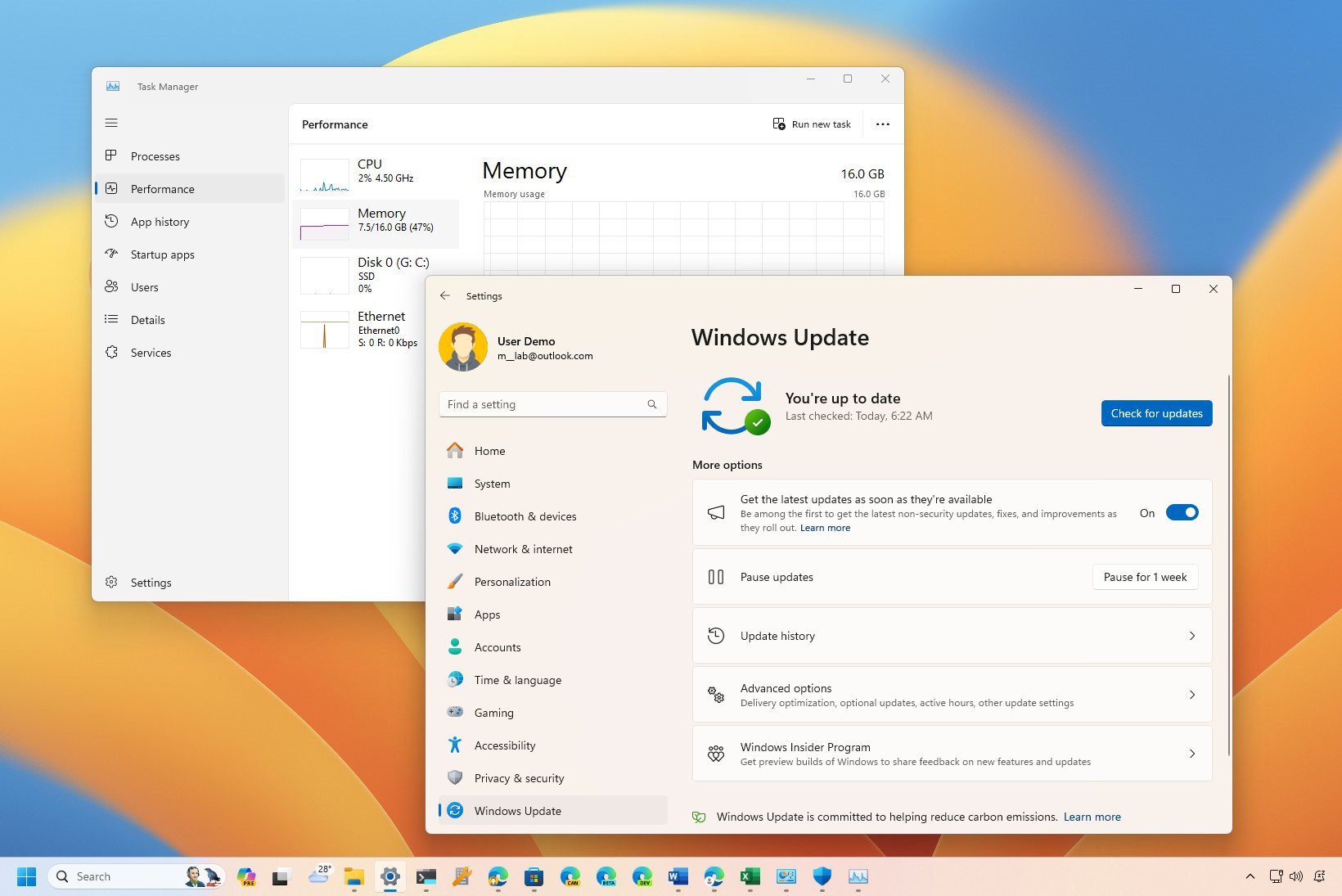
Task Manager and Settings app.

On Windows 11 or any version of the operating system, it's a matter of time before you notice a decline in speed and responsiveness. Usually, this happens due to misconfiguration, compatibility issues, bugs, malware, hardware problems, and so on.

When your computer starts showing signs of performance issues, there are several tweaks that you can implement to make the device faster before considering a replacement. (If you have had the same computer for more than four years, then yes, there's a good chance that an upgrade is on the table.)

Sign up to read this article
Read news from 100's of titles, curated specifically for you.
Already a member? Sign in here
Related Stories
Top stories on inkl right now
One subscription that gives you access to news from hundreds of sites
Already a member? Sign in here
Our Picks
Fourteen days free
Download the app
One app. One membership.
100+ trusted global sources.