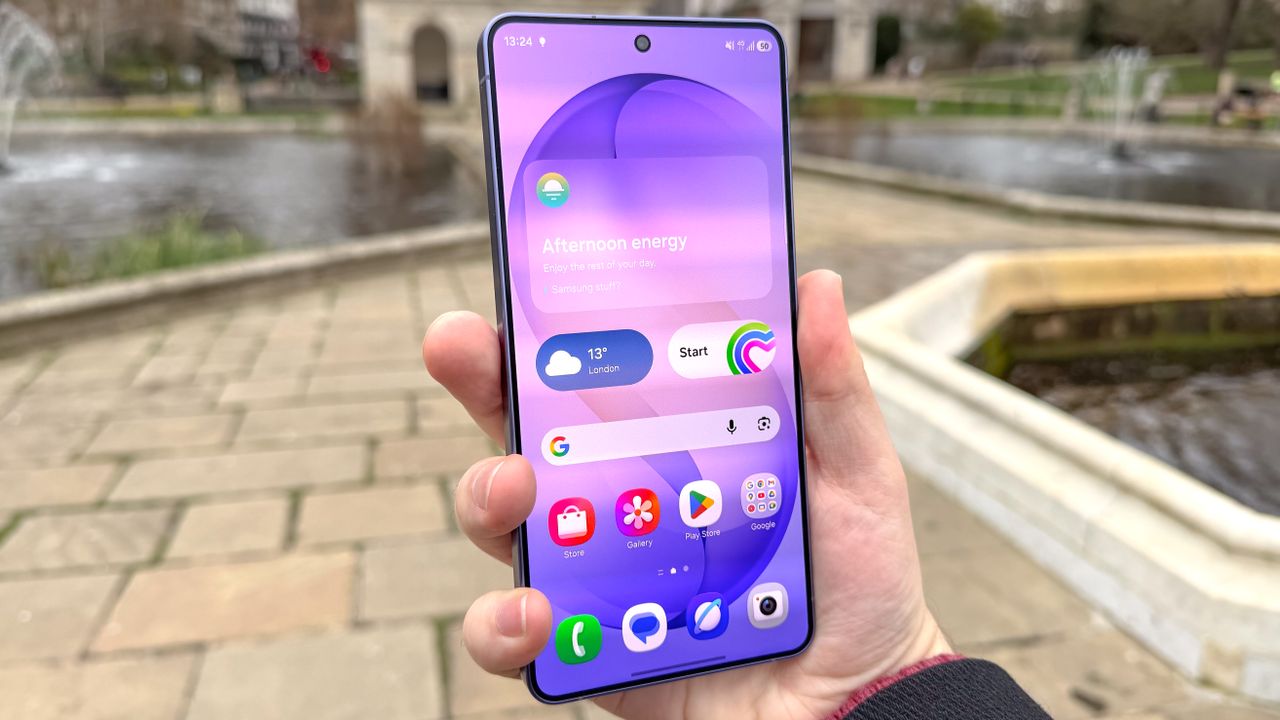
Picture this: You've just picked up your brand new Samsung Galaxy S26 Ultra or Galaxy S26 Plus, and specifically chose them over the regular Galaxy S26 because of the screen. Not only do both phones have larger screens than the regular S26, but they also feature higher QHD+ resolution. This means the screen is sharper and offers a more immersive picture than the S26's FHD+.
What you might not know is that a bunch of phones, including Samsung Galaxy devices, aren't locked to the highest resolution. In fact, the Galaxy S26 Ultra and S26 Plus arrive with resolution set to FHD+ out of the box. This is likely done to help maximize battery life, since lower resolution screens require less power to run.