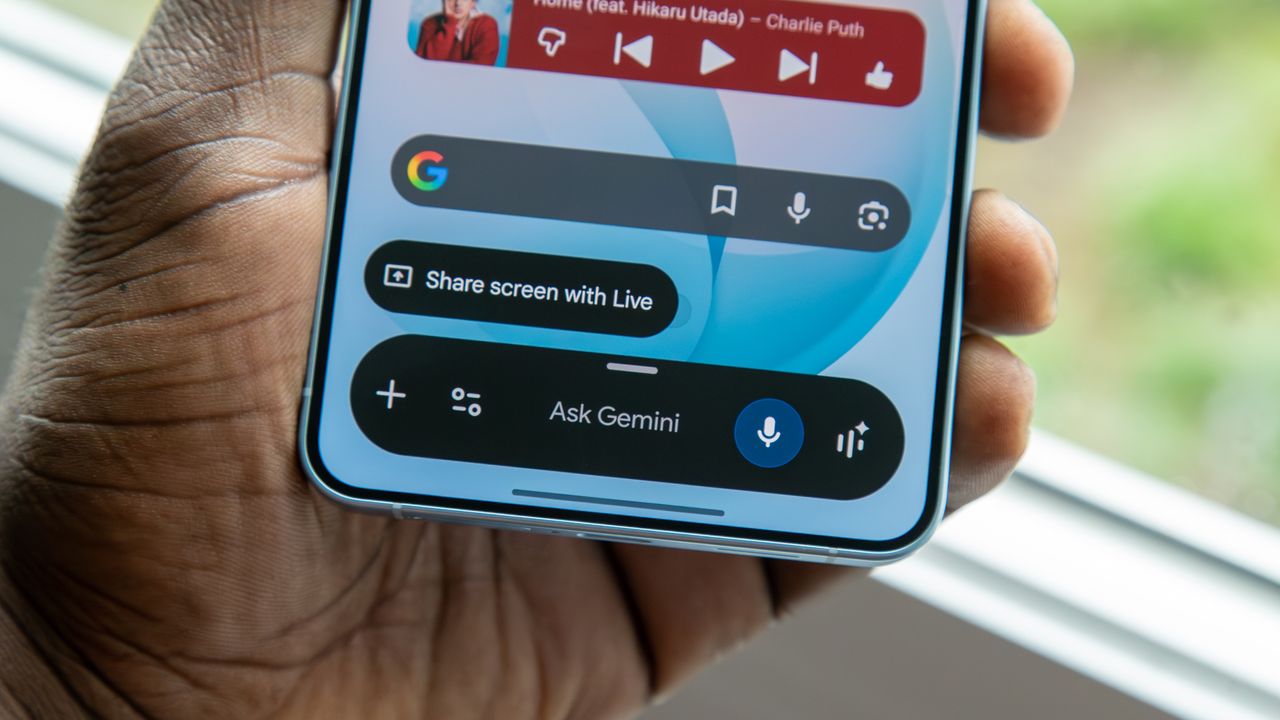
I've been testing the Galaxy S26 Plus for just over a week now, and the new Samsung flagship is packed with upgraded AI features as part of One UI 8.5. And while there's no doubt a lot to like about the software, one notable downgrade has unfortunately persisted on Samsung's latest devices, and it has to do with Gemini.
One of my favorite shortcuts to trigger Gemini is the Swipe for Assistant, a gesture available on many Android phones, including Pixels, OnePlus, and Motorola devices. When enabled, you simply swipe diagonally from the bottom corner of the screen, and Gemini will pop up. It's incredibly useful, but for some reason, Samsung removed this gesture on its phones at some point over the past few years.