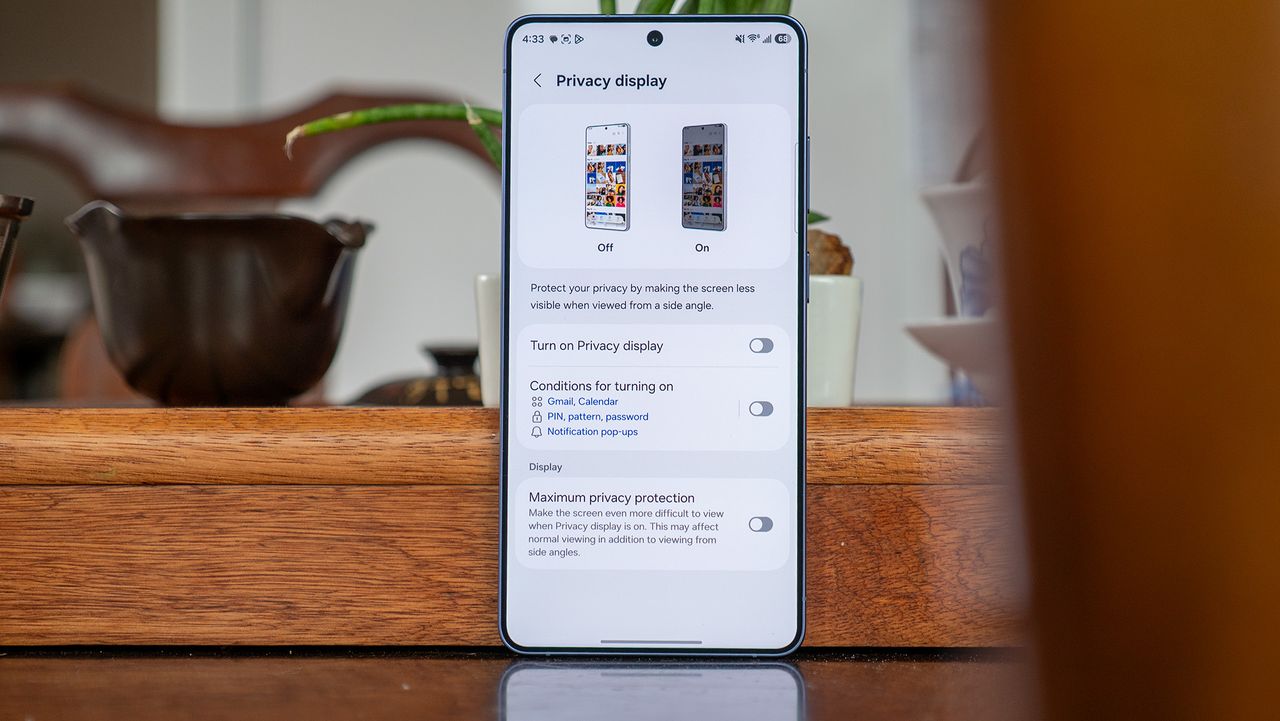
For anyone who believes smartphone innovation has stalled, the Samsung Galaxy S26 Ultra is here to dispel that notion. Samsung's latest flagship packs a truly new display technology — the Flex Magic Pixel OLED. It includes narrow and wide pixels that can be individually managed at the subpixel level, limiting viewing angles. The display architecture powers the Galaxy S26 Ultra's Privacy Display feature, which disables the wide pixels to prevent others from seeing what's on your screen.
Perhaps the best part of Privacy Display is that it can be turned on or off with the press of a button. A privacy screen protector, by comparison, isn't as easy to remove. However, if you're only using the on/off toggle to control Privacy Display on your Galaxy S26 Ultra, you're not making the most of your phone's best display feature. The tool really comes in handy when you make it your own by using Max privacy protection or configuring when Privacy Display activates automatically.