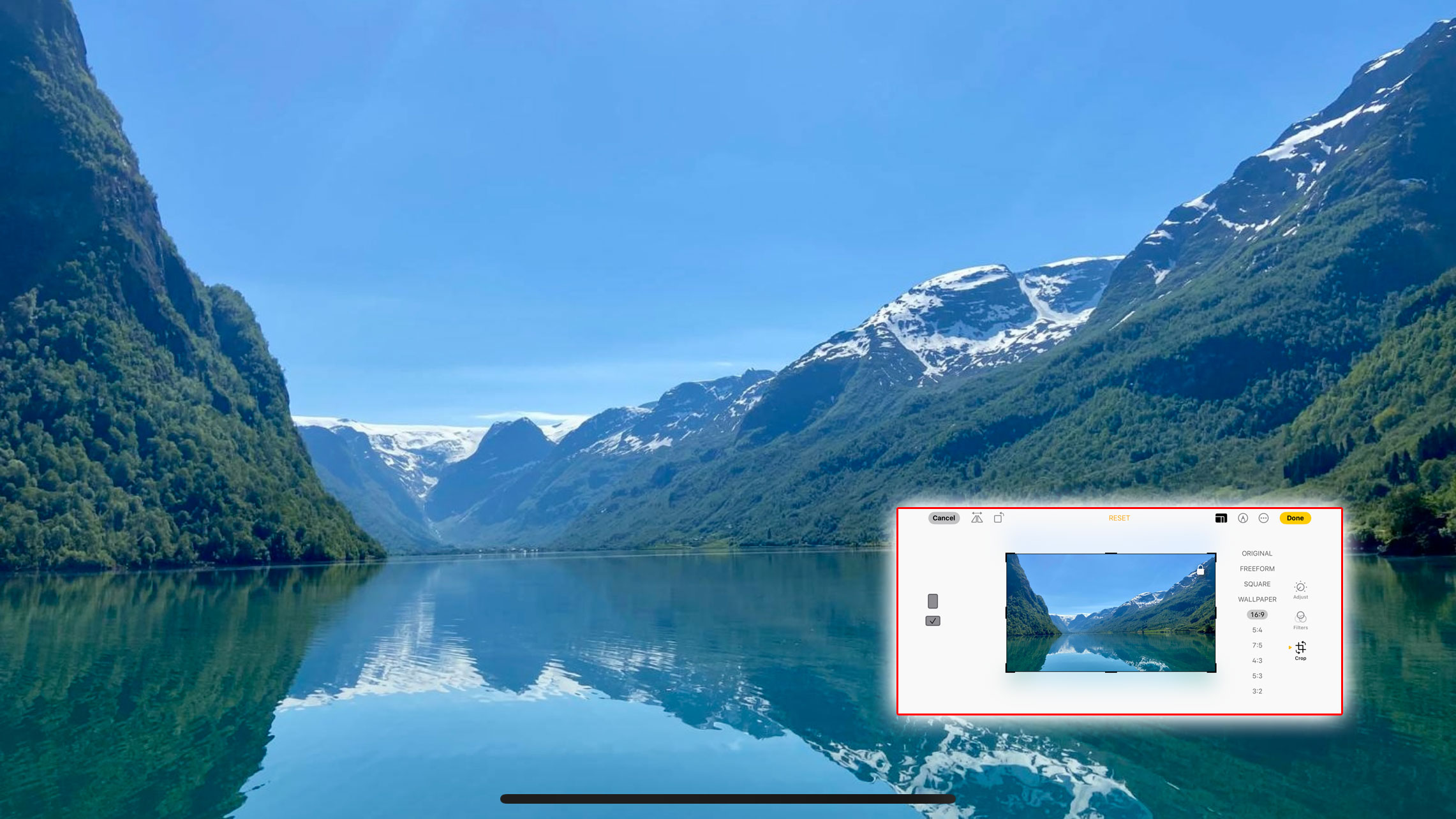
There are lots of reasons to change the aspect ratio of your photos when shooting with an iPhone. The 16:9 ratio is a perfect fit for phone and computer displays, while the 4:3 ratio is a closer match for iPad and tablet displays and a square 1:1 ratio is (or was, dammit) a perfect match for instagram.
And if you want to know what aspect ratios actually are available, tap the arrow at the top of the Camera app display to show more options at the bottom. You’ll see that one of these is labelled ‘16:9’, ‘4:3’ or ‘Square’. This is basically the ratio between the width of the picture and its height, and when you tap the button to try the different options, you’ll see that the photo is cropped differently for each one.