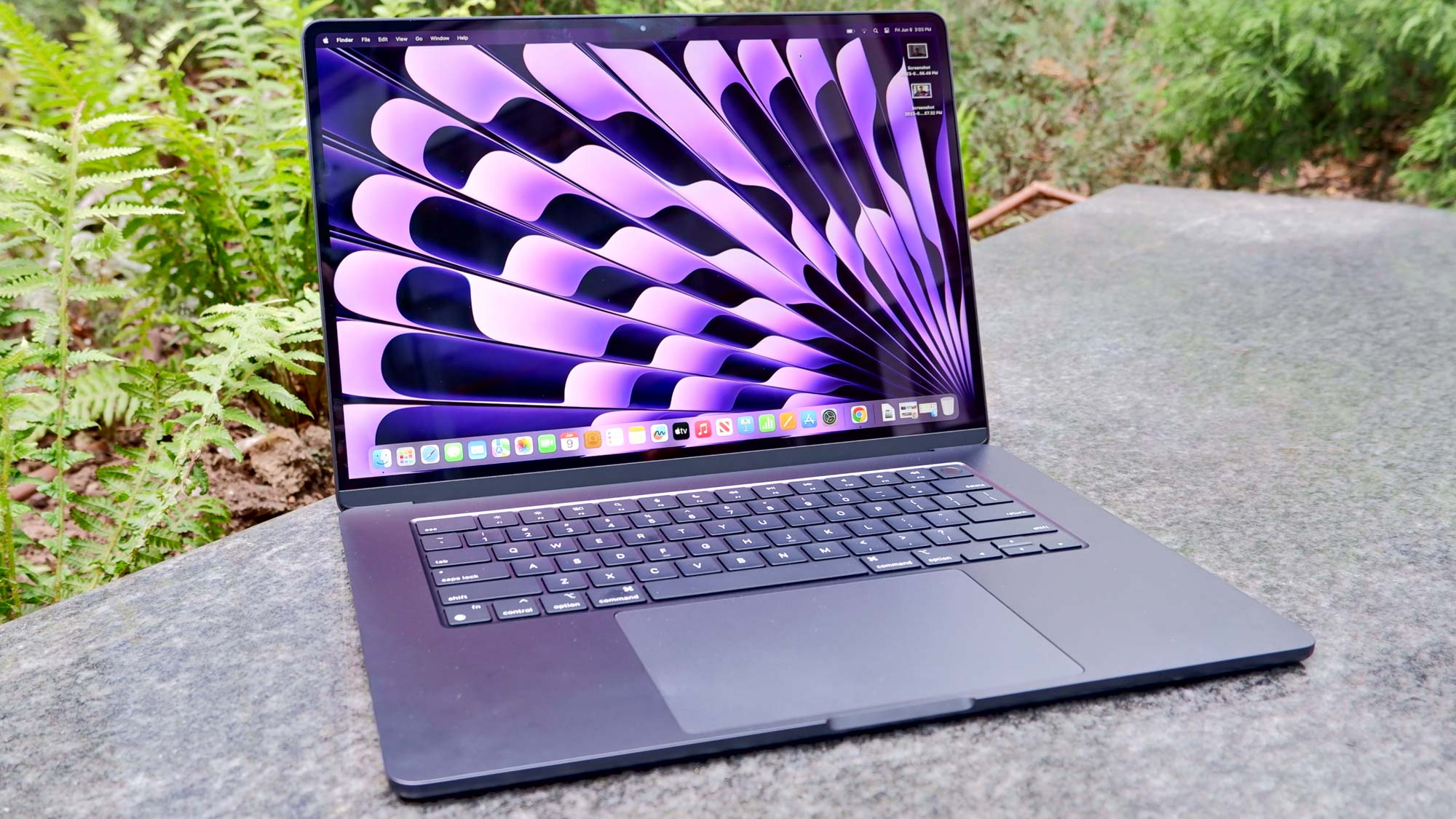
If you've just got a brand new Mac, regardless of whether it's a MacBook Pro, MacBook Air or iMac, there are various universal settings and features you should consider from the start. If you're feeling a little bit baffled by macOS — if you've only ever used Windows, for example — some of these may also help you get adjusted to the new OS. A few tweaks here and there can also make a big difference to how you use your Mac, allowing your computing time to feel more fluid and productive.
Here we present 11 tips for setting up your new Mac, none of which will cost you a penny but all of which could prove their weight in gold. By following them, you will ensure that you’re bang up-to-date and able to use your data from the past. You’ll also find navigation is easier and information is much more readily available at your fingertips.