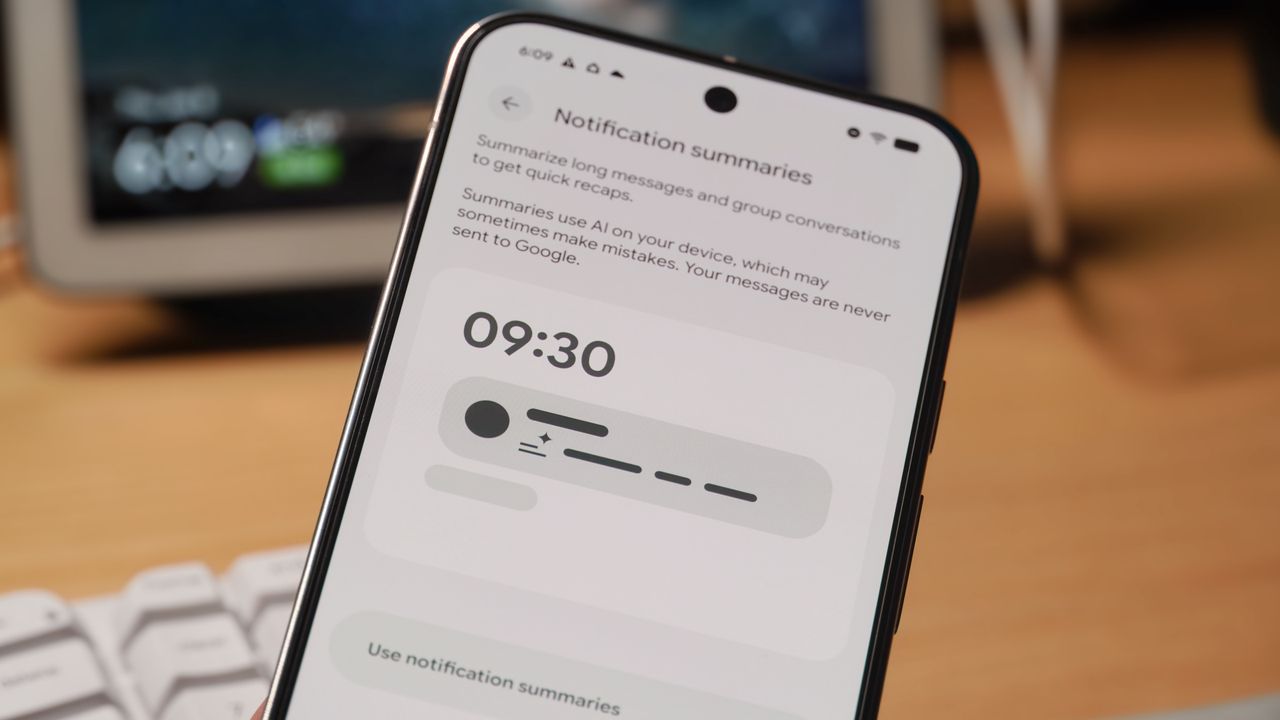
Google is relatively late to the party when it comes to AI notification summaries, as brands like Apple and Motorola have already rolled out similar features. User responses have been mixed, though, with people reporting inaccurate and unhelpful results. Now, Google is finally rolling out AI notification summaries for Pixel users, and it has a chance to prove that slow and steady wins the race.
The feature works for notifications from popular messaging apps, condensing long chats into more digestible bites. It's all processed on-device, but the feature is disabled by default, so you'll need to manually enable Android's AI notification summaries if you want to see them. Here's how to do it and customize the feature to match your preferences.