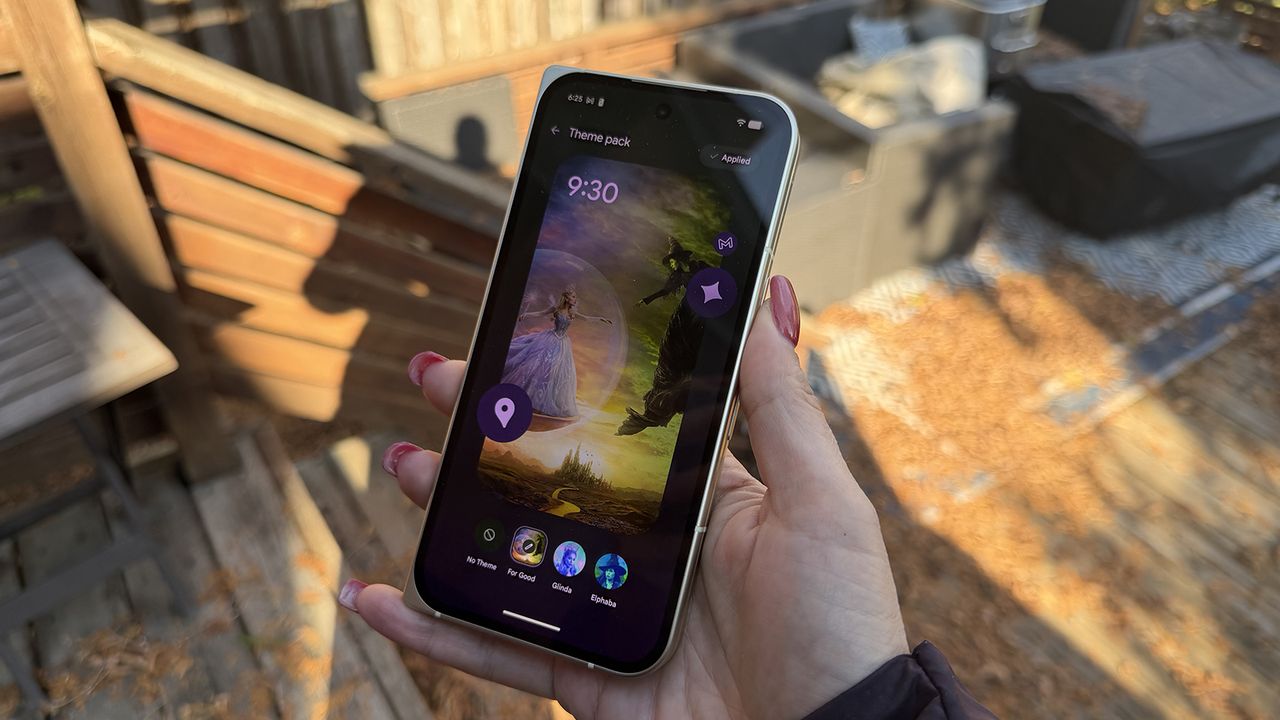
Google's Pixel phones support some of the strongest customization features available in the Android ecosystem. You can select a branded theme pack to overhaul your device's appearance with a single tap, or make customization changes individually. Google's Pixel Launcher is one of the few Android variants that can force all of your home screen app icons to align with your chosen system theme.
There are so many options available for Google Pixel phones that it can appear daunting. Luckily, this guide will go over all the ways to change your app icon and theme on a Pixel.