Get all your news in one place.
100's of premium titles.
One app.
Start reading
Creative Bloq
Creative Bloq
Technology
Erlingur Einarsson

Graphic designer? These are the 3 laptops you need to consider

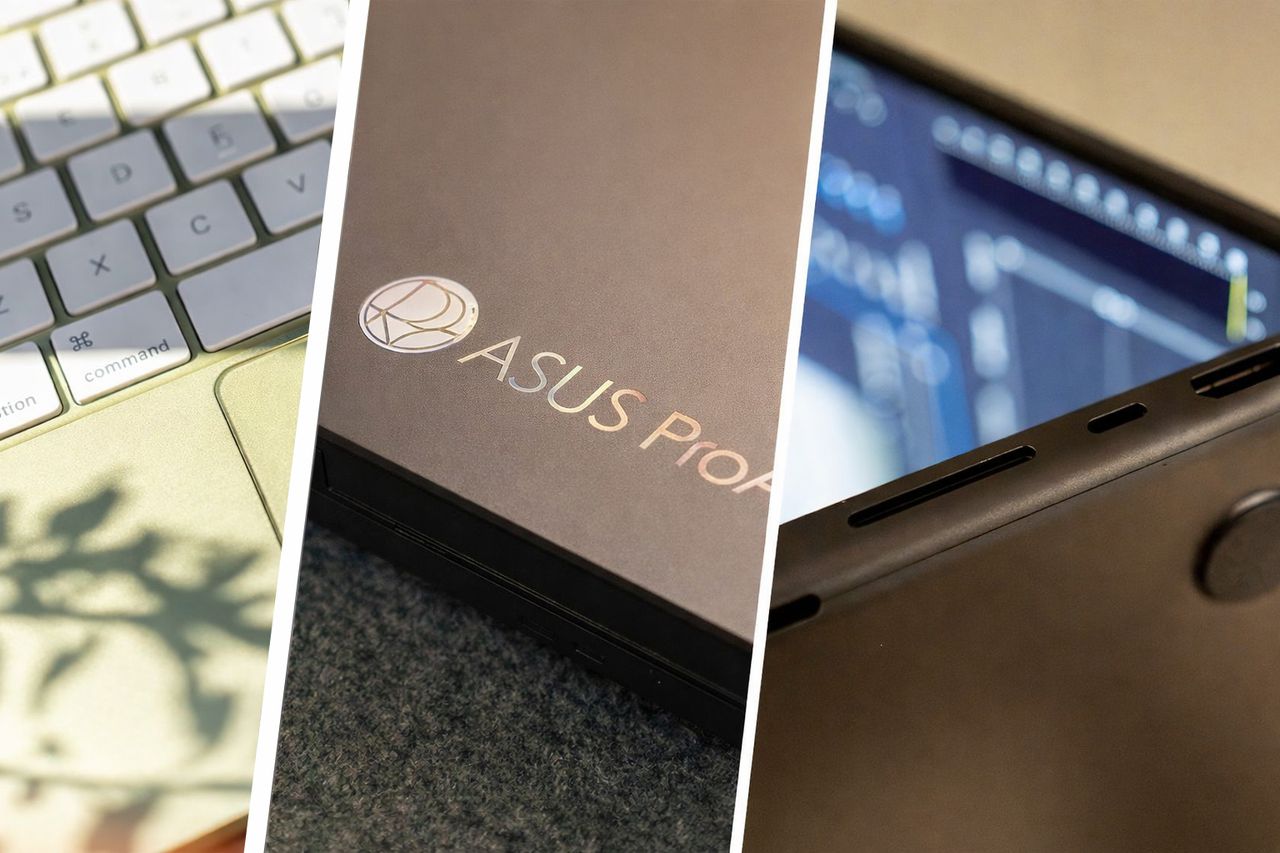
A collage of three laptops, side by side, a MacBook Neo closeup of keyboard, an ASUS ProArt lid and the underside of a half-open MacBook Pro M5.

Choosing the best laptop for graphic design in 2026 isn’t just about raw power anymore; it’s about colour accuracy, AI‑accelerated workflows, battery life, and whether the machine can keep up with the increasingly demanding tools creatives rely on every day. We’ve tested more than 100 laptops over the past two and a half years, and this year’s lineup has produced three clear standouts. In the below video, you’ll find our quick breakdown of the top picks, and in less than two minutes, too:

The headline is simple: Apple still leads for all‑round creative performance, ASUS continues to push Windows machines into genuinely pro‑grade territory, and Apple’s new budget option finally gives students and early‑career designers a colour‑accurate entry point that doesn’t require selling a kidney.

At the top of the pile is the MacBook Pro 14‑inch M5, which remains the most reliable choice for colour‑critical work thanks to its Liquid Retina XDR display and exceptional AI‑accelerated performance. If you’re working across Photoshop, Illustrator, Figma, Blender, or any workflow that mixes 2D and light 3D, this is a machine that will hold up under (almost) any load.

On the Windows side, the ASUS ProArt P16 continues its dominant reign as the most capable creative laptop you can buy without crossing into full-on workstation pricing. Its 100.6% DCI‑P3 OLED panel, RTX 5070 GPU and AMD’s new AI‑focused architecture make it a powerhouse for designers who prefer Windows or rely on GPU‑heavy workflows.

And for anyone starting out, students, freelancers, or designers who don’t need full P3 coverage, the MacBook Neo is the first genuinely affordable Mac that still delivers accurate colour and smooth performance in Adobe’s core apps. It’s fanless, compact, and far more capable than any similarly priced Windows alternative. I'm actually still shocked how big the difference is...

If you want the full breakdown of why these three machines stand out, and which one fits your workflow, hit play on the video above. And if you’re shopping for CAD, 3D modelling, or video editing, check out our many other laptop guides for more specialised recommendations.

Sign up to read this article
Read news from 100's of titles, curated specifically for you.
Already a member? Sign in here
Related Stories
Top stories on inkl right now
One subscription that gives you access to news from hundreds of sites
Already a member? Sign in here
Our Picks
Fourteen days free
Download the app
One app. One membership.
100+ trusted global sources.