Get all your news in one place.
100’s of premium titles.
One app.
Start reading
Android Central
Android Central
Technology
Sanuj Bhatia

YouTube is testing a new way to keep you engaged on your TV

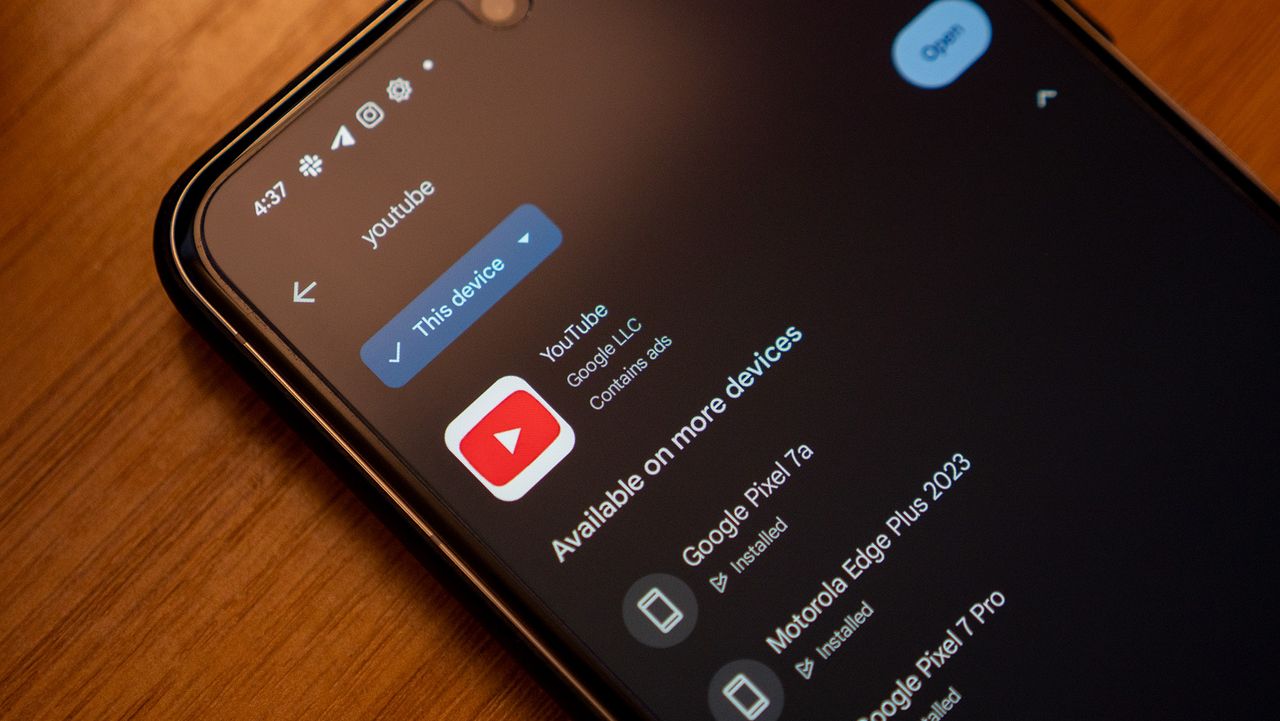
The YouTube app listing on the Google Play Store, running on a Google Pixel 8 Pro.

What you need to know

  • YouTube is bringing its Gemini-powered Ask feature to smart TVs as a limited experiment.
  • The feature lets viewers ask questions about a video, including detailed follow-ups.
  • The conversational AI tool will also work on gaming consoles and streaming devices.
  • Google is testing the tool with a small group of Premium Labs users first.

Late last year, Google announced that some AI features would be coming to YouTube for TV, and now we're starting to see a few of those roll out.

Google has been steadily adding AI features across its products and services, including YouTube. While we've had Gemini's Ask feature on the YouTube app and desktop for some time, it has not been available on the smart TV app. That now appears to be changing.

The company shared an update on the YouTube Help support page stating that YouTube is gaining a conversational AI tool on TV (via Android Police). The feature will launch as an experiment, meaning it will not roll out widely right away. Instead, Google will test it with Premium Labs users before expanding availability.

The Ask button finally hits smart TVs

In addition to smart TVs, the feature will also work on gaming consoles and streaming devices. In terms of functionality, the feature will be similar to how it currently works on the desktop and mobile. This means when watching a video, you'll see a new Ask button that lets you submit prompts related to the content.

For example, you could ask what the video is about or request something more specific, such as listing Geekbench scores mentioned in a smartphone review.

(Image credit: Future)

Google also says you can press the microphone button on your TV remote to activate the conversational AI tool and ask questions directly, in addition to selecting the Ask icon. For now, however, the feature is limited to a small group of users.

This rollout comes shortly after YouTube experienced a major outage that left users seeing blank homepages and error messages. Alongside this AI experiment, YouTube is also testing a feature that reduces notifications from channels you rarely watch or interact with.


Android Central's Take

I haven't used the Ask feature much before, but I can see how it could be useful, especially for someone like my granddad who enjoys asking follow-up questions while watching travel vlogs or recipes. Hopefully, Google expands this to more users soon

Sign up to read this article
Read news from 100’s of titles, curated specifically for you.
Already a member? Sign in here
Related Stories
Top stories on inkl right now
One subscription that gives you access to news from hundreds of sites
Already a member? Sign in here
Our Picks
Fourteen days free
Download the app
One app. One membership.
100+ trusted global sources.