Sure you can use your Mac's mouse or trackpad to get around and there are buttons that do all kinds of things in macOS Sonoma. But moving a pointer around the screen isn't always the most economical way to get things done, especially if you have a large monitor where moving from one corner to the next can take some work.
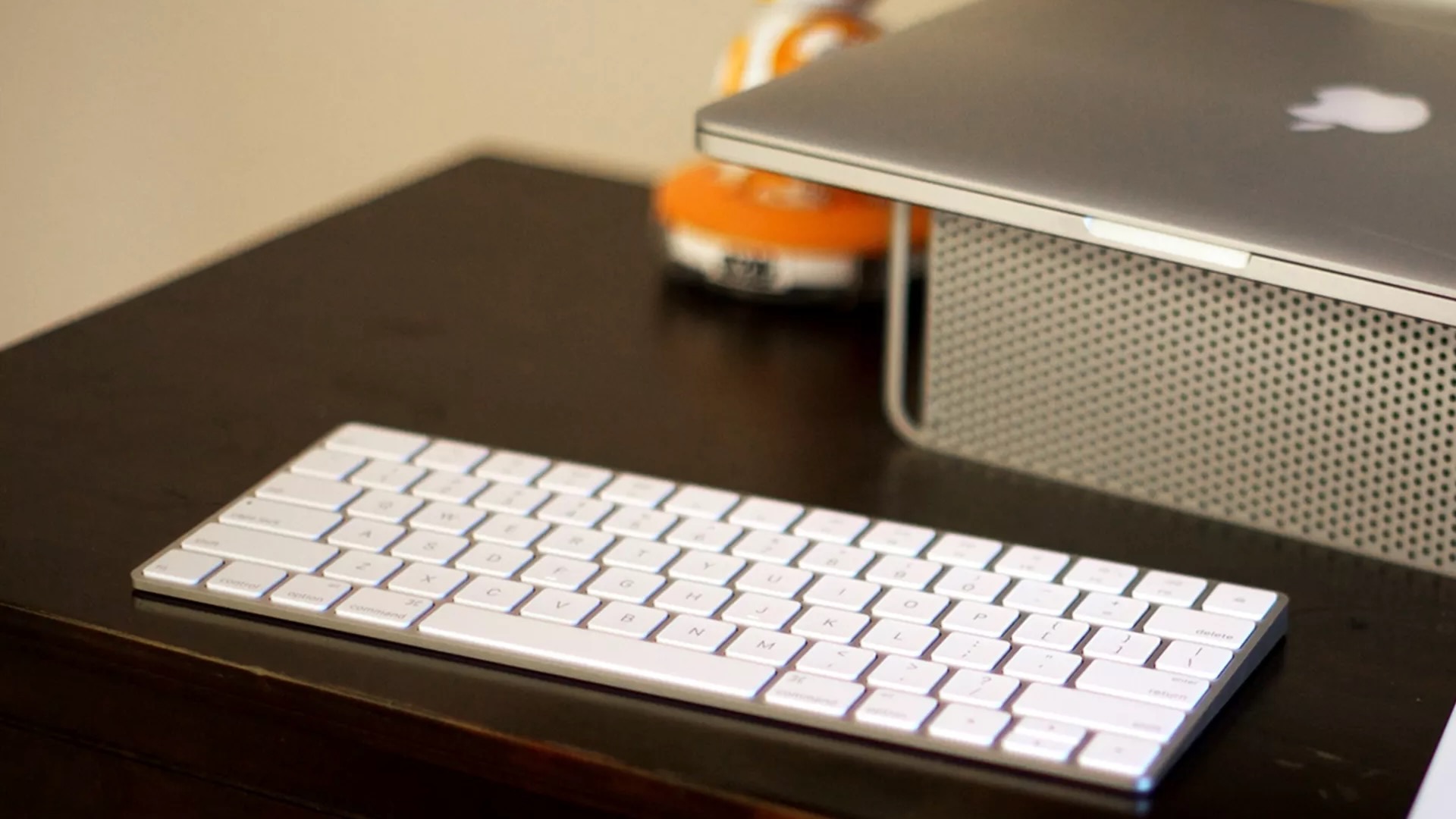
That's where using keyboard shortcuts can come in so handy. A couple of keypresses can be all it takes to activate some of the most common functions on your Mac, whether that's maximizing a window, opening Control Center, or something else entirely. And there are plenty of app-specific keyboard shortcuts to learn as well.