
I made the transition from gaming on PlayStation to PC about three or four years ago, but I had a big problem. Having never been able to enjoy gaming with a mouse and keyboard, I felt like I wasn't getting the true PC gaming experience by only using a gamepad. Even with the most advanced PC controller in my hand, it was as though I couldn't make the most of the speed, precision, higher frame rates, and added functionality that PC play is supposed to give you.
Aiming with a mouse, I could get used to, it was the keyboard that was the real issue for me. It reminded me of my parents forcing me to take piano lessons as a kid - something in my brain just couldn't crack moving between all of those keys that felt identical to one another. But little did I know there was a secret third option, and it changed everything for me.

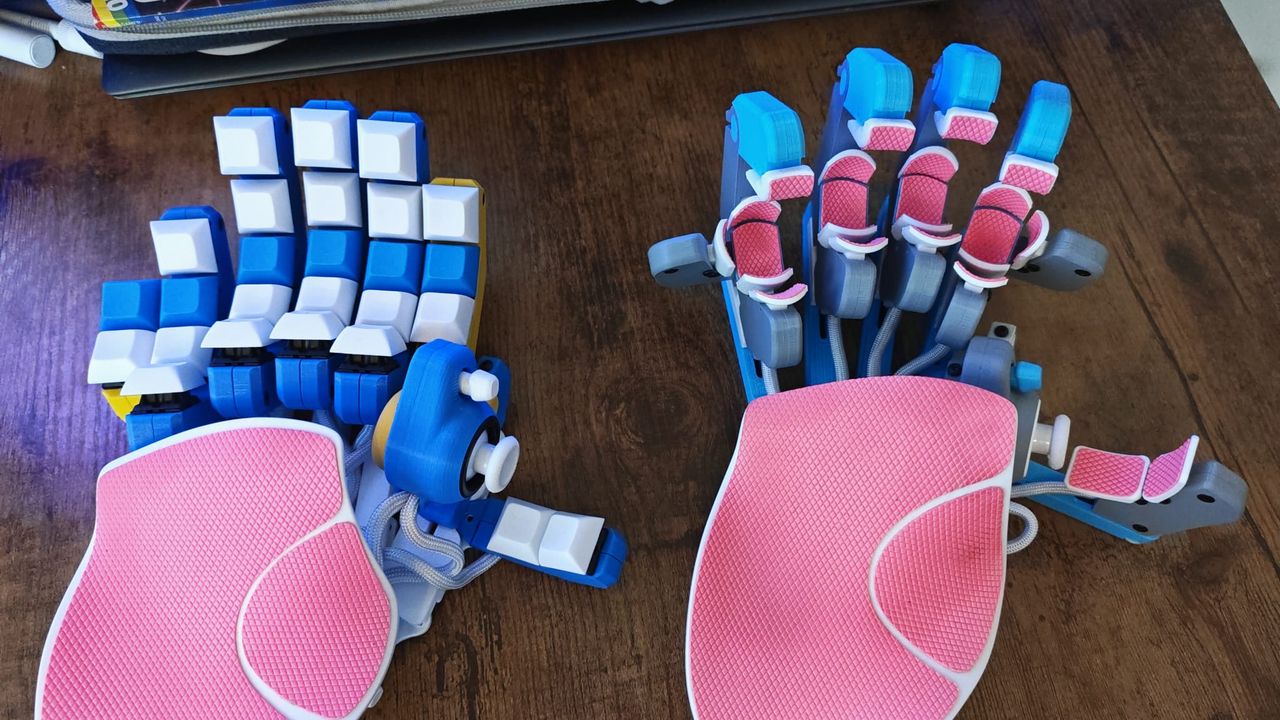
It wasn't long before my algorithm was flooded with targeted ads for the original Azeron Cyborg, a hybrid lovechild of the conventional gaming controller and a keyboard. It's an ergonomic keypad that gives you a thumbstick to move your in-game characters around while giving you more functionality at your fingertips with small twitchy movements in various directions. It can be adjusted and reshaped around what's comfortable for your hand size, and used alongside a mouse, it's probably the best gaming peripheral I've ever used.

I reviewed the original Cyborg and proceeded to use it for all my first-person PC gaming, but there are now so many options in Azeron's wares to suit you. These days I'm glued to the Azeron Cyborg II and its compact variant, which have a Hall sensor thumbstick module and even more mappable keys. Last year, Azeron also came out with the Azeron Keyzen, which trades clicky mouse switches for Cherry keyswitches to give players who are comfortable on a keyboard a bit more familiarity.
Whichever Azeron device suits you, my favorite things about them are just how well they combine the feel of a controller with the functionality of a keyboard. Even if you take a controller with six extra buttons, gaming keyboards often win out just by virtue of having so many more inputs. One of the things I really don't like about keyboard gaming is using WASD to move, but Azeron fixed that problem by planting a thumbstick on the side of its keypads, removing the issue entirely. The rest, however, is up to you.

This is where a lot of people might fall out with the Azeron keypads. You can make your own custom profiles for your pad, which I love. It means I can set the keys to the in-game actions I deem the most appropriate. They're literally my own control schemes for every game I play. But that is a lot of faff to both create from scratch and re-learn entirely. Eventually, I've gotten to a point where I just use the same profile for almost every game - some, like Baldur's Gate 3, need their own distinct profiles, but most FPS titles can use the same settings and get by.
If creating profiles seems like hard work, you can use the online community for inspiration, and even download other profiles and import them onto your device.

Yes, there is a learning curve; you're rewiring your brain to a gaming device that's totally new, so it's going to take a little while to get used to. But that, for me, is not a reason to avoid Azeron's products. Work through that initial adjustment period, and you'll get to a level of fluency that will have you gaming like never before. Remember, you can make the profiles that suit you and your brain too, which will make it easier than you think to get familiar with it all.
I'm honestly not sure I'd have been able to really make the switch to PC gaming full-time if it weren't for the Azeron Cyborgs. When I'm not testing out a new controller for review, the Cyborg II paired with a mouse is what I'm using for pretty much all FPS gaming these days. It really does give me the best of both worlds.
If you're looking to get platform-specific, take a look at the best PS5 controllers, the best Xbox Series X controllers, and the best Switch 2 controllers.