Get all your news in one place.
100's of premium titles.
One app.
Start reading
Tom’s Guide
Tom’s Guide
Technology
David Crookes

You can make an iPhone louder by changing its settings — here's how

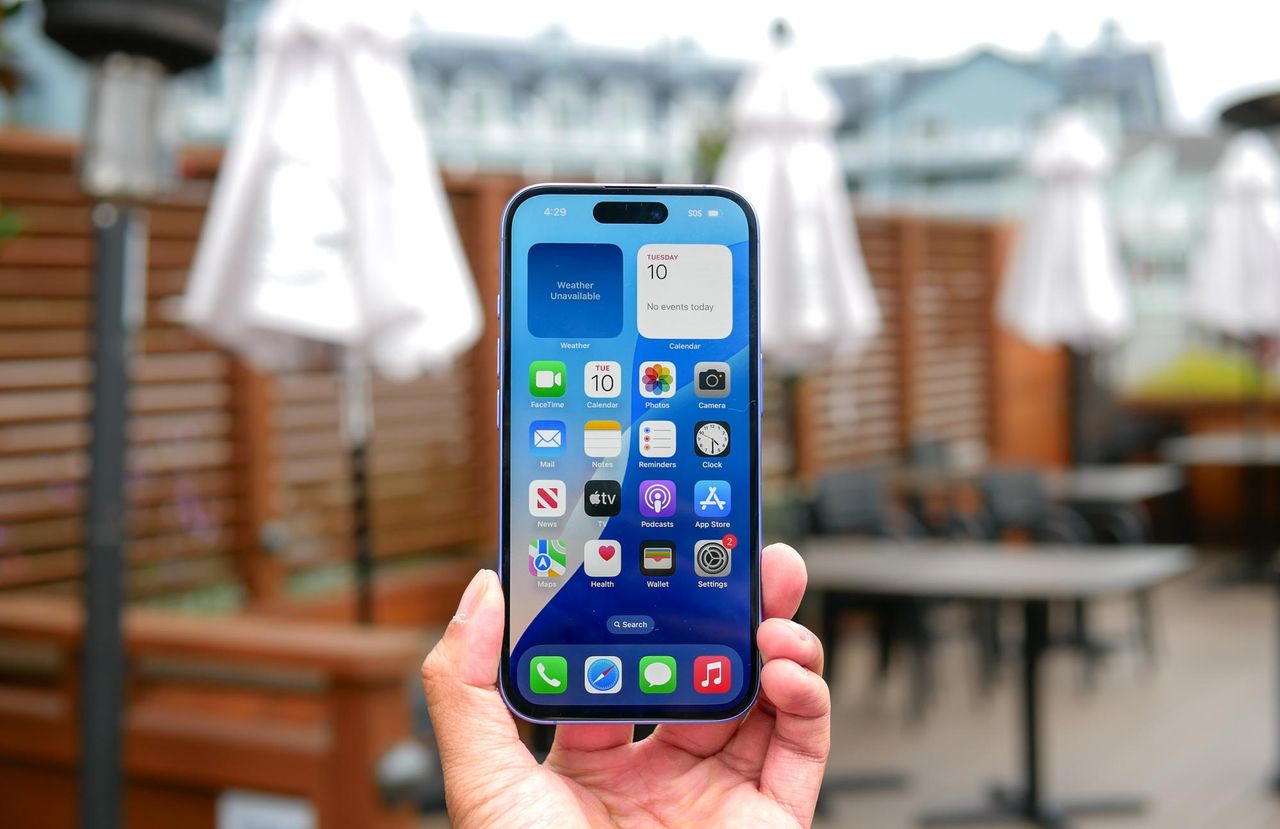
Apple iPhone 16 held in the hand.

Your iPhone's speakers handle most everyday situations well enough, but sometimes you need more volume than the default settings provide. Whether you're watching videos in a noisy environment or playing music for a small gathering, these adjustments can help squeeze out extra loudness.

Before diving into settings changes, check the obvious first. Press the volume up button on the side of your iPhone until it reaches maximum. If that's still not cutting it, the methods below target different aspects of your iPhone's audio system to increase output.

Sign up to read this article
Read news from 100's of titles, curated specifically for you.
Already a member? Sign in here
Related Stories
Top stories on inkl right now
One subscription that gives you access to news from hundreds of sites
Already a member? Sign in here
Our Picks
Fourteen days free
Download the app
One app. One membership.
100+ trusted global sources.