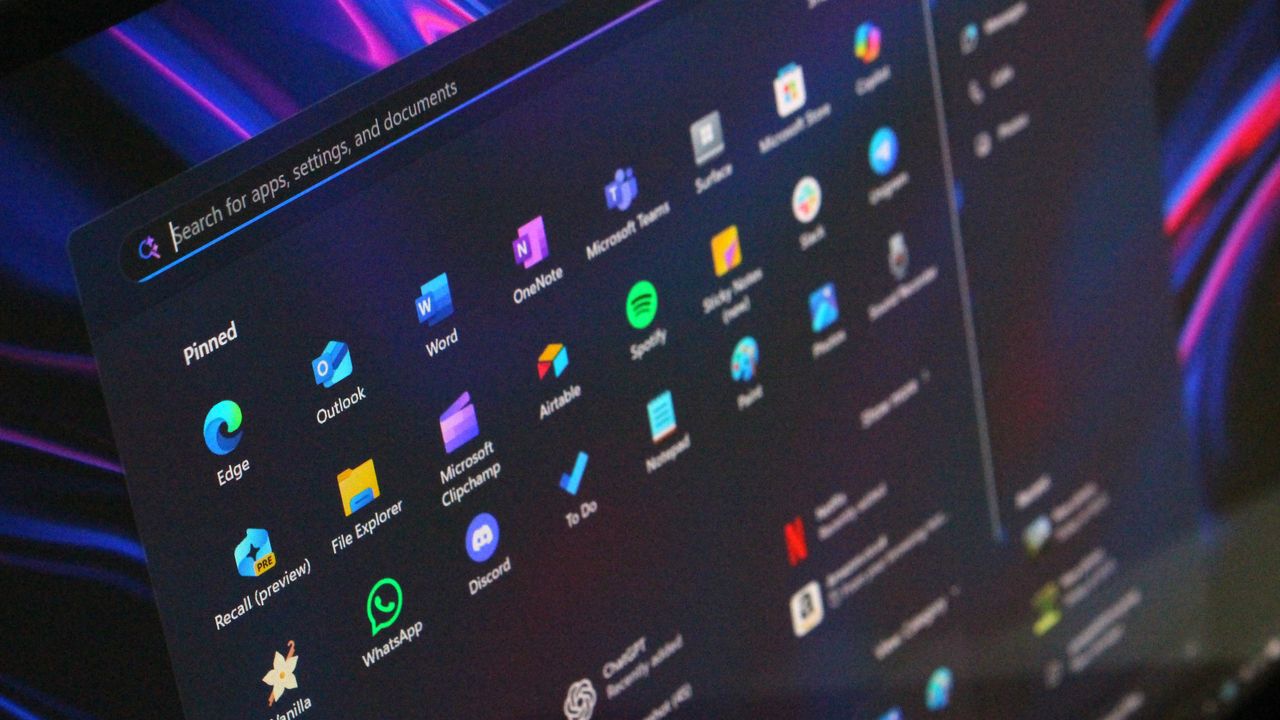
Windows 11 version 25H2 is now available for anyone with an eligible device. The update first shipped in September, but its rollout is being done gradually. Now, users can elect to receive the update.
Here's what Microsoft said in its updated document:

"Windows 11, version 25H2 is now available to all eligible Windows 11 devices for users who have turned on the setting Get the latest updates as soon as they’re available. If you have an eligible Windows 10 or Windows 11 device, you can check if the update is available by selecting Settings > Windows Update and selecting Check for updates. If your device is ready for the update, you’ll see the option to Download and install Windows 11, version 25H2. For more details, watch this video."
The company also noted that the rollout has begun for PCs that are not managed by IT departments. Systems on Windows 11 version 24H2 (Home or Pro) are part of the rollout.
You don't have to do anything to receive Windows 11 version 25H2 later down the line. Eligible PCs will be upgraded automatically. But you can make the jump earlier by choosing to get updates as soon as they are available.
Windows 11 version 25H2 does not include any new features. There are new Windows 11 features shipping to PCs this year, but they arrive in the form of cumulative updates and are available for both Windows 11 version 25H2 and 24H2.
It's also important to keep systems up to date for security.
Our expert Mauro Huculak rounded up the best features Microsoft rolled out in 2025 for Windows 11 versions 25H2 and 24H2 recently in case you need to catch up on everything new for Windows 11 this year.
You can also download an official Windows 11 version 25H2 ISO or follow our guide on how to force the Windows 11 2025 Update on your PC.

Follow Windows Central on Google News to keep our latest news, insights, and features at the top of your feeds!