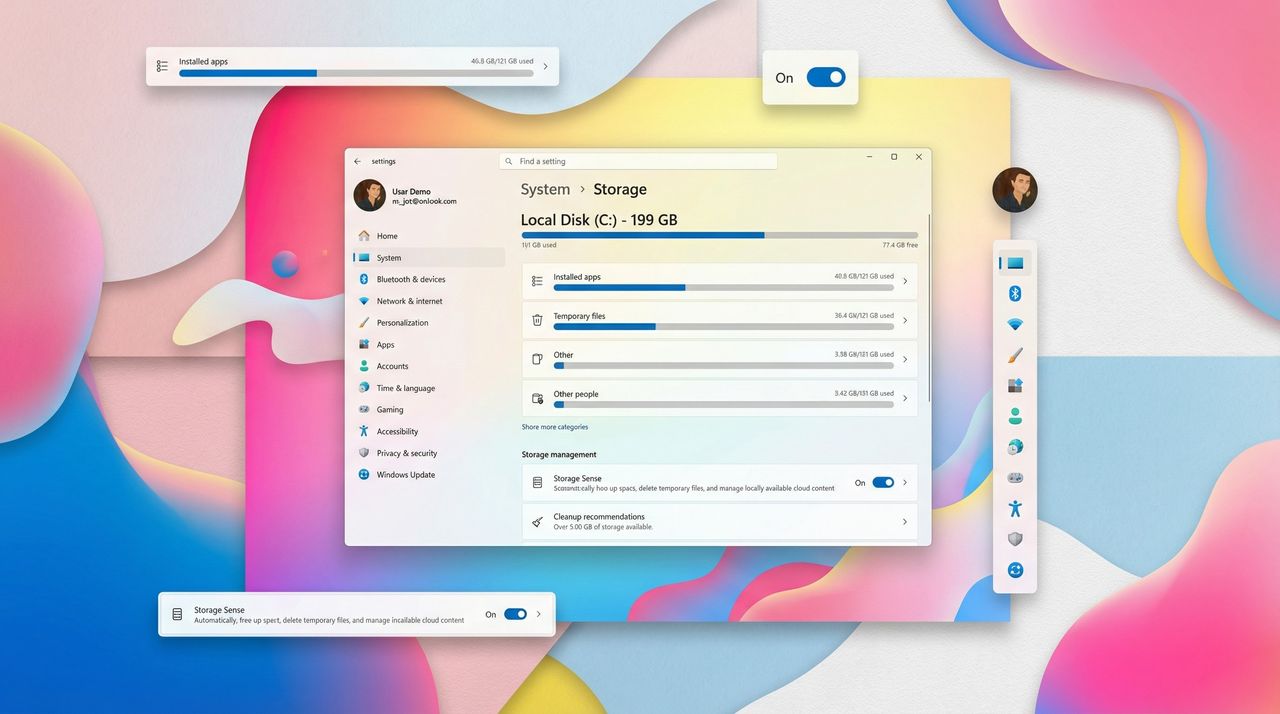
Microsoft has quietly tightened Windows 11’s security model, and the latest change is already raising eyebrows. The Storage settings page — a core part of managing disk space, cleanup tools, and system files — now requires full administrator rights to access. It’s a small tweak on paper, but one that could leave everyday users confused when a previously open‑access menu suddenly demands elevated permissions.
On February 10, 2026, Microsoft is expected to start the rollout of the February 2026 Security Update, and alongside the new features and improvements, the company will be introducing a small but important security enhancement.
Starting with this update, opening the Storage settings page in the Settings app will trigger a User Account Control (UAC) prompt, and as the company noted (via WindowsLatest), this change helps to "ensure that only authorized Windows users can access system files, Windows now displays a User Account Control (UAC) prompt when you open Storage settings."