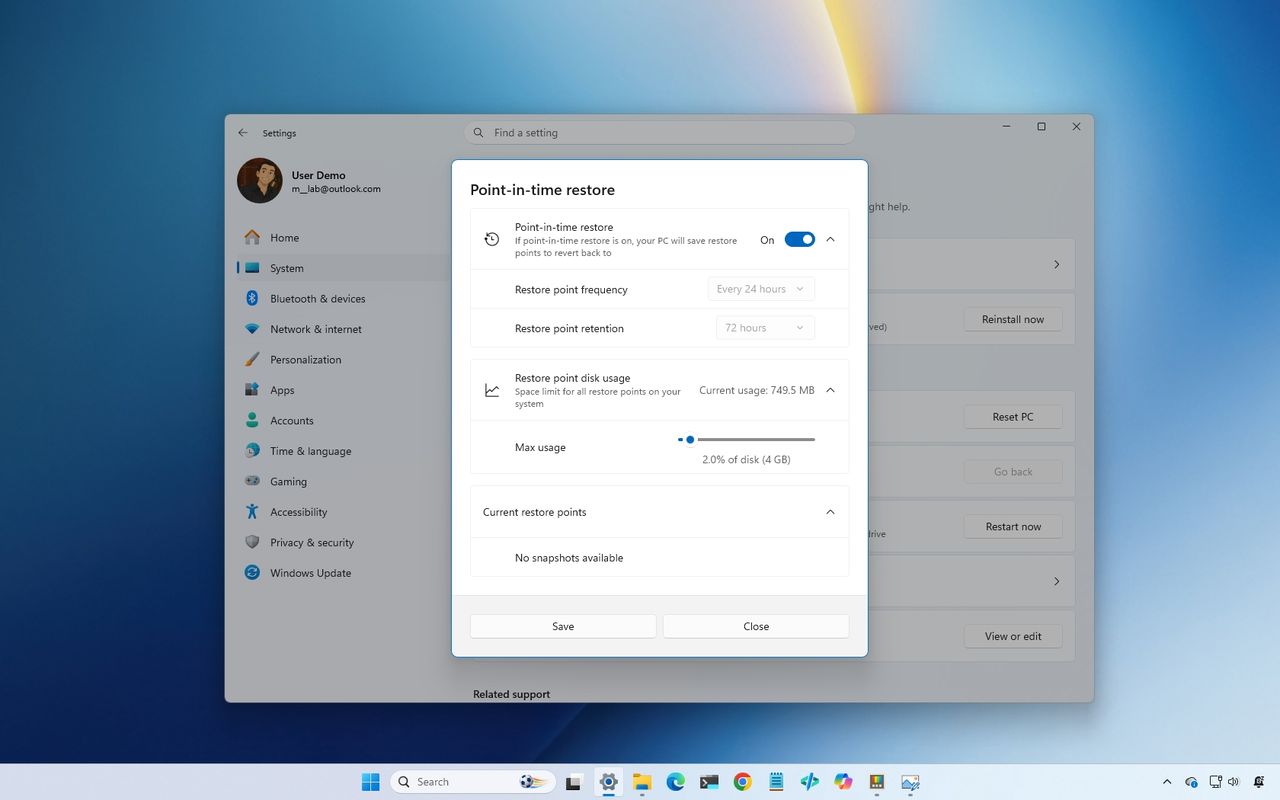
If you've been using Windows as long as I have, you probably remember when a serious problem often meant backing up your files and reinstalling the operating system from scratch. Whether it was a bad driver, a failed update, or corrupted system files, a clean install was frequently the fastest way to rescue your computer.
I don't think that's the case anymore. Over the past several years, Microsoft has quietly transformed Windows 11 into a much more resilient operating system. Instead of relying on a single recovery option, the operating system now bundles a collection of tools designed to solve different types of problems. Some can repair Windows 11 while minimizing changes to your data. Others can roll back a problematic update, recover a computer that won't boot, or completely rebuild the system from the cloud.