Get all your news in one place.
100's of premium titles.
One app.
Start reading
PC Gamer
PC Gamer
Katie Wickens

Which graphics settings should I always disable?

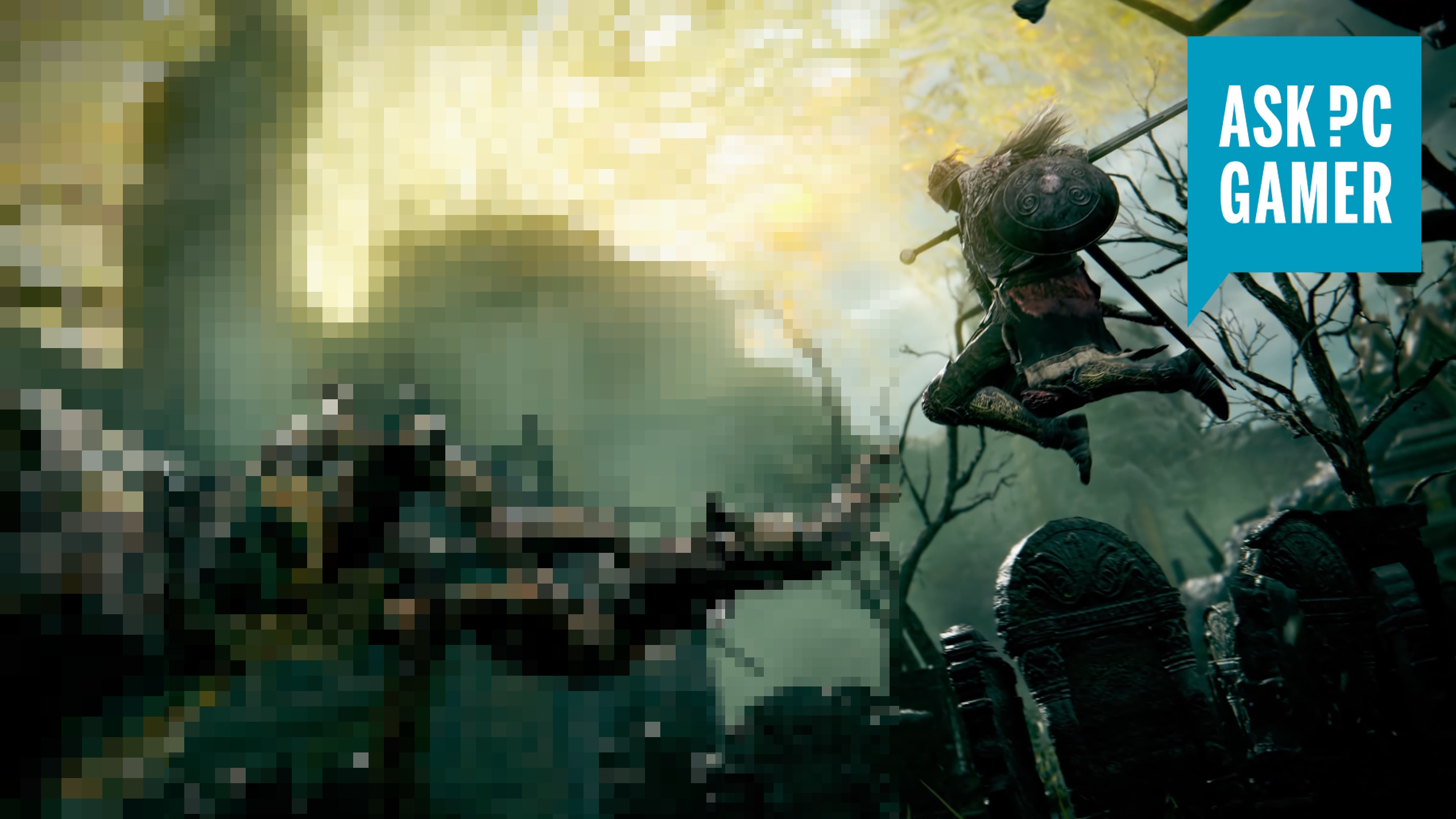
Elden ring pixelated monster for ASK PC gamer graphics settings guide.

Cranking up your graphics settings might sound like a great idea, but knowing which ones to strategically lower or switch off without losing too much fidelity can absolutely save your hardware. Plenty of graphic settings come with a huge impact on your framerate, while offering minimal visual improvements, so it's important to axe some if your system feels like it's chugging along.

Graphics Settings

Which graphics settings should I turn off/down?
1.
Shadows and Lighting
2. Motion Blur
3. Chromatic Aberration
4. Depth of Field
5. Reflections
6. Anti-aliasing

Sign up to read this article
Read news from 100's of titles, curated specifically for you.
Already a member? Sign in here
Related Stories
Top stories on inkl right now
One subscription that gives you access to news from hundreds of sites
Already a member? Sign in here
Our Picks
Fourteen days free
Download the app
One app. One membership.
100+ trusted global sources.