AI features are showing up everywhere on our phones. They summarize notifications, edit photos, transcribe conversations, generate images and power increasingly sophisticated voice assistants. The promise is a smarter phone that does more for you.
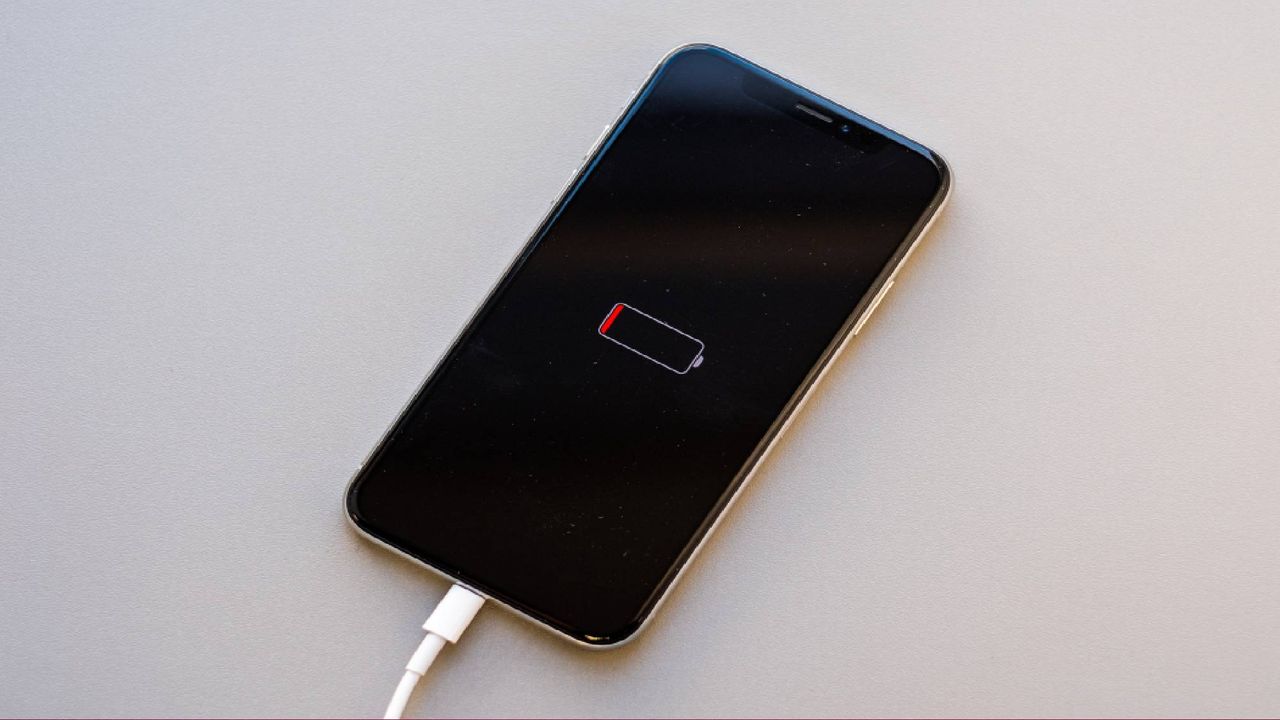
But there's a trade-off that only gets noticed when a charger or outlet is nowhere to be found. The problem with on-device AI is that these features require significant processing power, whether they're running directly on your device or constantly communicating with cloud-based AI models. That translates to more battery drain, more background activity and for some users, noticeably shorter battery life.