Get all your news in one place.
100’s of premium titles.
One app.
Start reading
Tom’s Guide
Tom’s Guide
Technology
Darragh Murphy

This hidden Windows 11 setting might be quietly draining your RAM — here's a quick fix

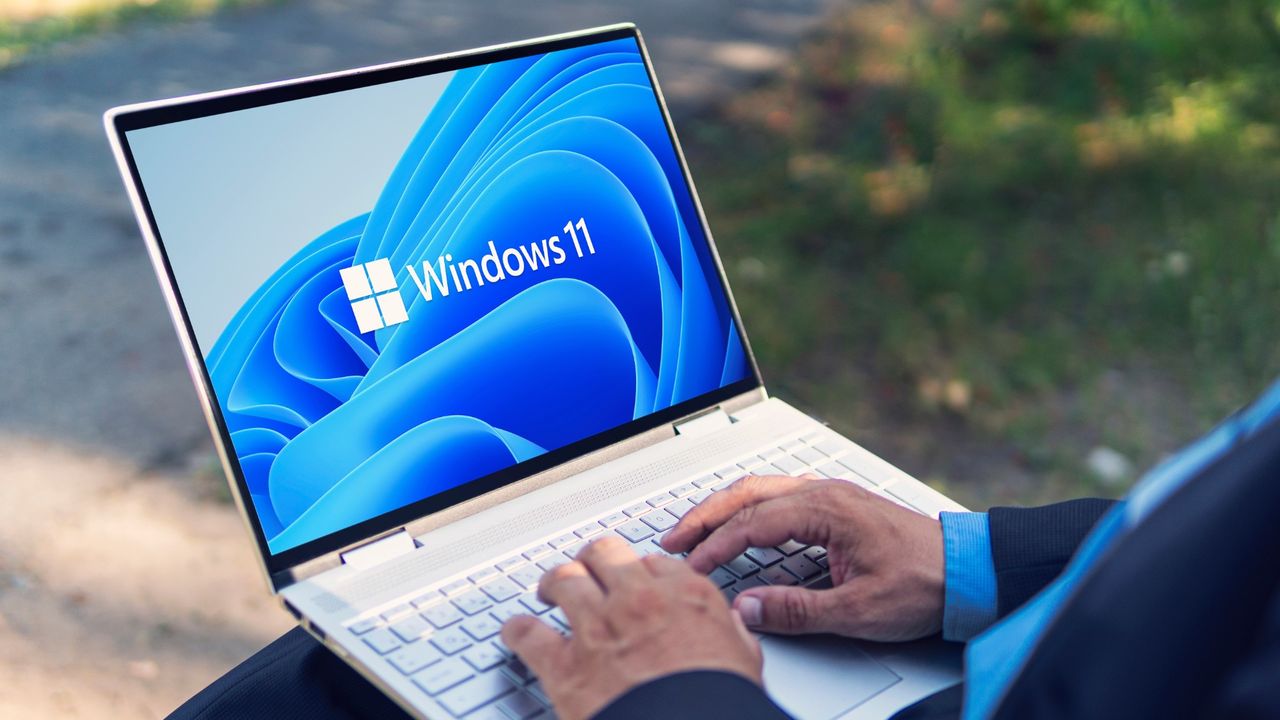
Man typing on Windows 11 laptop .

Microsoft has had a shaky year with its Windows operating system, ending support for Windows 10 and releasing Windows 11 25H2 with minimal updates. Now, one of its features has been spotted gradually taking up system memory — and it's slowing down PCs.

As shown by user Niff_Naff on Reddit, a Windows 11 feature known as Delivery Optimization is hogging a lot of RAM over time, pointing to a possible memory leak that needs to be fixed. As the service works in the background, it appears to take up a significant amount of memory compared to other features, even when it doesn't need to.

For those who aren't familiar, Delivery Optimization in Windows 11 is a peer-to-peer (P2P) content delivery system that helps your PC download Windows updates, Microsoft Store apps and upgrades faster. It does this by sharing parts of downloaded packages with other devices on a local network or over the internet, reducing bandwidth consumption and the load on Microsoft's servers.

The Reddit user tracked the feature's memory usage over time, and as you can see in the test below, Delivery Optimization starts to spike over the course of a few hours. Apparently, it sometimes even took up 20GB of memory.

(Image credit: Reddit / Niff_Naff)

What doesn't help is that Microsoft has this feature on by default on most Windows 11 PCs. And after a system update for Windows 11 25H2 and 24H2 (KB5072033), it appears a AppX Deployment Service (Appxsvc) is now automatically turned on at startup, and it's been known to drain CPU, memory and disk usage, as noted by Neowin.

There's already enough memory usage being taken up by Windows' system resources, and if you're experiencing a slow PC, it may be worth fixing the issue to free up RAM on your PC. Fortunately, it's easy enough to solve.

How to fix Windows 11 Delivery Optimization

If the Delivery Optimization service on Windows 11 is the culprit in slowing down your PC and taking up way too much system memory, then you can simply switch it off to relieve the pressure.

It's safe to disable, but be aware that it will lead to slower downloads for updates and apps. Follow the steps below to turn it off.

Go to Windows Update in Settings

Open the Settings app on your Windows 11 PC (hit "Windows key + i" or search for it in the search bar and open it). On the left-hand sidebar, select Windows Update, then click Advanced options under "More options."

Head into Delivery Optimization

Once here, scroll down and select Delivery Optimization.

Turn off Delivery Optimization

Now, it's simply a matter of turning the feature off. Next to "Allow downloads from other devices," toggle off the switch. You can also choose where downloads will come from, whether it be just from your local network or also from the internet. But to stop it from taking up RAM, it's best to turn it off for now.

And that's it. Windows is known to have many services that can drain memory on your PC, so if you're looking to free up more space, check out these tips on how to free up RAM fast. Hopefully, this isn't a widespread issue, and Microsoft resolves the problem with its Delivery Optimization feature fast if it persists.

Follow Tom's Guide on Google News and add us as a preferred source to get our up-to-date news, analysis, and reviews in your feeds.

More from Tom's Guide

Sign up to read this article
Read news from 100’s of titles, curated specifically for you.
Already a member? Sign in here
Related Stories
Top stories on inkl right now
One subscription that gives you access to news from hundreds of sites
Already a member? Sign in here
Our Picks
Fourteen days free
Download the app
One app. One membership.
100+ trusted global sources.