
The World Cup has been a genuine disaster for my normal routine when it comes to actually watching movies. I normally watch at least a couple each week, and in recent times, a lot of those have been on 4K discs, since I'm very much in my physical media era (and never plan to leave it).
Now that we're in the latter stages of the tournament, though, my commitment to watching basically every game that isn't completely absurd from a timezone perspective is finally less of an issue. There are just four games left in the tourney, and that means fallow evenings where I can catch up on my queue.
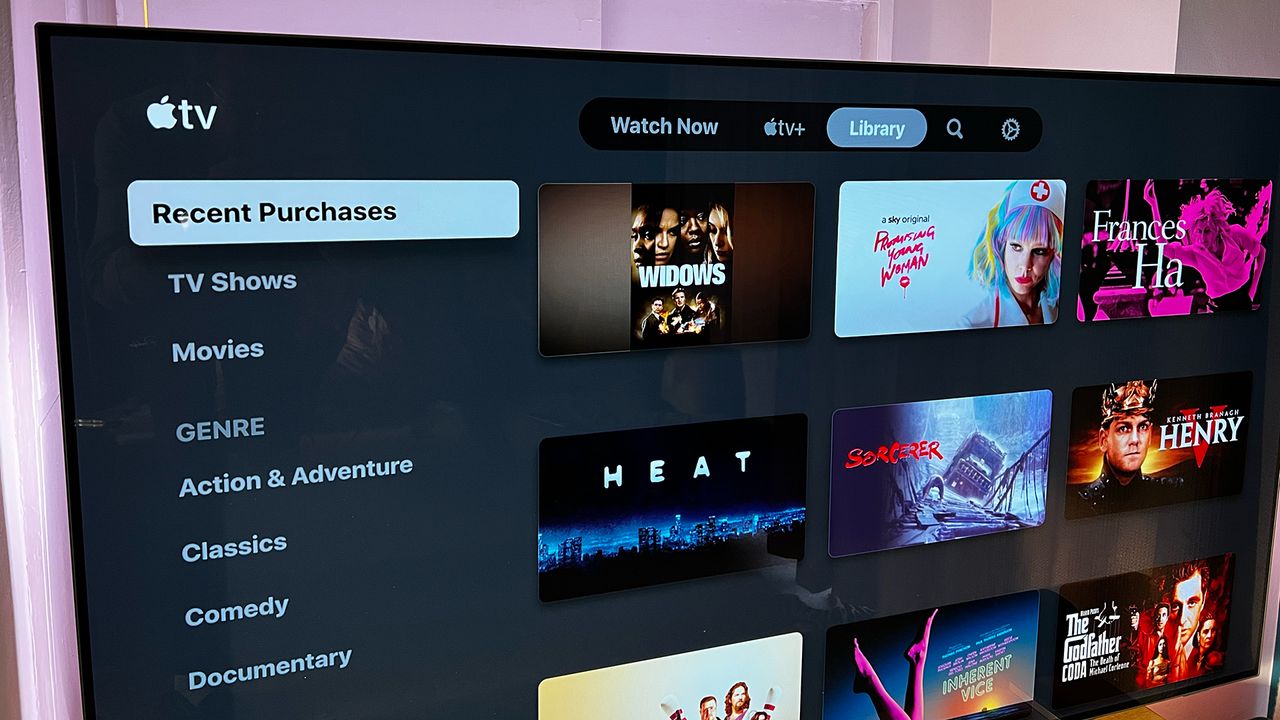
My most recent watch was the Brazilian drama I'm Still Here, a pick from a film club I'm in, and I really didn't expect it to unmask a great hidden feature for me on Apple TV. That's the app I watched the film through, via a free trial of the BFI Player (what a treat), as it's the slickest to navigate in my experience.
That said, the moment the first line of dialogue happened at the start of the movie, which is entirely in Portuguese, alarm bells rang for me. Perhaps it's been a while since I watched a foreign-language movie on Apple TV, or perhaps there's been an update, but the default subtitles were bigger than I wanted and on an opaque background, and I quite simply didn't like them.
When you write about technology as much as we do at T3, though, you get a sixth sense for software features, and I had a sense that Apple might let me customise them. I expected some other versions to choose from, but when I realised that I could create entire custom presets, I'll happily admit I was (and remain) impressed.
Apple TV lets you not only choose a font, but also customise the background opacity, the size, and the actual colour of your text. Plus, you can choose how that text is outlined for even better contrast (or more subtlety if you want it). It's genuinely a brilliant system and a great reminder of how accessibility features are a net good for everyone.
It's also classic Apple – a company that is sometimes easy to make fun of, but which clearly has a rigorous commitment to design principles and groundwork that many others can't match. I've tried various other streaming platforms to compare, and while plenty let you choose your font and size, almost none of them come close to matching the depth of Apple's customisation.
It only took me about 30 seconds to build a style that worked for me, and from there, it was time to unpause and watch the movie without the whole thing being undermined by annoyingly modern subtitles. If you've ever looked at subs on Apple TV and had even the slightest eyebrow-raise at them, make sure you check out the settings when you next watch something subtitled – it could upgrade your viewing experience in surprising ways.