Get all your news in one place.
100's of premium titles.
One app.
Start reading
Windows Central
Windows Central
Technology
Mauro Huculak

These are my 5 favorite ways to optimize my Windows 11 PC for gaming — Here's how I tweak my settings for extra performance

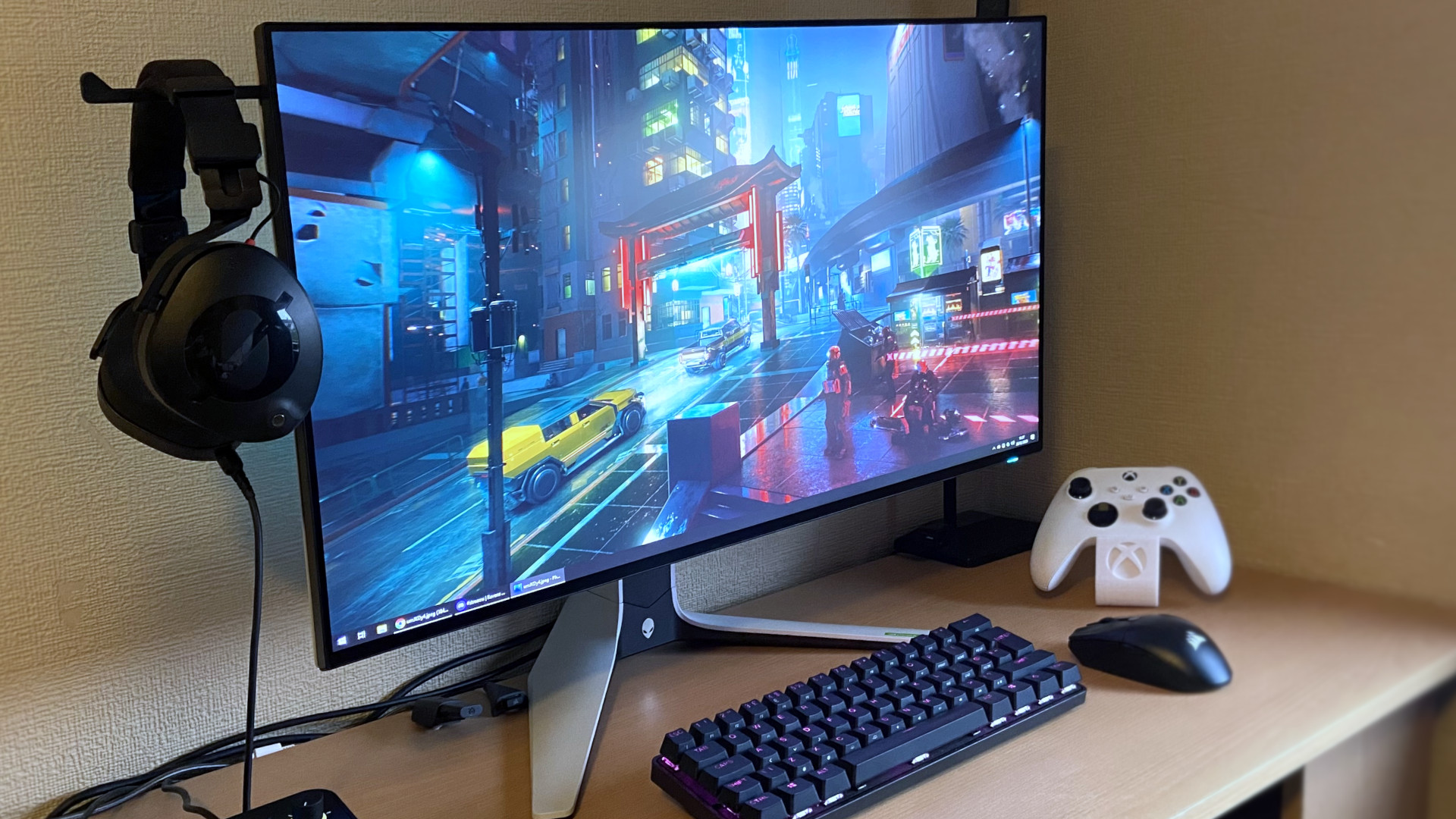
Alienware AW2723DF.

If you use Windows 11 for gaming, there are several settings you can change and features you can turn on or off to get better performance. However, if I were asked to pick just five of the most effective changes, here's what I'd recommend.

First, I recommend turning off Memory Integrity and Virtualization Platform features, as Microsoft has noted, even though they are designed to improve security, they can slow down gaming performance.

Sign up to read this article
Read news from 100's of titles, curated specifically for you.
Already a member? Sign in here
Related Stories
Top stories on inkl right now
One subscription that gives you access to news from hundreds of sites
Already a member? Sign in here
Our Picks
Fourteen days free
Download the app
One app. One membership.
100+ trusted global sources.