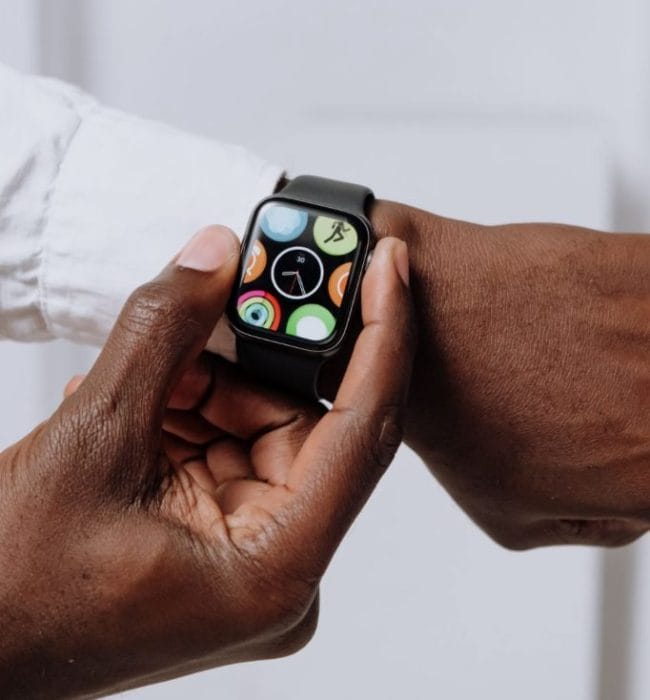
Your smartwatch may be doing more than counting steps or buzzing with text alerts. In a frightening moment — whether it’s a fall, a roadside breakdown, or feeling unsafe walking alone — Apple Watch emergency features can quietly help connect you with emergency services and trusted contacts. Many users still don’t realize their device can share real-time location details and, in some situations, trigger audio-related communication during a crisis. Understanding how these tools work before you need them could make a real difference.

How Apple Watch Emergency Tools Work Behind the Scenes
Apple Watch emergency features are built around tools like Emergency SOS, Crash Detection, Fall Detection, and location sharing. By pressing and holding the side button, users can quickly call emergency responders, even without unlocking the watch. Depending on settings and model, the watch can also notify emergency contacts and send your current location automatically. This feature has drawn attention after documented cases involving hikers, drivers, and seniors receiving help after accidents or medical emergencies. The goal is simple: reduce the time between danger and response.
The Quiet Safety Net of Location Sharing
One of the most powerful parts of Apple Watch emergency features is automatic location sharing. When Emergency SOS activates, selected emergency contacts can receive a message with your current location and ongoing updates if you move. Imagine a late-night rideshare situation where someone feels uncomfortable or a runner who becomes injured on a remote trail. Instead of struggling to explain where you are, the system can provide precise location data instantly. That kind of silent communication can matter when every minute counts.
Can Your Apple Watch Record Audio During an Emergency?
This topic often creates confusion, so clarity matters. The Apple Watch does not secretly record audio during standard Emergency SOS activation, but it can enable voice communication through emergency calls, Siri interactions, and accessibility features that may help users communicate discreetly. For example, someone unable to speak clearly after an injury could use Siri or emergency calling functions to seek help. In dangerous situations, simply opening an audio line with emergency dispatchers can allow responders to assess background sounds or distress cues. Users should understand the difference between live communication and automatic recording to avoid misconceptions about privacy and functionality.
Real-Life Scenarios Where These Features Can Matter
The value of Apple Watch emergency features becomes clearer through realistic situations. A cyclist thrown from a bike may be unconscious, allowing Fall Detection or Crash Detection to initiate emergency action after a countdown. An older adult living alone could receive faster assistance after a hard fall in the kitchen. A driver involved in a collision might benefit from automatic emergency contact notifications when reaching for a phone is impossible. These aren’t hypothetical tech promises — similar stories have been reported by major news outlets and Apple users over recent years.
Important Settings Most Users Forget to Check
Safety tools only work well when configured properly. Users should verify that Medical ID, emergency contacts, location services, and emergency calling settings are enabled inside the Health and Watch apps. Fall Detection can be adjusted depending on age and activity patterns, which matters because active workouts may affect sensitivity. Cellular-capable watches can place calls independently, while GPS-only models may rely on a nearby iPhone for some functions. Spending five minutes reviewing settings today could eliminate critical delays during a future emergency.
The Hidden Lifeline on Your Wrist
Apple Watch emergency features are not about fear or constant surveillance — they are about preparedness. The technology combines fast emergency calling, intelligent detection tools, and location sharing to create a quiet layer of personal safety support. Knowing what your watch can and cannot do helps build trust while reducing confusion around privacy concerns. In an emergency, simple actions performed automatically can provide reassurance to both users and loved ones.
Do you currently use Apple Watch emergency features, or would you change your settings after learning what they can do? Share your thoughts and experiences in the comments — your insight could help another reader stay safer.
What to Read Next
The Silent Blacklist: Why a Single Chargeback Could Ban You From Amazon and Apple Forever
9 Tech Upgrades Everyone Over 50 Should Know About
Best Ways To Save On Home Electronics
The post The ‘Silent SOS’: How Your Apple Watch Can Quietly Record Audio and Share Your Location in an Emergency appeared first on Budget and the Bees.