Take a quick trip into the ChatGPT app store and you’ll be treated to a bunch of options tied to some of the most recognizable brands you regularly use.
Recently, Tubi has joined the chatbot as the first streaming service app that can be prompted to find you your next cult classic film obsession. Plus, Ticketmaster is now embedded in the AI tool, allowing users to ask it for recommendations and ticket prices for concerts and sporting events.

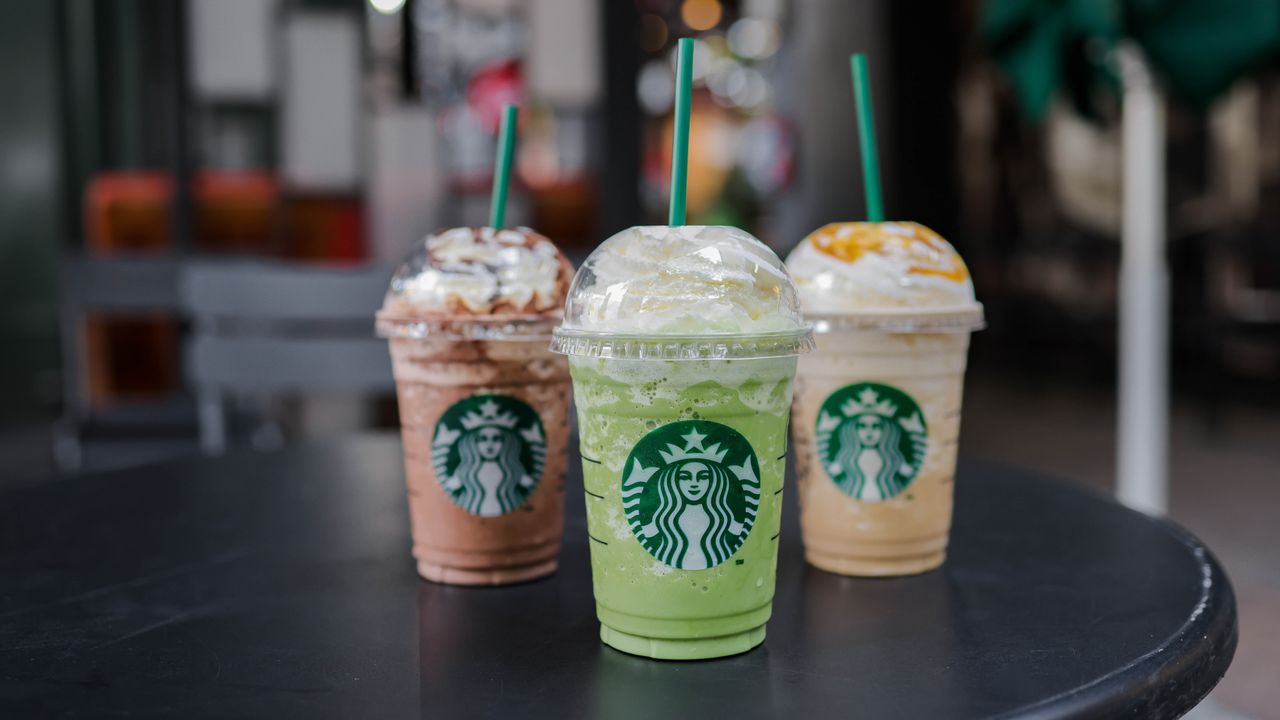
Now, Starbucks has joined ChatGPT, to make it even easier for customers to get inspiration for their next order.
Here’s how to access the new Starbucks app inside ChatGPT (currently in beta) and the prompts to use with it that will generate the best drink results.
Prompting your next Starbucks order

Within the ChatGPT app hub, you can find the Starbucks app by searching for it through the “Apps” directory in the sidebar menu, on the left of your desktop screen. For mobile ChatGPT users, simply tap on the two lines in the top left corner of your screen and again on the Apps menu to look up the Starbucks app. After finding it, you’ll see it in the chat box and you can start prompting away.
Starbucks’ official blog post offers some simple prompt suggestions to help users get started, such as: “I’m craving an afternoon boost that isn’t too sweet.” That same blog post also recommended uploading a photo of the weather, your current outfit, your workspace and a sunset to command the Starbucks app to generate drinks that match those different conditions.
After choosing a drink, you can customize it even more to match your taste, find the Starbucks in your area to order it from and complete the purchase process with the Starbucks app.
We also generated 14 useful prompts that should help you discover new drinks you probably didn’t even know existed and will probably drink every morning before work. Try these out with the Starbucks ChatGPT app and let us know what kind of drinks it came up with in the comments:
- Give me a Starbucks drink that makes me feel like the main character in a cozy fall movie.
- Recommend a high-caffeine Starbucks drink that doesn’t taste overly bitter.
- Find me a Starbucks drink that tastes like a rich chocolate dessert but isn’t too heavy.
- Build me a low-sugar Starbucks order that still feels like a treat.
- What should I order at Starbucks if I need to stay focused for the next 4 hours?
- Give me a refreshing Starbucks drink that tastes tropical, like I’m on vacation.
- Create a custom Starbucks drink with a unique flavor combo I wouldn’t think to try.
- Build me a Starbucks order that’s high in protein, low in sugar, and actually tastes good after a workout.
- I want a warm, comforting Starbucks drink for a rainy day. What should I get?
- I like vanilla, oat milk, and iced drinks. Recommend the perfect Starbucks order for me.
- I’m about to game for 6 hours—what Starbucks drink keeps my energy up without a crash?
- What’s the fastest Starbucks order I can grab when I’m slammed but still need real energy?
- Recommend a Starbucks drink that boosts focus and alertness without making me jittery during meetings.
- Create a Starbucks drink that helps with bulking—higher calories, balanced macros, not just sugar.
The takeaway
Using ChatGPT to produce unexpected drink recipes with the aid of Starbucks is something we never knew we wanted until now.
Whenever we run into a mental block while trying to come up with a drink that matches our current mood, clothing, or hobby, we’ll be sure to hop into the Starbucks app to generate something that looks delectable and hopefully tastes just as good.
We’re going to have a lot of fun prompting the Starbucks ChatGPT app to give us its top pics from the secret menu, too.