Get all your news in one place.
100’s of premium titles.
One app.
Start reading
TechRadar
TechRadar
Harry Padoan

Sick of slow PS5 game downloads? This simple trick could save you a whole lot of time

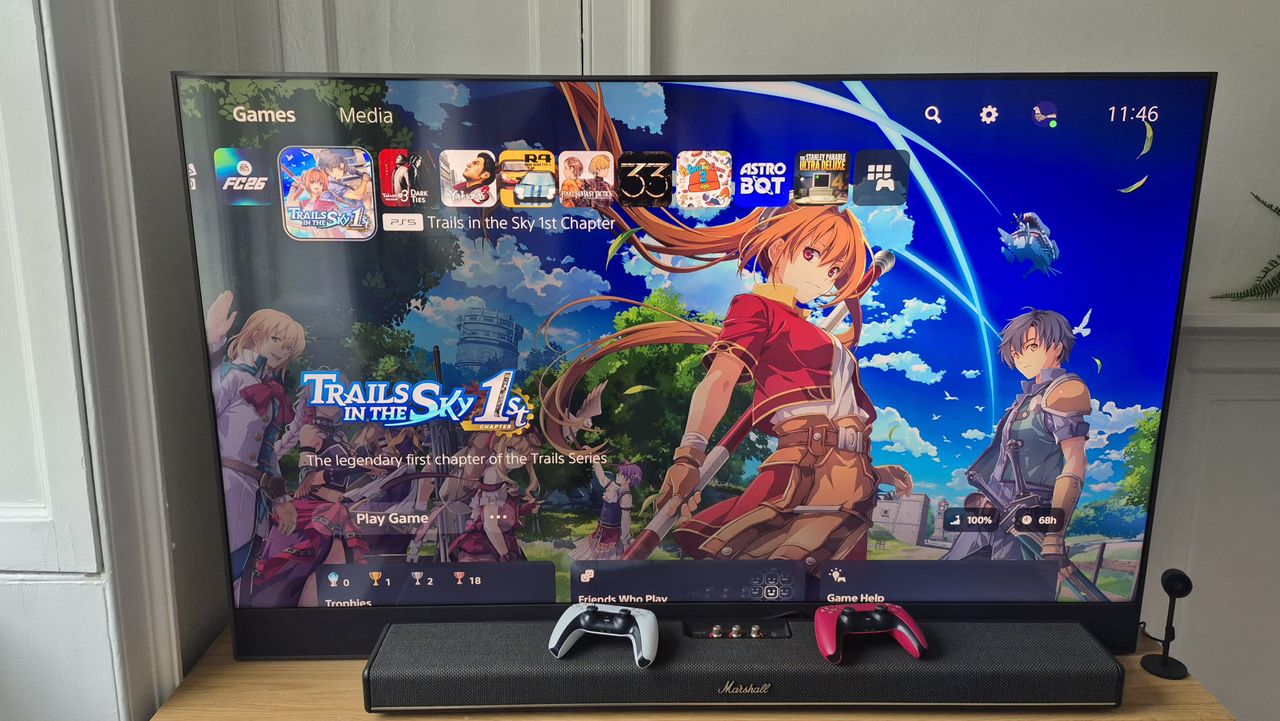
TV with PS5 homepage on display and Marshall soundbar underneath with Dualsense controllers.

As someone who plays a lot of games – either for reviews here at TechRadar or just for personal pleasure – I spend a lot of time waiting for new titles to download.But recently, I went to download a game on my PS5, and the projected download time was almost too lengthy for me to believe. The game in question? Yakuza Kiwami 3 & Dark Ties. The predicted time for a full download? A whopping six hours and 20 minutes. That seemed way too long for a 37GB game on my home network, which offers download speeds above 70Mbps.But I was in luck. After sifting through various PlayStation forums and Reddit threads, I found a solution that cut my download time from over six hours to just over an hour and a half. Want to know how I did it? I’ll reveal all down below.

It’s all in the GHz, man

It will be of no surprise that the solution lies in your PS5 console’s network settings. On your console, go to ‘Settings’, then ‘Network Settings’, and go through to ‘Set Up Internet Connection’. And now it’s time for the good stuff.Hover over your network and press the options button on your controller. Now all you have to do is select ‘Wi-Fi Frequency Bands’ and choose 5GHz.

That really is all there is to it. It's not necessarily the newest feature by any means, but it is one that goes under a lot of people's radars.By making this easy change, I’ve cut my download times drastically – although this solution may not work for everyone.Why’s that? Well, it’s time to get a little technical. Most standard routers are dual-band – they support both 2.4GHz and 5GHz frequencies. The 5GHz band offers higher data throughput, i.e., better speeds – but it works over fairly short distances. Meanwhile, the older 2.4GHz standard provides slower speeds, but offers better penetration and range. As someone living in a small apartment, it won’t surprise you to hear that my router and PS5 console live in the same room. As a result, it makes a lot of sense for me to force my system to use the faster 5GHz band. But if your console and router are in different rooms or floors, then that band may not reach far enough, so it’s worth bearing that in mind before trying my solution for yourself.If your PS5 or PS5 Pro is far from your router, and you're unable to reap the benefits of a 5GHz connection, then there are alternative options. For instance, you could set up Wi-Fi extenders and install them close to the room where your PS5 lives. If the extender is dual-band, then you should be able to connect to it and proceed with my solution above. Alternatively, you could use a mesh network, which works even more effectively than extenders and provides a single high-speed connection right across your home. If you want to learn more, head on over to our guide to the best mesh Wi-Fi systems.


Sign up to read this article
Read news from 100’s of titles, curated specifically for you.
Already a member? Sign in here
Related Stories
Top stories on inkl right now
One subscription that gives you access to news from hundreds of sites
Already a member? Sign in here
Our Picks
Fourteen days free
Download the app
One app. One membership.
100+ trusted global sources.