Get all your news in one place.
100’s of premium titles.
One app.
Start reading
Android Central
Android Central
Technology
Brady Snyder

Samsung is patching an annoying Galaxy Buds app bug that caused constant crashes

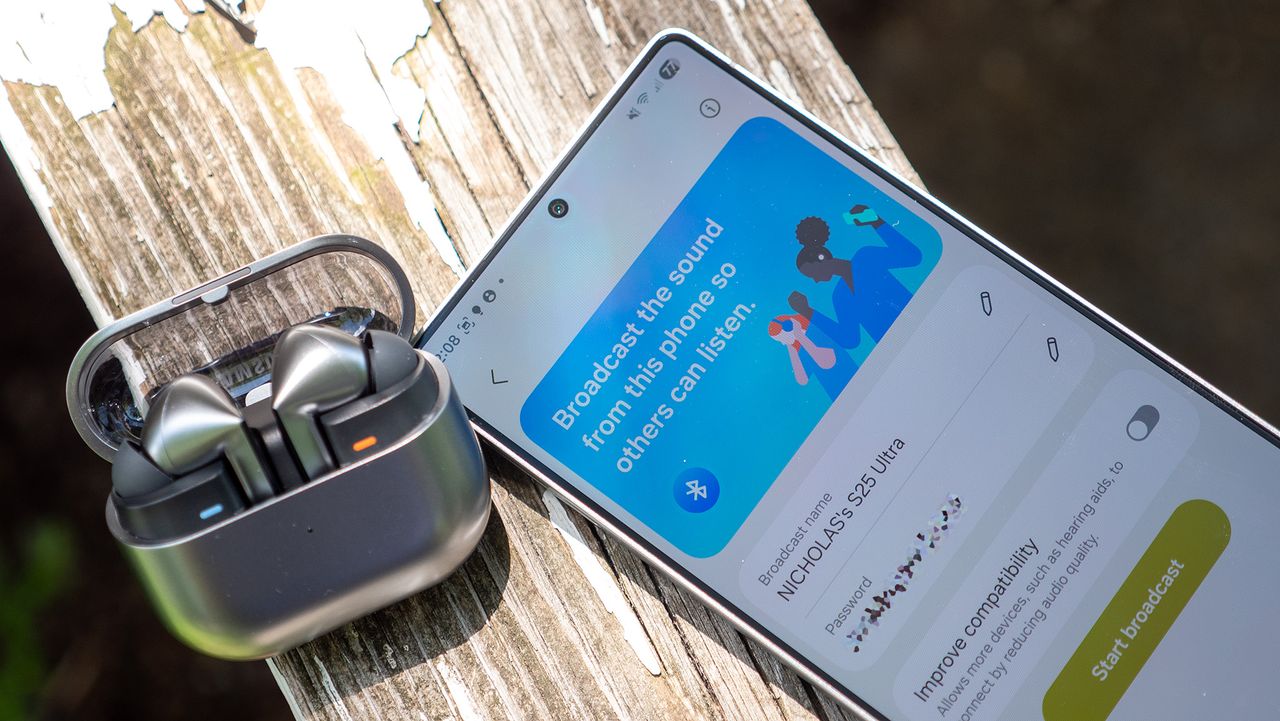
Using a pair of Samsung Galaxy Buds 3 Pro to connect to an Auracast stream running on One UI 8 on a Samsnug Galaxy S25 Ultra.

What you need to know

  • Samsung is rolling out a Galaxy Buds Manager app update that address a major bug introduced in a prior one.
  • The bug caused the app to crash when removing the Galaxy Buds from their case, opening pop-ups on users' phones.
  • With version v8.0.00.2500 of the Galaxy Buds app or higher, the issue is resolved, according to Samsung.

If you have a Samsung Galaxy phone, it came with the Samsung Galaxy Buds Manager app pre-installed. The small app is used to handle connections with Samsung Galaxy Buds earbuds, and works in tandem with the general Galaxy wearable app. For those that own a pair of Samsung Galaxy Buds, like the Buds 3, Buds 3 FE, or Buds 3 Pro, the Galaxy Buds Manager app is a critical resource for personalizing and managing the earbuds.

However, a recent update for the Galaxy Buds Manager app introduced an annoying bug that frustrated users even when they weren't using it. Users faced constant app crashes when removing their Galaxy Buds from their case. This surfaced a "Galaxy Buds keeps stopping" pop-up on their Galaxy phone every time the Galaxy Buds Manager app crashed, which got annoying quickly, according to users on Reddit.

Constant Crashes after the update from r/galaxybuds

Now, Samsung is acknowledging the problem and rolling out a fix, it said on the company's online forum (via SamMobile).

"We have confirmed that users of Galaxy Buds devices, or those with a history of using them, may experience a 'Galaxy Buds keeps stopping' pop-up message when connecting and using the device via the Galaxy Buds app," the company wrote in the post (translated to English). "A newer version of the Galaxy Buds app (v8.0.00.2500 and later) that addresses this issue has been released."

Samsung identified the issue in version v8.0.00.2300 of the Galaxy Buds Manager app. After updating to v8.0.00.2500 or higher, the issues are resolved.

(Image credit: Tshaka Armstrong)

You can update your Galaxy Buds app by opening Galaxy Store, searching for the Galaxy Buds app, and pressing the Update button that appears. After that, you'll be able to use your Galaxy Buds with your Galaxy phone without running into annoying pop-ups and app crashes.

Sign up to read this article
Read news from 100’s of titles, curated specifically for you.
Already a member? Sign in here
Related Stories
Top stories on inkl right now
One subscription that gives you access to news from hundreds of sites
Already a member? Sign in here
Our Picks
Fourteen days free
Download the app
One app. One membership.
100+ trusted global sources.