Get all your news in one place.
100’s of premium titles.
One app.
Start reading
Tom’s Guide
Tom’s Guide
Technology
Richard Priday

Samsung Galaxy S26 Ultra’s most exciting new feature leaks again — and now we know how smart it will be

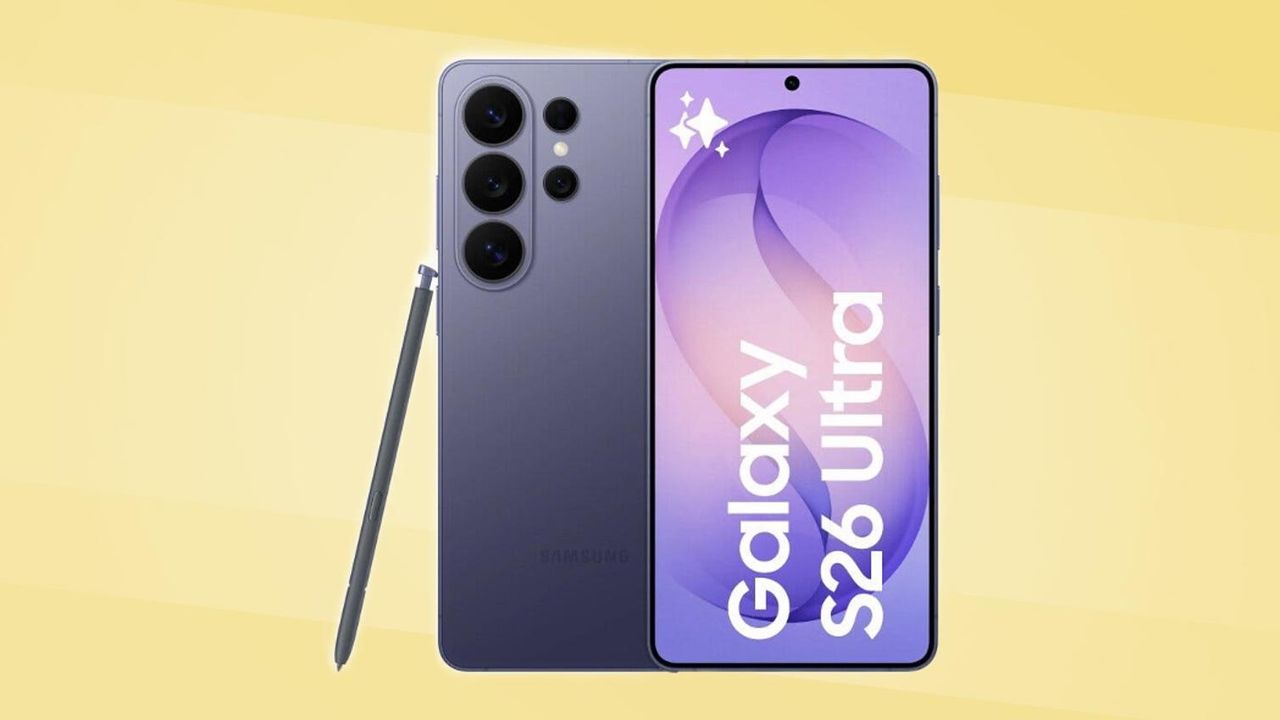
Galaxy S26 Ultra render leak.

More details of the Samsung Galaxy S26 Ultra's most compelling tipped upgrade have leaked, giving us further insight into how surprisingly customizable it may be.

Leaker Tarun Vats posted two screenshots on X of what appear to be settings for the Galaxy S26 Ultra's Privacy Display feature. Assuming these are genuine, it shows how Samsung will allow users to adjust the feature to their exact liking, or even keep it switched off if that's their preference.

In case this is the first you're hearing of this: Privacy Display is a feature rumored to be unique to the Galaxy S26 Ultra, and won't appear on the basic Galaxy S26 or S26 Plus.

The feature is essentially a built-in version of the third-party privacy screen protectors you've likely seen on sale or even on the phone of someone you know. But unlike those protectors, Samsung's new solution is built in, meaning there should be minimal screen quality reduction, and the privacy mode can be enabled and disabled at will.

What the screenshots show us

(Image credit: Tarun Vats / X)

After a quick one-line description of what the feature does and how it's currently off, we see a mention of it being an automatic mode. And sure enough, the first big toggle on the screen is an "Auto privacy" option that is currently enabled, explaining that using sensitive apps or being in busy areas will prompt the phone to activate the Privacy Display. We'd assume that when this slider is off, a manual option will appear, as it does when enabling/disabling auto brightness on existing Samsung phones.

Further down, we see a "Custom conditions" option, which we assume opens a separate screen, perhaps the one we see in the second screenshot. Below that, we can see A "Maximum privacy" slider is also offered, which explains that it dims your screen to make it even harder to read.

(Image credit: Samsung)

The second screenshot is a menu titled "Privacy triggers," and contains several toggles for a user to customize when the Privacy Display switches on. These include the options to activate the screen in public places as a location (with elevators or public transport given as examples), when photos from the Gallery or when your PIN or password screen is on display, and also the option to block only specific areas, like notifications or picture-in-picture windows.

The display of the Samsung Galaxy S25 Ultra. (Image credit: Tom's Guide)

Samsung may be onto a winning idea with the Privacy Display. It's something no other phone company has been able to manage before, unless you count brands like Huawei being able to warn users of potential shoulder surfing via a device's facial recognition system.

If Samsung can get this to work well, it could convince a lot of otherwise reluctant people to upgrade. And the fact that it's seemingly able to offer so much customizability from the start is an encouraging sign of that.

Whatever Samsung's got in store for us, it'll be revealed at the next Galaxy Unpacked event, which is happening on Wednesday, February 25th. Hopefully, despite the showcase definitely being in a public space, we'll be able to see whatever details of the Galaxy S26 Ultra Samsung wants to show off on screen without the Privacy Display activating.


Follow Tom's Guide on Google News and add us as a preferred source to get our up-to-date news, analysis, and reviews in your feeds.


More from Tom's Guide

Sign up to read this article
Read news from 100’s of titles, curated specifically for you.
Already a member? Sign in here
Related Stories
Top stories on inkl right now
One subscription that gives you access to news from hundreds of sites
Already a member? Sign in here
Our Picks
Fourteen days free
Download the app
One app. One membership.
100+ trusted global sources.