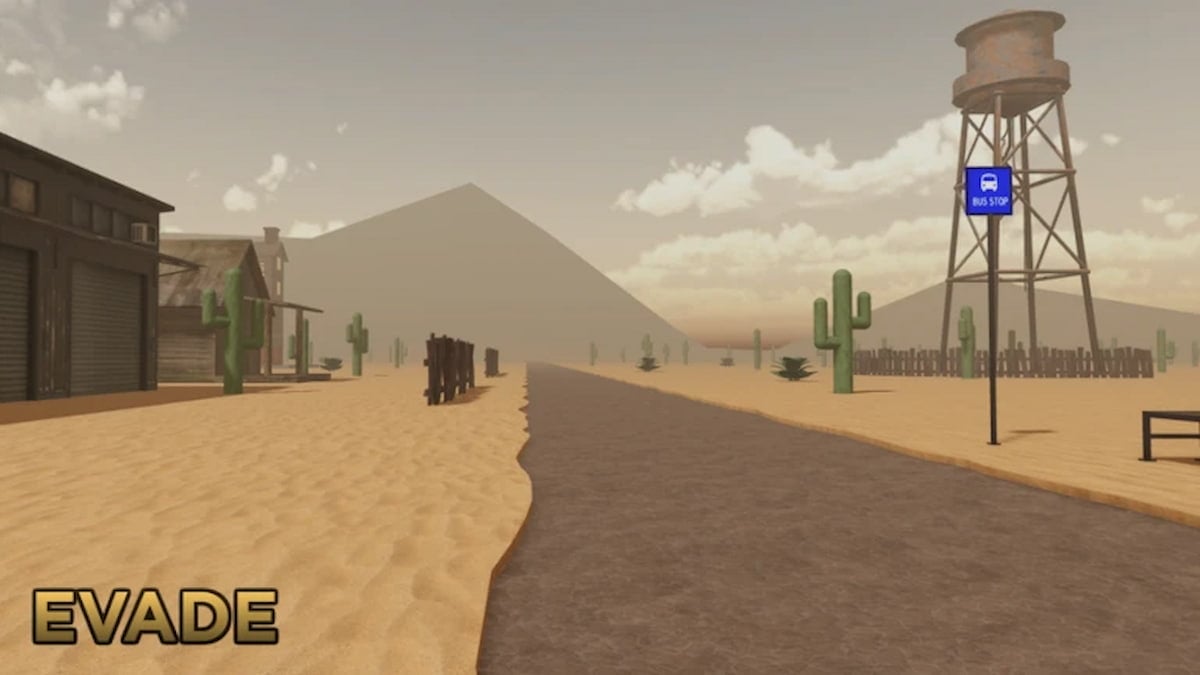
Playing Evade is an entirely different experience on private servers, as random players won't constantly block you from getting caught by Nextbots. So, if you wish to have such an experience, you can browse the listing below to get access to some Evade Private Servers.

All Active Evade Private Server Links
All servers listed below can be accessed directly from your PC or mobile device by clicking a URL link. For console players on PlayStation, you'll need to ask one of your buddies to join the server first and then send you a custom party invite.
| Server Link | Server Host |
|---|---|
| Server Link 1 | Roweltgc |
| Server Link 2 | Jay |
How do you purchase an Evade Private Server?
If you enjoy playing on Private Servers, I highly recommend purchasing one. To do this, follow the given steps.

- Open the Evade game on your respective devices.
- Now, scroll down slightly below the Social section to find the Private Server option.
- Click on Create Private Server and pay 70 Robux to get one.
What is the maximum size of a Private Server in an Evade?
A total of 16 players can simultaneously access and play on a single private server. To add more users, you have to kick players from the server or move entirely to a new server using the other links mentioned above.
Is the Evade private server worth it?
After playing for a few weeks, I would say that an Evade private is worth every penny and hour if you intend to buy or use one. It is handy if you want to play with a close group of friends on weekends or want to conduct a custom fun tournament for your Discord servers.
Is there a difference between a Private and Public Server in Evade?
No, there is absolutely no difference between a private and a public server when you compare the gameplay experience in both sessions. You can access all the maps, play with every next bot, and pick any items in the game. Everything is the same on both servers.
How to join an Evade server?
It is easy to join an Evade server in Roblox. Click one of the links above to join the server directly. If you have purchased a server for yourself, you can share the private server link with your friends or others via text message. You can obtain the URL for your private server while customizing/creating it.
For more Roblox Private Server Links, check out Anime Card Battle Private Server Links or Realm Rampage Private Server Links in Pro Game Guides.